Archive vs Delete Email: When to Use Each
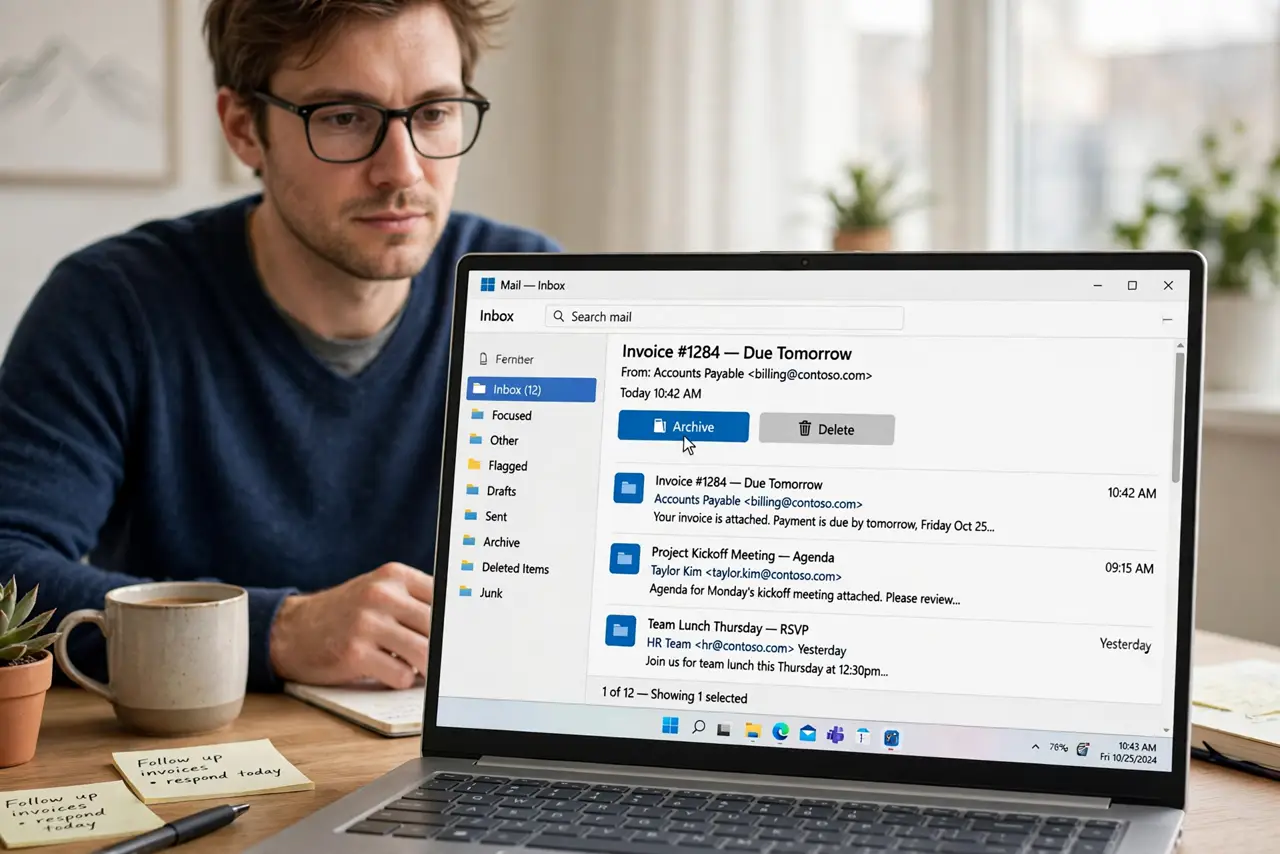
Every email asks the same question: archive or delete? Archive clears the inbox while keeping the email searchable, while delete removes it for good. Using each in the right place keeps the inbox empty without losing anything.
TL;DR / Quick Fix
Quick fix: archive emails you might need again, like receipts and reference mail, and delete only mail you will never want, like obvious promos. Then empty the trash on a schedule, so deleted mail actually leaves and keep your inbox empty and searchable.
Follow these steps
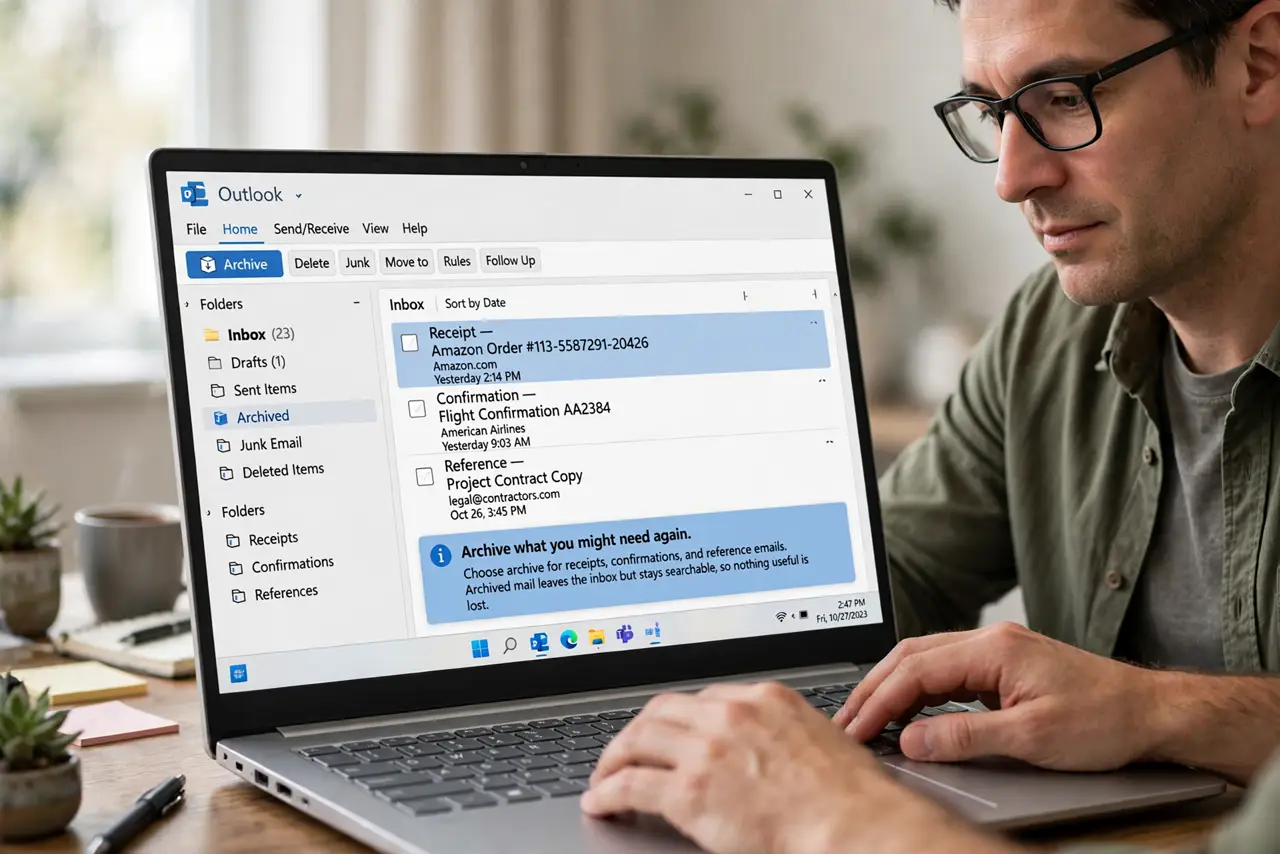
- Archive what you might need again. Choose archive for receipts, confirmations, and reference emails. Archived mail leaves the inbox but stays searchable, so nothing useful is lost.
- Delete what you will never want. Choose delete for obvious junk, expired promos, and duplicates. Deleting removes it from search later, which is the point for mail with no future value.
- Check your provider's delete behavior. Some providers delete forever after 30 days in trash, while others keep it longer. Know your provider's rule before treating delete as instant.
- Empty the trash on a schedule. Deleted mail often sits in trash until emptied. Clear the trash weekly or monthly, so deleted mail truly leaves and frees space.
- Use archive as your daily default. Make archive the button you press most days. Deleting takes judgment, while archiving safely clears the inbox with no risk.
- Search before you regret a delete. If you deleted something you need, search the trash right away. Most providers let you rescue mail from trash before its final deletion date.
What NOT to do
- Do not delete receipts and confirmations. Archive them instead, since a receipt you deleted is a receipt you cannot prove.
- Do not archive pure junk. Deleting junk keeps search clean, while archiving everything buries useful mail under clutter.
- Do not assume delete means gone instantly. Trash holds mail for weeks in most providers, so empty it on a schedule.
- Do not treat archive as a filing system. Archived mail needs no folders, since search finds it, so let search do the work.
Frequently asked questions
What is the difference between archive and delete?
Archive removes mail from the inbox but keeps it searchable, while delete moves it to trash on its way to permanent removal.
Should I archive or delete newsletters?
Delete the ones you will never read again, and archive only issues with reference value you might search for later.
Does archived mail use storage?
Yes. Archiving organizes, it does not free space, so delete and empty trash when storage runs low.