Mail Attachment Previews Show Up Blank
A blank attachment preview usually means the attachment has not fully downloaded, or its file type has no preview. The attachment itself is often intact; Mail just has nothing to display for it yet.
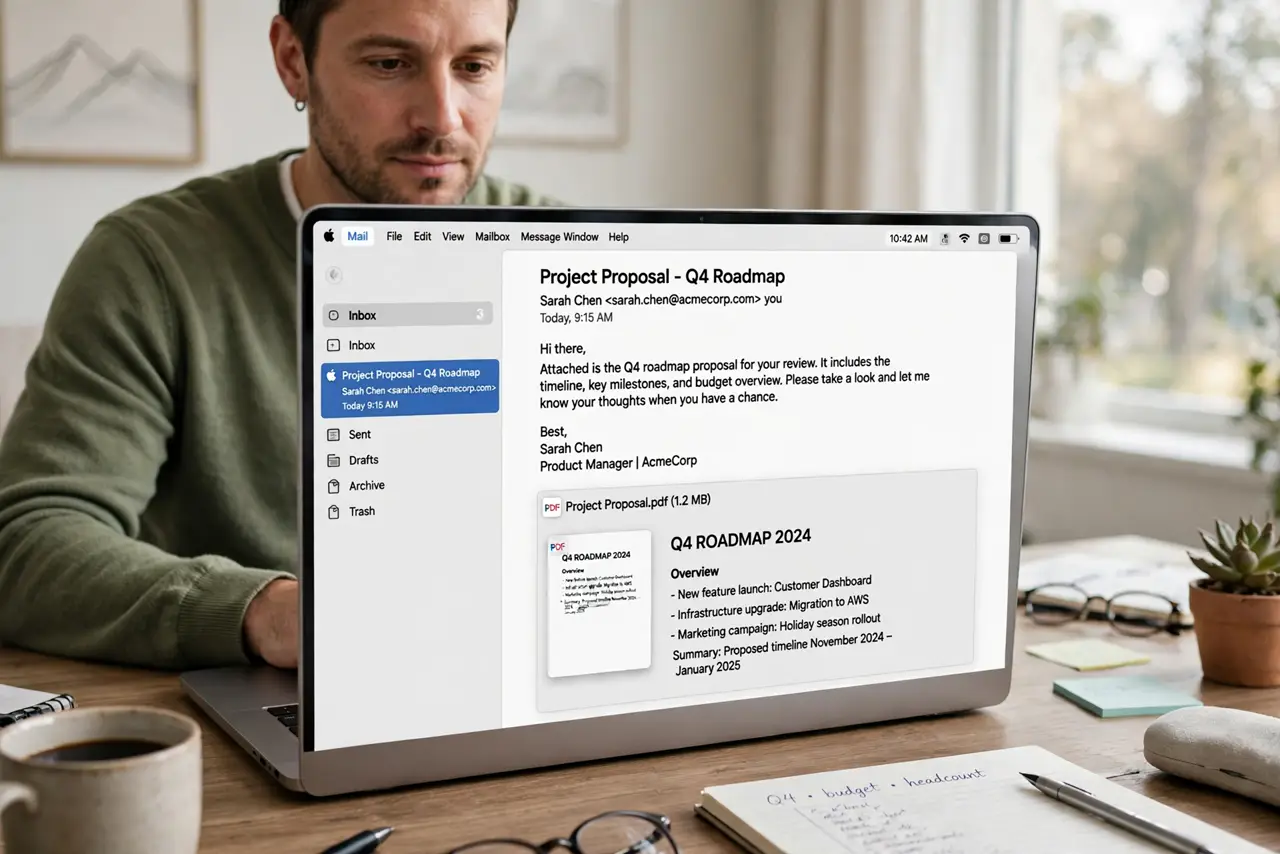
TL;DR / Quick Fix
Quick fix: click the attachment to download it fully, then try Quick Look on the downloaded file. If common files preview but one type stays blank, that file type likely has no preview support, and opening it in its app is the answer.
Follow these steps
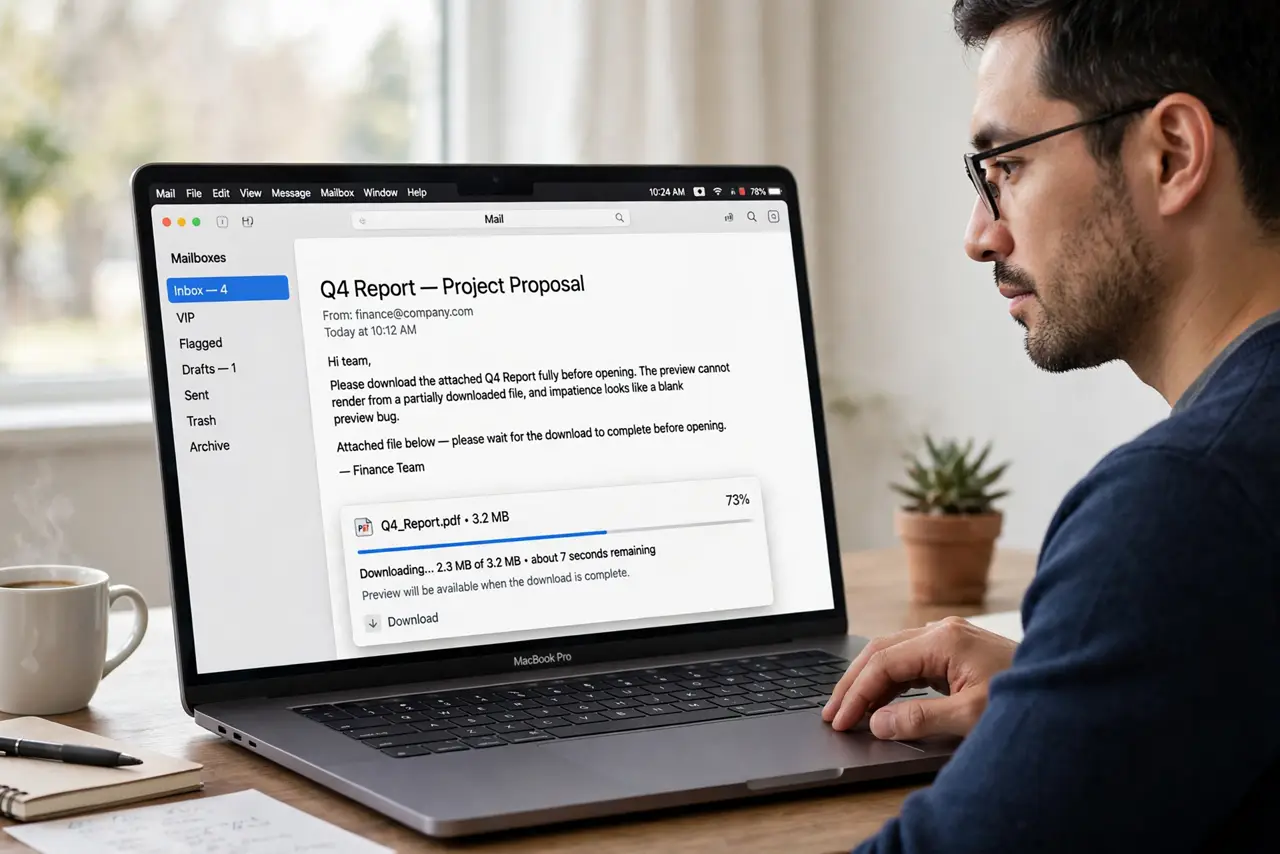
- Download the attachment fully. Click the attachment and wait for the download to complete. A preview cannot render from a partially downloaded file, and impatience looks like a blank preview bug.
- Try Quick Look. Once downloaded, select the file in Finder and press Space. If Quick Look shows it, the file is fine and only the Mail preview was failing.
- Check the file type. Look at the attachment extension. Common images and PDFs should preview, while unusual or proprietary types may never preview in Mail at all.
- Open it in its app. Double-click the attachment to open it in its normal app. If it opens correctly, the content is intact and the preview is the only missing piece.
- Restart Mail. Quit Mail fully and reopen it, then open the same message again. A stuck Mail process can leave previews blank across many messages at once.
- Test another message. Open a different message with a common attachment type. Previews there prove Mail works, and point to the first attachment or its type as the cause.
What NOT to do
- Do not delete a message because its preview is blank. Download the attachment first, since the file behind the blank box is usually perfectly fine.
- Do not forward the message to yourself to fix previews. Forwarding creates a duplicate thread and rarely changes how the attachment previews.
- Do not install a preview plugin as a first fix. Download status and file type explain most blank previews without extra software.
- Do not open attachments from unknown senders just to test previews. Test with mail from senders you trust, and treat unknown attachments with caution.
Frequently asked questions
Why is my attachment preview blank?
Because the attachment has not fully downloaded, or its file type has no Mail preview. Download it and check Quick Look to tell which.
Does a blank preview mean the file is damaged?
Usually not. Open it in its app: if it opens, the file is intact and only the preview is missing.
Will restarting Mail fix previews?
Often yes, when previews are blank across many messages. A stuck Mail process is a common shared cause.