Mail Attachments Won't Download on Mac
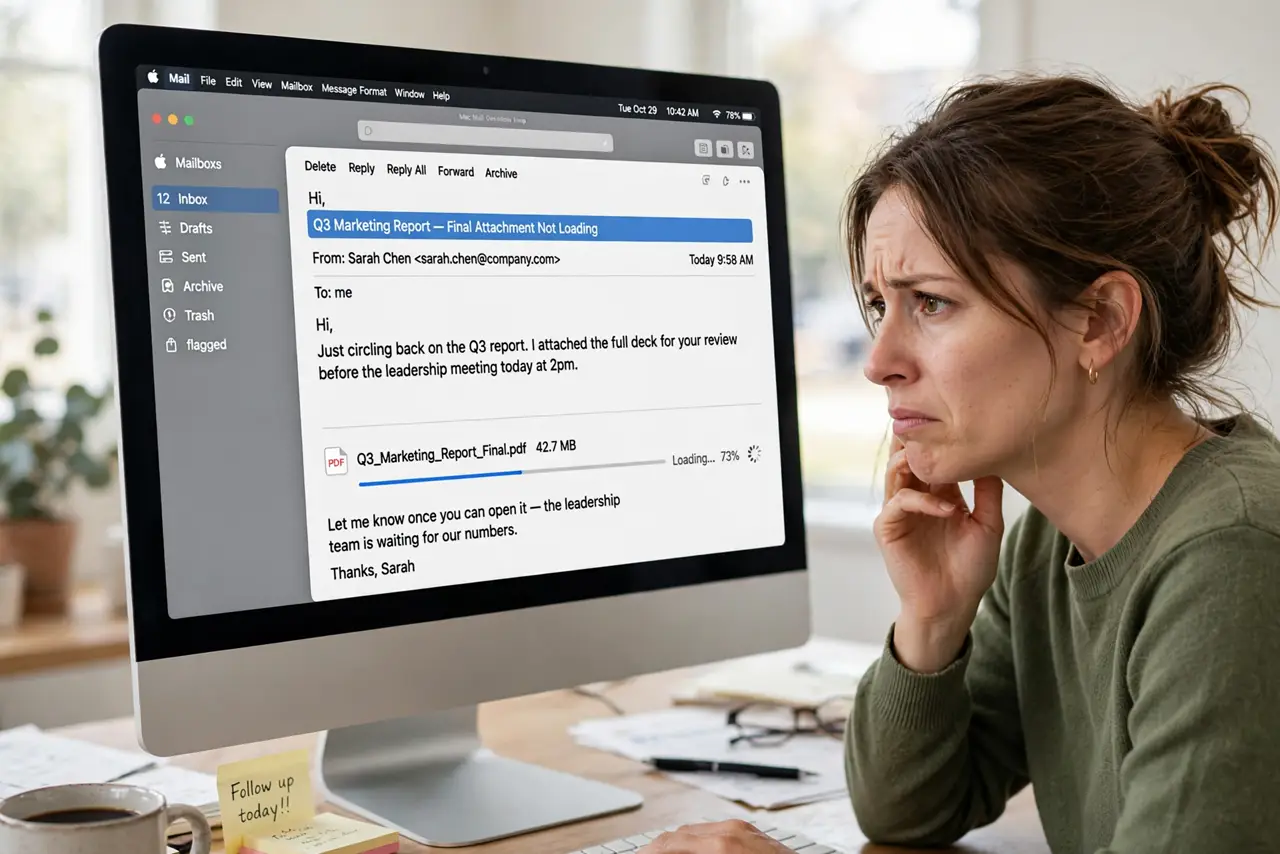
Emails arrive but their attachments sit there spinning, stuck on loading forever. The message is fine; the download is not. This guide covers the connection, account, and Mail settings that unstick attachment downloads.
TL;DR / Quick Fix
Quick fix: check your internet connection and make sure the Mail account is online, then choose Mailbox and Get All New Mail to force a refresh. If one attachment stays stuck, forward the message to yourself or ask the sender to resend it in a smaller size.
Follow these steps
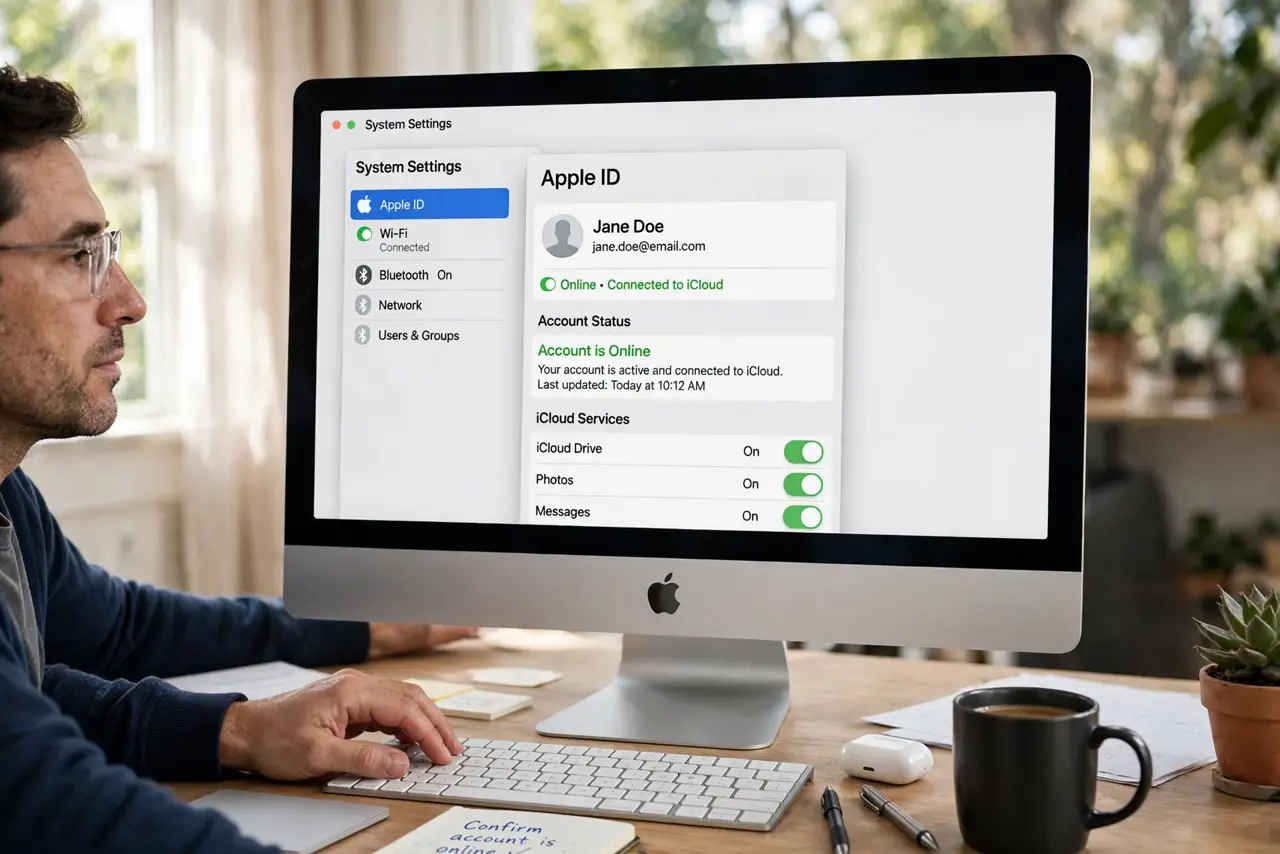
- Confirm the account is actually online. In Mail, look for a lightning bolt or offline warning next to the inbox. An offline account shows messages but cannot fetch anything new, including attachments.
- Force a manual refresh. Choose Mailbox, then Get All New Mail. A stuck sync often resumes with one manual nudge, especially after the Mac wakes from sleep.
- Check the connection quality. Large attachments need a stable connection, not just any connection. If web pages crawl too, fix the network first before blaming Mail.
- Look at the attachment size. Huge attachments can time out on slow connections. Ask the sender to compress the file or share it through a cloud link instead.
- Rebuild the mailbox. Select the mailbox, then choose Mailbox and Rebuild. This re-downloads the message list and often clears attachments stuck in a half-downloaded state.
- Check blocked content settings. If images show as broken boxes rather than loading, the issue may be blocked remote content, like the signature image problem. Check Mail settings for loading remote content.
What NOT to do
- Do not delete the message to fix the attachment. Deleting removes your only copy, and the resend may hit the same snag.
- Do not disable your firewall as a first step. Mail rarely needs firewall changes, and turning it off trades security for a guess.
- Do not forward sensitive attachments over an insecure channel. If the file is private, ask for a fresh secure send rather than a workaround.
- Do not rebuild every mailbox at once. Rebuild the problem mailbox first; rebuilding all of them on a huge account takes hours.
Frequently asked questions
Why do attachments load on my iPhone but not my Mac?
The phone may use a different sync path or downloaded the file earlier. The Mac's stuck state is local, so the rebuild step usually fixes it.
Can antivirus block Mail attachments?
Yes, some security software scans or quarantines attachments. Check its logs if downloads stall on every message.
What if only one sender's attachments fail?
Their mail server may be mangling the files. Ask them to zip the attachment or use a cloud link.