Email Signature Images Broken in Mac Mail
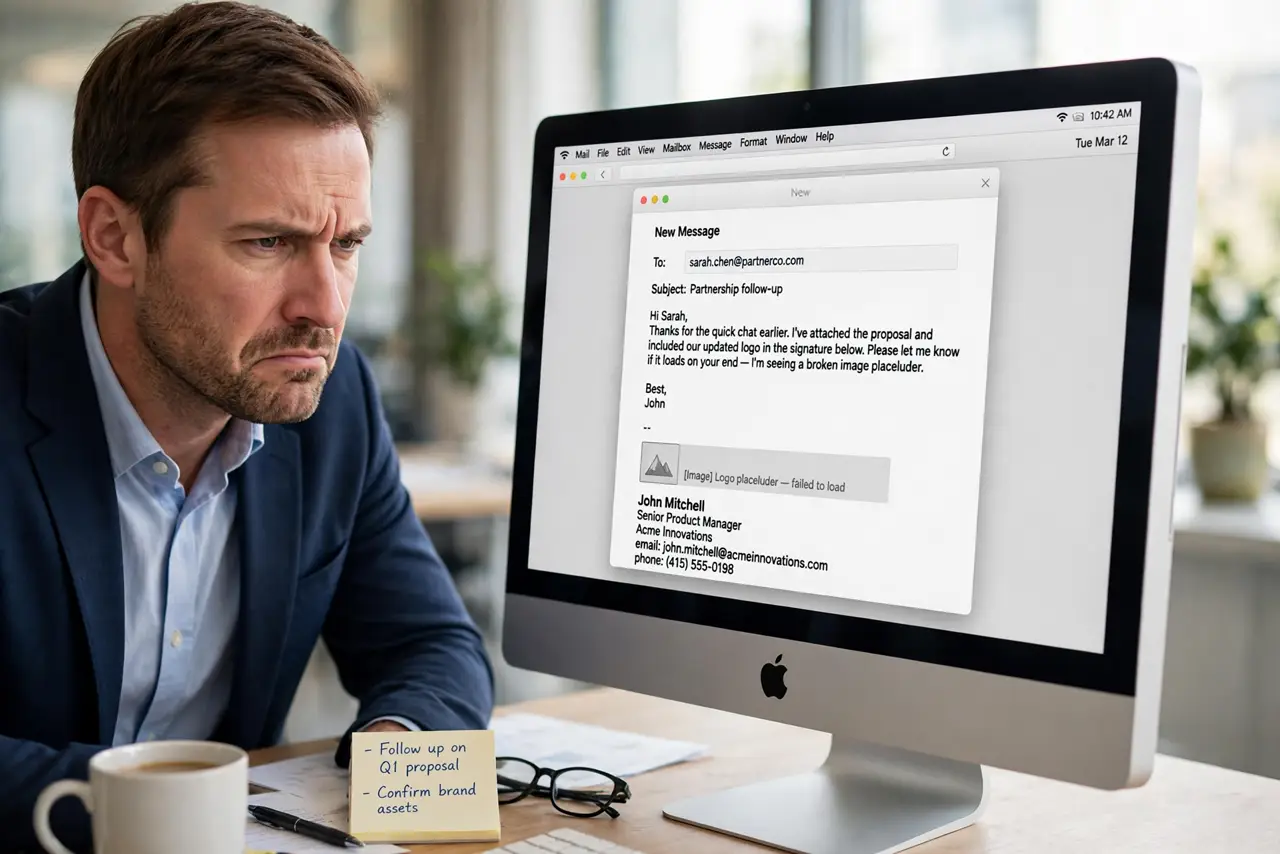
Your email signature shows broken image boxes instead of your logo, on your Mac or on the recipient's screen. Mail blocks or mishandles remote images, or the signature references a file that moved. This guide makes the logo appear reliably.
TL;DR / Quick Fix
Quick fix: open Mail settings, go to Signatures, and re-add the logo as an attached image rather than a remote link. Enable loading remote content in Mail's viewing settings, and send a test to yourself to confirm the image arrives intact.
Follow these steps
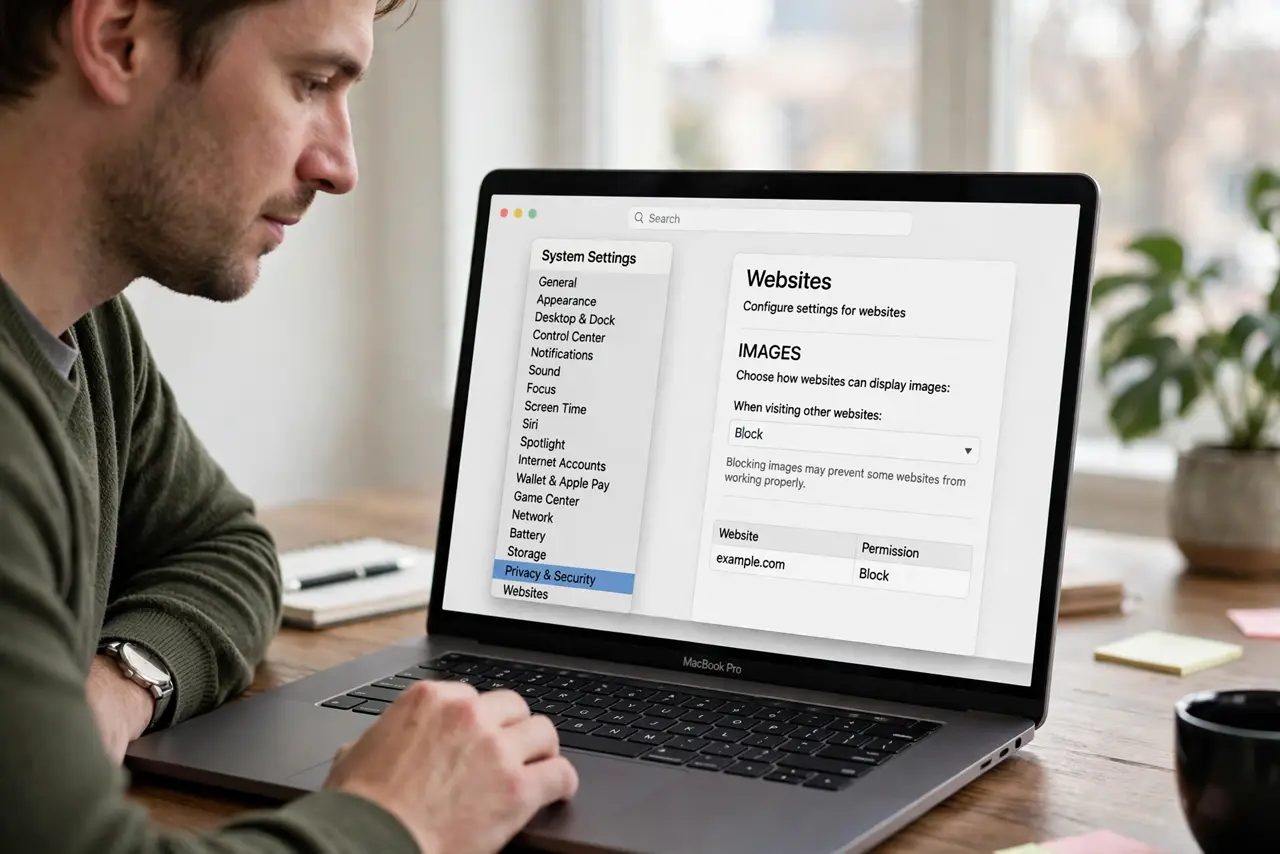
- Check whether images are blocked. If attachments fail to download either, Mail may be blocking remote content. In Mail settings under Viewing, allow loading remote content in messages.
- Re-add the logo as an attachment. Open Mail settings, then Signatures, and insert the image file directly instead of linking to a web URL. Attached images travel with the message; linked ones depend on the recipient's connection.
- Keep the image small. Resize the logo to a modest width before adding it. Huge signature images look broken on phones and bloat every message you send.
- Test by emailing yourself. Send a test message to your own address and open it on another device. If the logo shows there, the signature is fixed for recipients too.
- Check the recipient's view. Some mail apps block images by default, which is their setting, not your bug. An attached image with a text fallback covers this gracefully.
- Compare with known signature issues. Signature images breaking specifically on reply is the documented email signature image on reply pattern; the attached-image fix helps there too.
What NOT to do
- Do not hotlink the logo from your website. If the site is slow or down, every email you send shows a broken box.
- Do not use a giant PNG logo. A 2MB signature image on every email is rude to inboxes and slow on phones.
- Do not skip the self-test. A signature that looks fine in the editor can still break in transit.
- Do not embed the image from a temporary folder. Move the logo somewhere permanent first, or Mail loses the reference.
Frequently asked questions
Why does my logo show as a box?
Mail cannot reach the image: it is blocked, linked remotely, or the file moved. Attaching the image directly fixes all three.
Will recipients always see the image?
Nearly always with an attached image. Some recipients block images by choice, which no sender can override.
Does the image increase email size?
Slightly. A small optimized logo adds only kilobytes, which is negligible.