Mail Privacy Protection
Marketing emails contain invisible trackers that report back the moment you open them — when, where, and how often you read. Apple Mail's Privacy Protection blocks those trackers silently: senders learn nothing about your opens, and your IP address stays hidden. One toggle, meaningful privacy. iPhone users get the same shield — see iPhone mail privacy — and Hide My Email stops the spam at the source.
TL;DR / Quick Fix
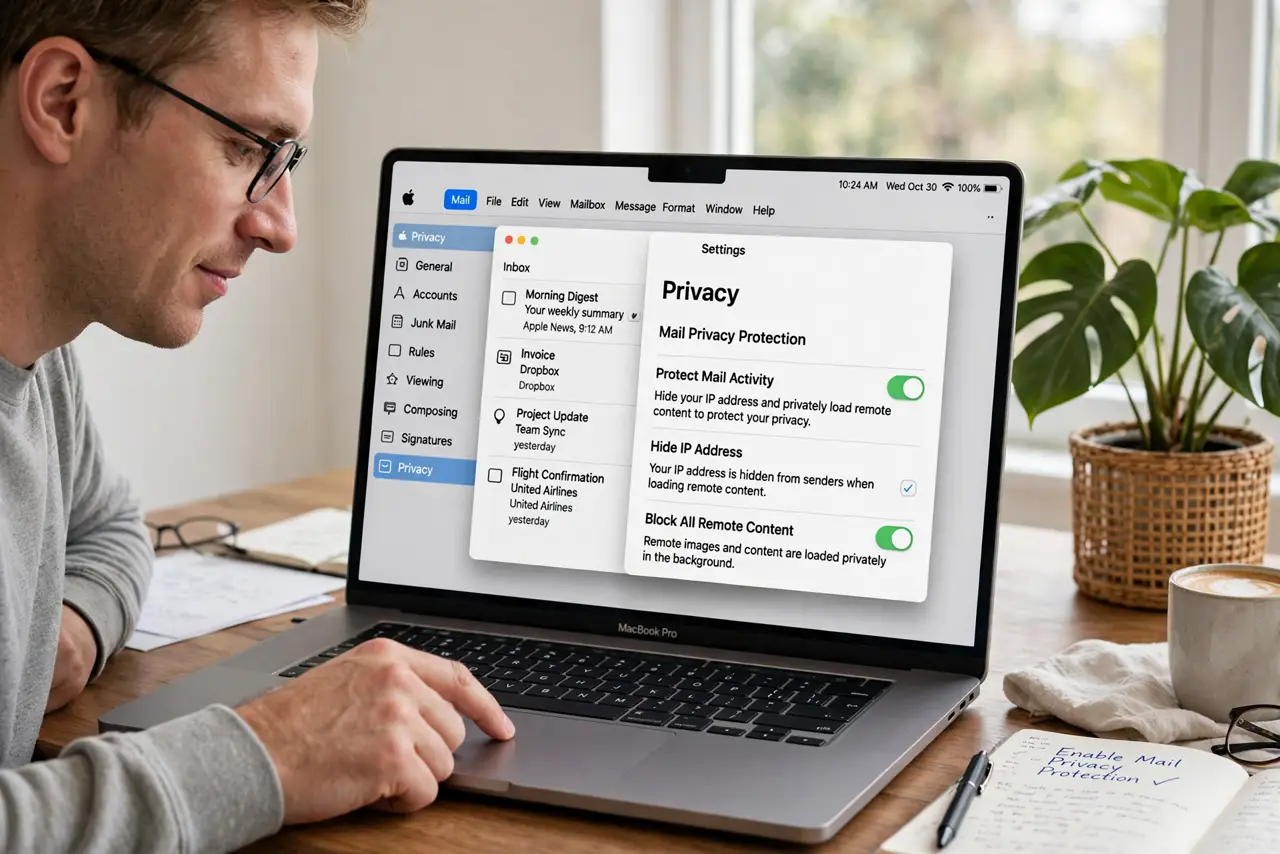
Quick fix: turn on Mail Privacy Protection in Apple Mail settings and it blocks the invisible trackers that report when and where you open emails. Senders see nothing about your opens. It does not stop spam itself, but it stops spammers from knowing their emails reached a real person.
Follow these steps
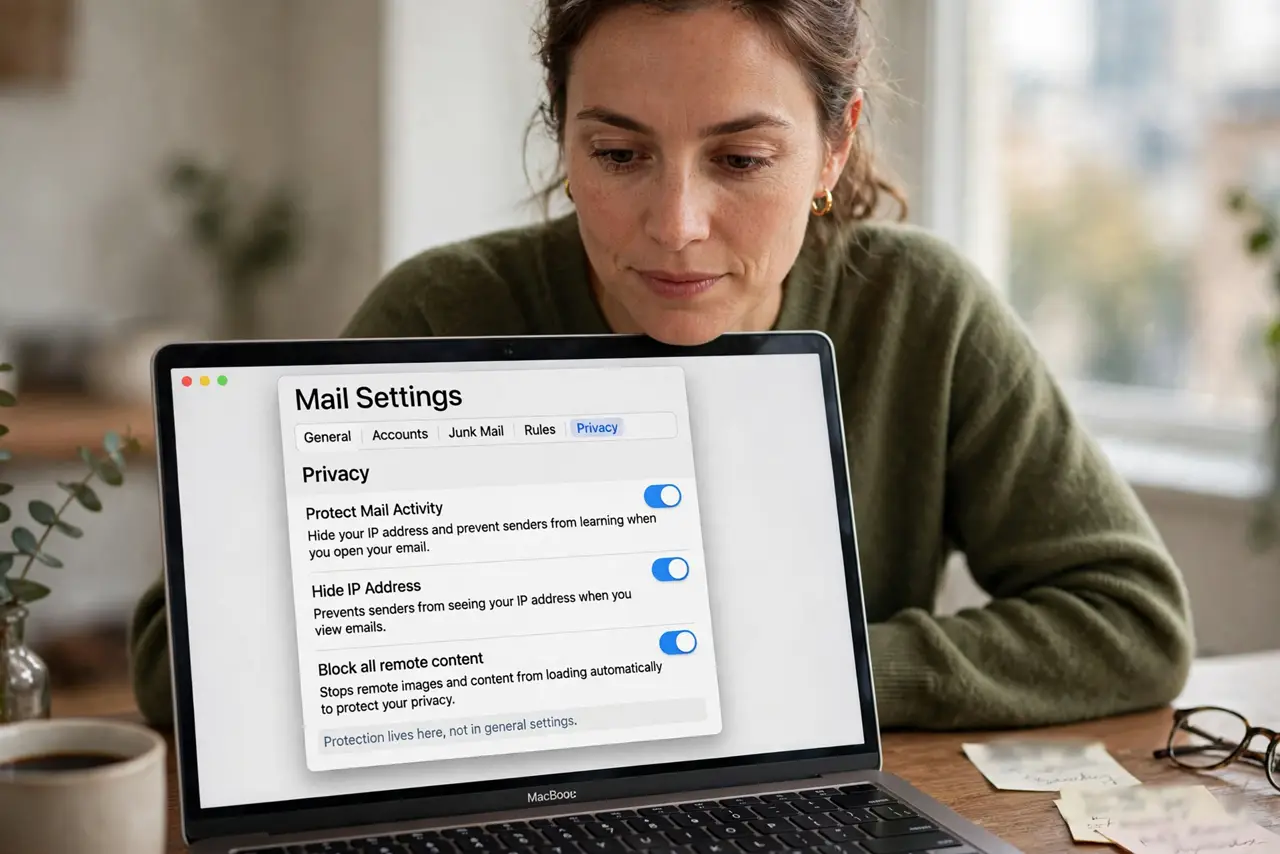
- Open Mail settings. In Apple Mail, open Settings (or Preferences) and go to the Privacy tab. The protection lives here, not in general settings.
- Turn on Mail Privacy Protection. Enable the toggle. From now on, Mail routes remote content through Apple's relays and blocks open-trackers automatically.
- Understand what it blocks. Invisible tracking pixels cannot report your opens, and your IP address is hidden from senders. They cannot tell when, where, or whether you read their email.
- Know what it does not do. It does not block spam, filter phishing, or hide your address from senders you reply to. It is a tracker shield, not a spam filter.
- Keep it on across devices. The setting syncs through iCloud — enable it once and your iPhone and iPad get the same protection.
- Combine with Hide My Email. For signups, generate a random address with Hide My Email so trackers never even get your real address.
What NOT to do
- Do not expect it to stop spam. It hides your behavior from senders; the junk still arrives — filters handle that part.
- Do not assume every email app does this. Third-party mail apps need their own tracker blocking; this toggle is Apple Mail only.
- Do not turn it off for convenience. Some newsletters beg you to load images — that is exactly the tracking asking nicely.
- Do not forget the tradeoff. Hiding your IP can occasionally confuse location-based email content, a tiny price for the privacy.
Frequently asked questions
Will senders know I use it?
They will see opens as coming from Apple's relays, which tells them nothing useful about you. That is the point.
Does it slow down my email?
No noticeable difference. The relay happens invisibly in the background.
What about the Mail app on iPhone?
Same protection, same toggle, synced through iCloud — see the iPhone guide.