The Mail Unsubscribe Button Is Missing
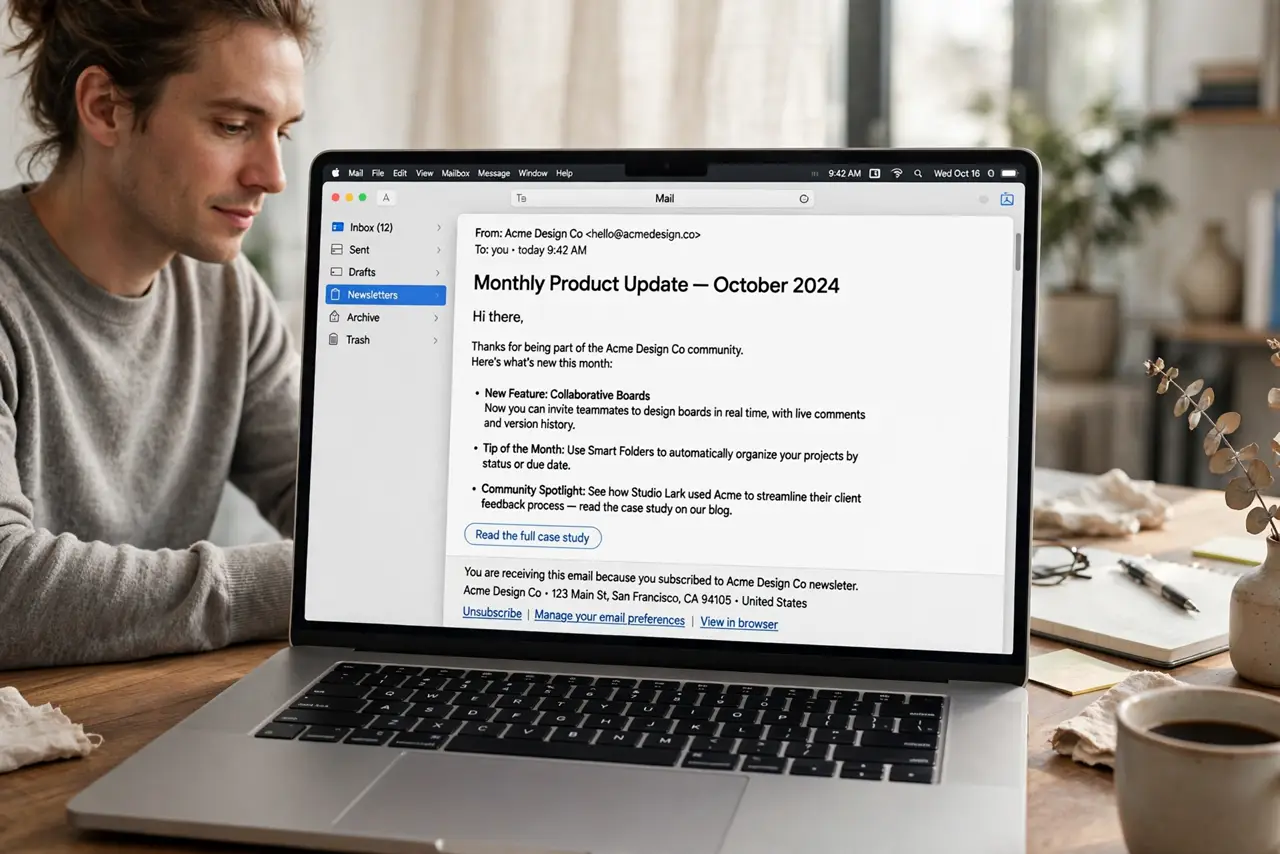
Apple Mail only shows an unsubscribe banner when the sender included a proper unsubscribe link that Mail recognizes. When the banner is missing, it does not mean you are stuck with the mail; it usually means the sender did not provide one Mail can use.
TL;DR / Quick Fix
Quick fix: open the message and look for an unsubscribe link in the footer of the email itself. If there is none, use the sender's account or preferences page, or create a Mail rule to move future messages from that sender aside.
Follow these steps
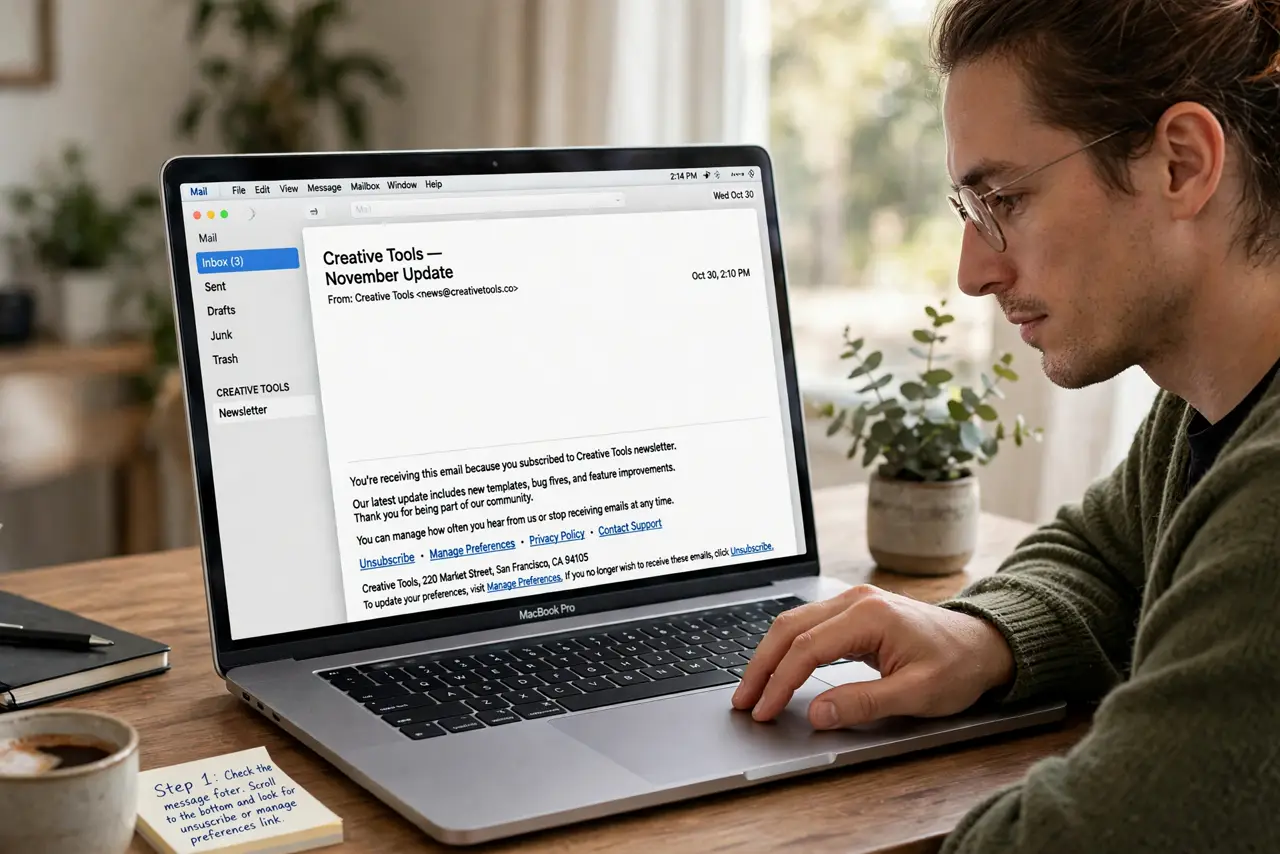
- Check the message footer. Scroll to the bottom of the email and look for an unsubscribe or manage preferences link. Many senders put the real link there even when Mail shows no banner.
- Check the message header. Look near the top of the message for any unsubscribe option Mail detected. If Mail found a valid link, it shows it there; if not, the banner stays hidden.
- Open the sender account page. If the mail is from a service you joined, sign in to that service and turn off its email notifications. Stopping mail at the source beats filtering it forever.
- Block or filter the sender. In Mail, you can block the sender or set a rule to move their messages to Trash or a review folder. Use a rule when you may want the mail later, and block when you do not.
- Report true junk. If the mail is unsolicited and has no unsubscribe path, mark it as junk. That trains Mail to filter similar mail and helps protect other people too.
- Check other messages from the sender. Open another message from the same sender and compare. If some show the banner and some do not, the sender is inconsistent, and a rule is the reliable fix.
What NOT to do
- Do not click unsubscribe links in mail you never signed up for and do not trust. Shady senders can use the click to confirm your address is active.
- Do not mark wanted mail as junk just to stop it. Use unsubscribe or a rule instead, so real mail from that sender still reaches you when you want it.
- Do not delete the Mail app or account over one sender. A single rule or an account setting fixes the sender without touching your other mail.
- Do not pay for a tool that promises to unsubscribe you from everything. Check the footer and the sender account first, since those cover most cases free.
Frequently asked questions
Why does Mail show unsubscribe for some senders only?
Mail shows the banner only when the sender included a standard unsubscribe link it recognizes. Other senders hide it by omission.
Is it safe to click unsubscribe in the footer?
For mail from services you recognize and joined, yes. For mail you never asked for from an unknown sender, do not click; filter or report it instead.
What if there is no unsubscribe link at all?
Use the sender's account settings, or a Mail rule to move their mail aside, and mark true junk as junk.