Remove Siri From the Menu Bar
You never click the Siri swirl in the menu bar — you either do not use Siri or you invoke it another way — yet there it sits, taking up space. Removing the icon does not disable Siri; it just evicts the decoration. Same Control Center page as the other icons.
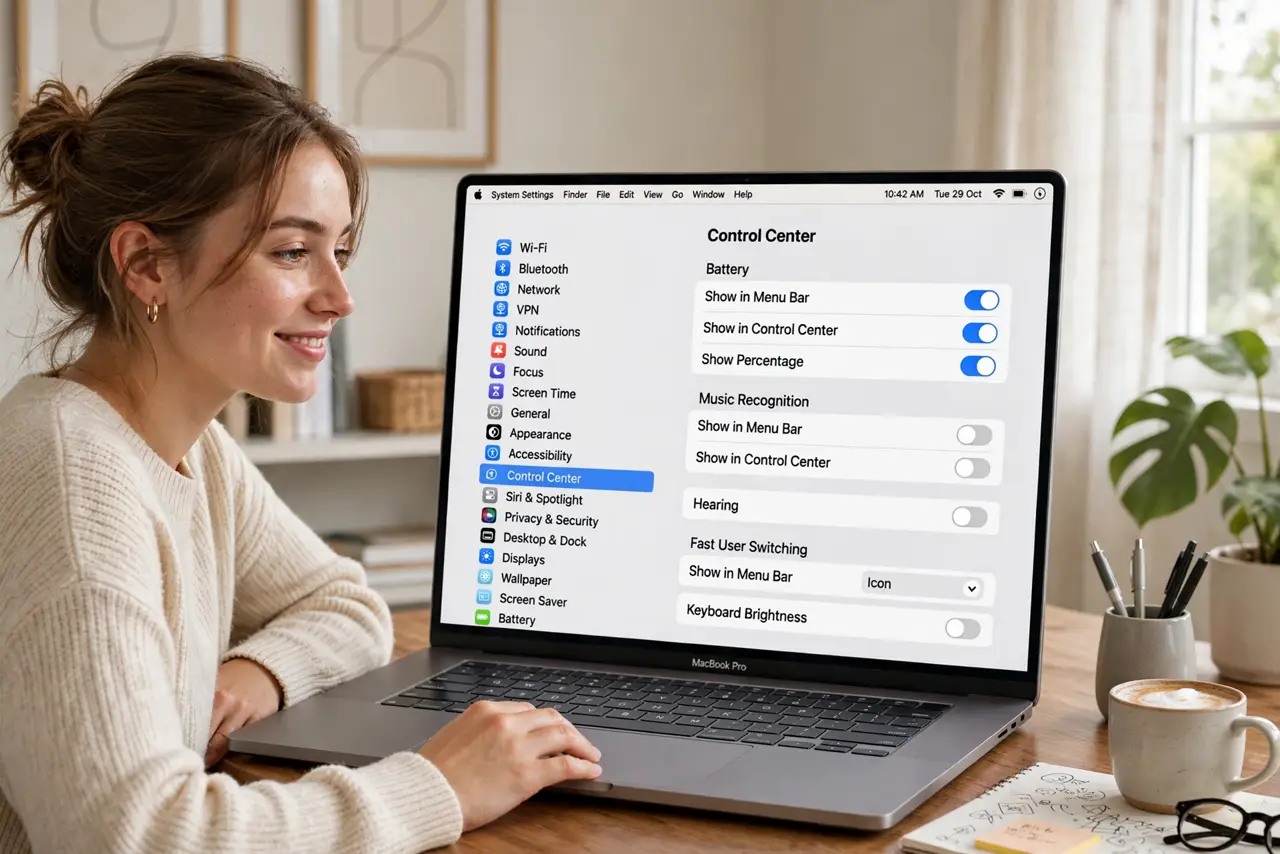
TL;DR / Quick Fix
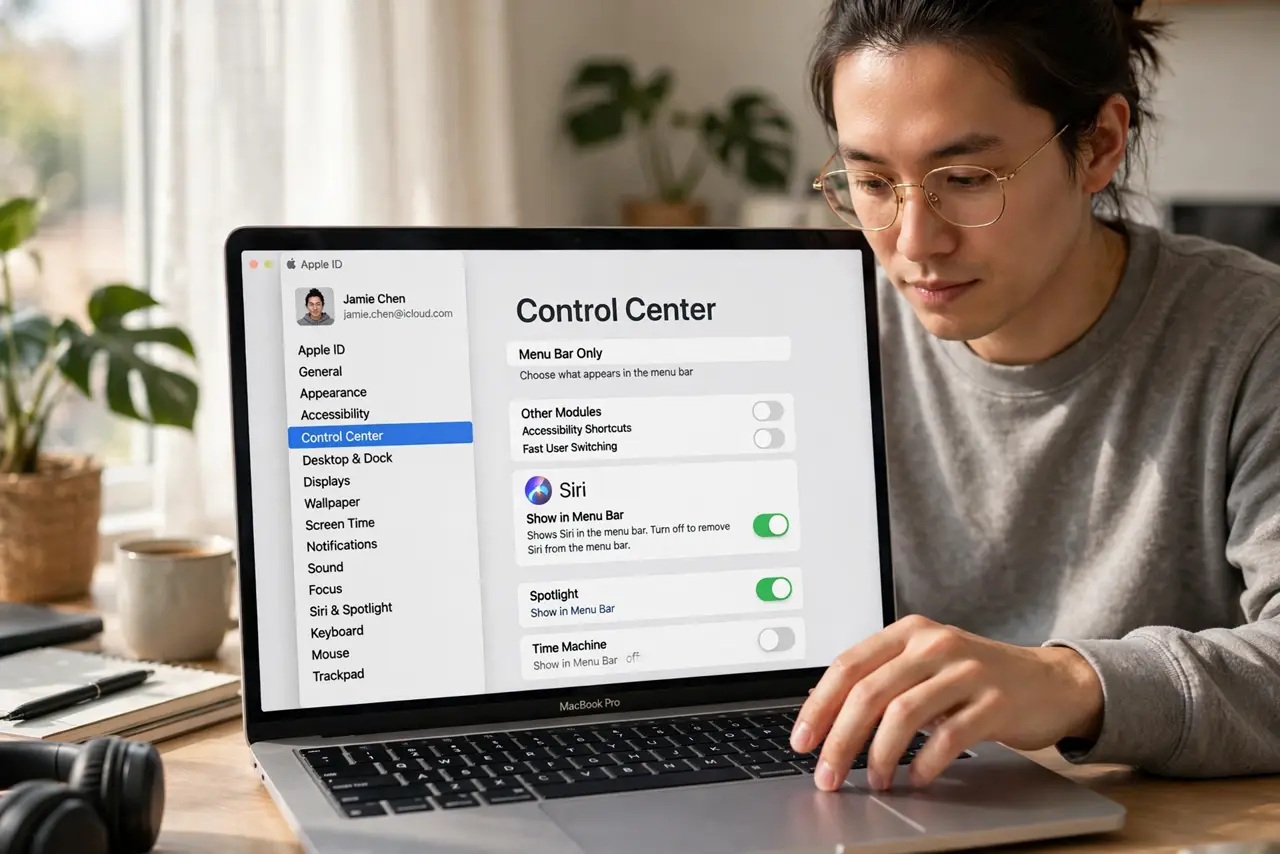
Quick fix: open System Settings > Control Center and set Siri to Don't Show in Menu Bar. The icon leaves immediately; Siri still answers when you invoke it by voice or keyboard shortcut. Removing the icon does not disable Siri. Put it back from the same dropdown anytime.
Follow these steps
- Open Control Center settings. Open System Settings and go to Control Center.
- Find the Siri row. Locate Siri in the Menu Bar Only section of the page.
- Set it to Don't Show in Menu Bar. Choose that option. The swirl icon disappears from the bar at once.
- Confirm Siri still works. Invoke Siri your usual way — voice phrase or keyboard shortcut. It answers normally; only the icon is gone.
- Know the difference. Icon visibility and Siri itself are separate switches. Disabling Siri entirely is a different page under Apple Intelligence & Siri.
- Restore it in one click. The same dropdown offers Show in Menu Bar. If Siri ever does not hear you, that is a microphone issue, not an icon issue.
What NOT to do
- Do not confuse removing the icon with turning Siri off. Voice and shortcut invocation keep working exactly as before.
- Do not disable Siri system-wide to declutter. That kills dictation-adjacent features you might actually use — hide the icon instead.
- Do not expect the freed space to persist untouched. Remaining icons reflow to fill the bar; that is the system working as designed.
- Do not forget how you invoke Siri. If the icon was your only reminder, note your shortcut somewhere before hiding it.
Frequently asked questions
Does removing the icon stop Siri listening?
No. The listening behavior is controlled by the Siri settings, not by icon visibility — the icon never listened.
I removed it and now I cannot find Siri — help?
Return to System Settings > Control Center and set it back to Show in Menu Bar. Ten seconds, no harm done.
Should I just disable Siri entirely?
Only if you never use it. Hiding the icon keeps the option; disabling removes voice features some apps rely on.