Fix Siri Not Hearing You on Your Mac
Siri that does not respond may not hear you at all, rather than failing to understand you. The microphone selection, Siri's own settings, and its language all affect whether it listens. Check the listening chain from microphone to Siri.
TL;DR / Quick Fix
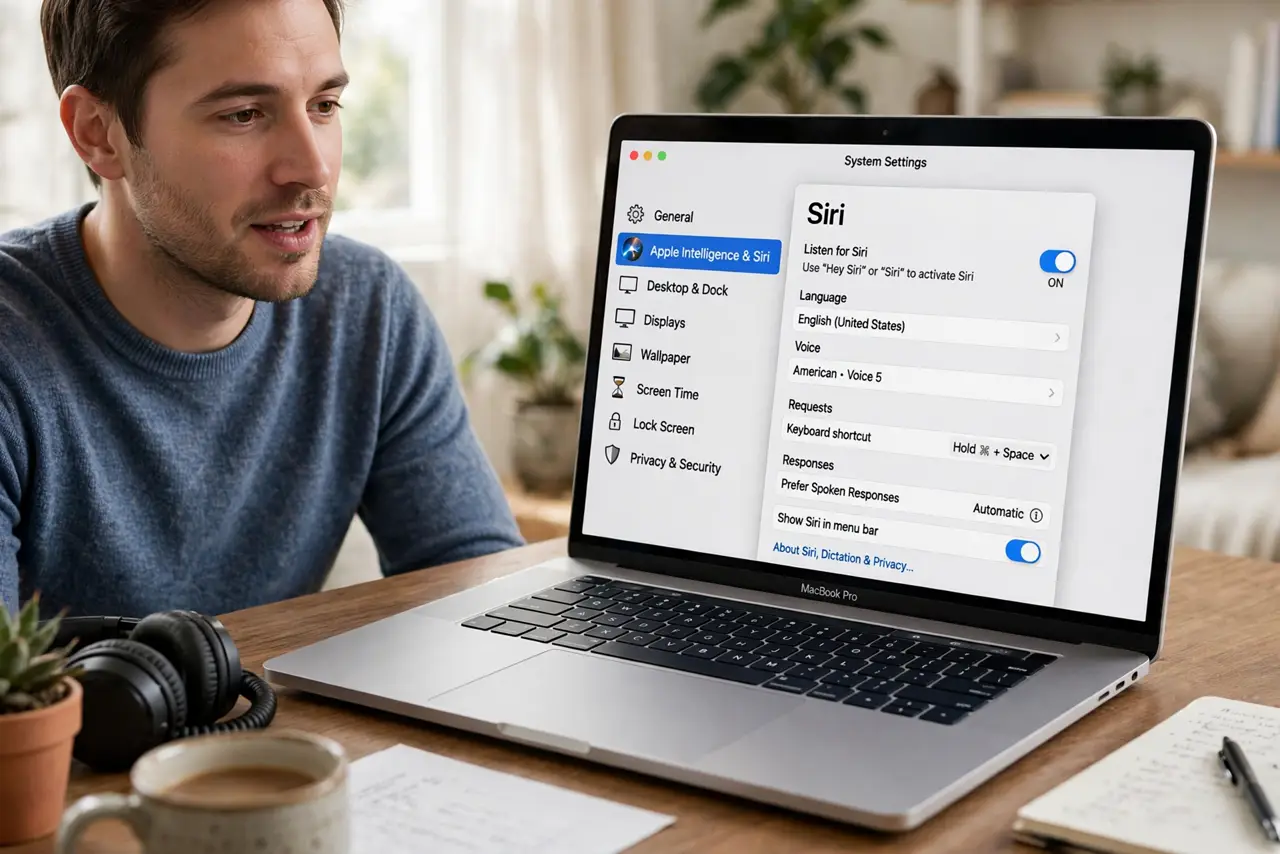
Quick fix: open System Settings, then Apple Intelligence and Siri, and confirm Siri is on and listening for Hey Siri or the Siri key. Then check Sound Input for the correct microphone, speak clearly toward the Mac, and test Siri with a simple question.
Follow these steps
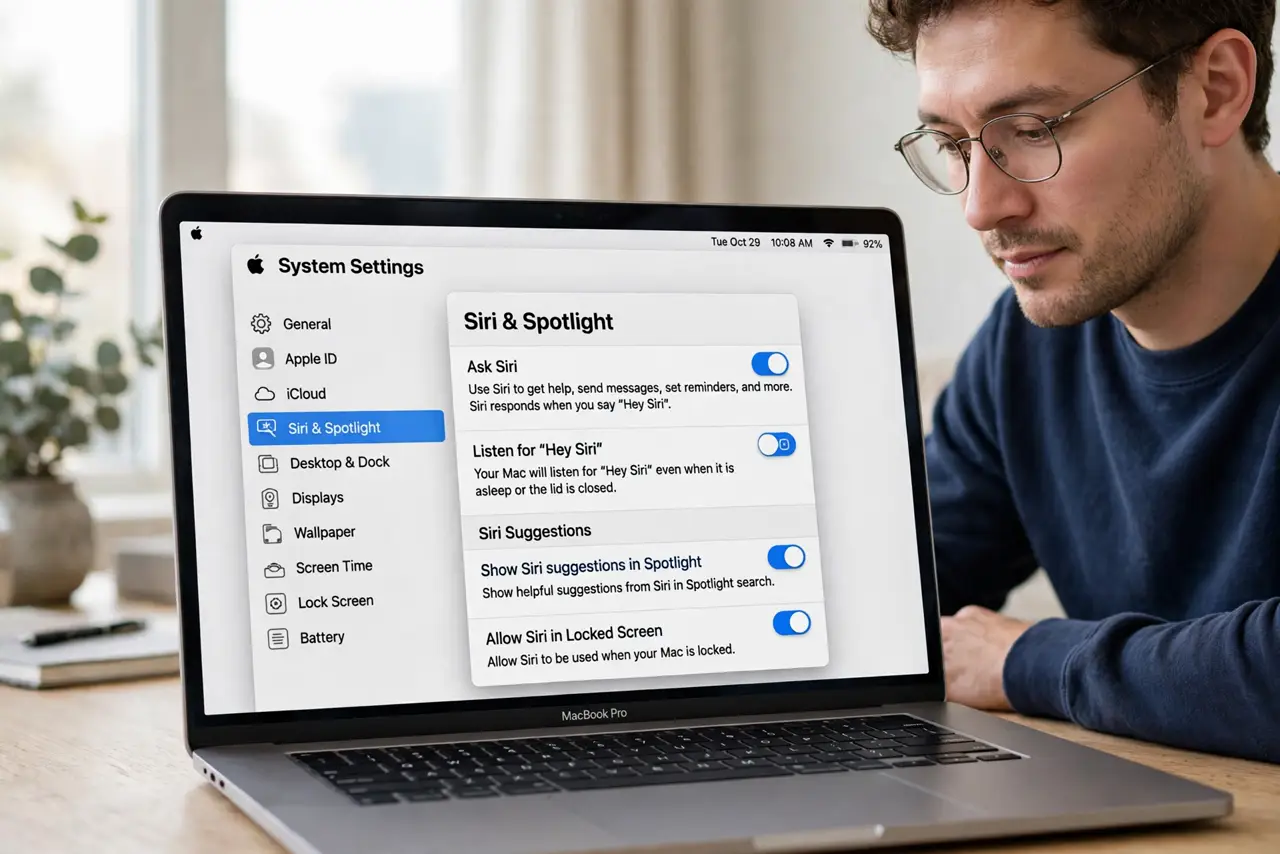
- Confirm Siri is turned on. Open System Settings, then Apple Intelligence and Siri, and confirm Siri is enabled. Check whether it listens for Hey Siri, a keyboard shortcut, or both.
- Select the correct microphone. Open System Settings, then Sound, then Input, and select the microphone you speak into. Siri can only hear the selected input device.
- Check microphone permission for Siri. Open System Settings, then Privacy and Security, then Microphone, and confirm Siri and related helpers are allowed if listed.
- Check Siri language and voice. In Siri settings, confirm the language matches the language you speak. A mismatched language makes Siri mishear even clear speech.
- Speak toward the Mac and test simply. Move closer, speak at normal volume toward the Mac, and ask a simple question like the time. Background noise and distance both reduce recognition.
- Restart the Mac and try again. Restart once and test Siri again. A restart clears a stuck listening process that can leave Siri unresponsive.
What NOT to do
- Do not shout at Siri. Shouting distorts speech and makes recognition worse, while a correct microphone and language fix the real problem.
- Do not turn Siri off and on repeatedly. Change one setting at a time, then test with a simple question, so you know what helped.
- Do not assume Siri is broken from one failed question. Test the microphone in a recording app first, since a mic problem affects Siri too.
- Do not grant microphone permission to every app to fix Siri. Allow it only where needed, and focus on Siri's own settings.
Frequently asked questions
Why does Siri ignore me completely?
It may not be listening for your trigger, the wrong microphone may be selected, or background noise may drown out your voice.
Does Siri need the internet?
Yes, for most requests. If the Mac is offline, Siri may not answer even when it hears you clearly.
What if Siri hears but misunderstands?
Check the Siri language setting. A language mismatch is the most common cause of consistent misunderstandings.