Share a Note to Collaborate
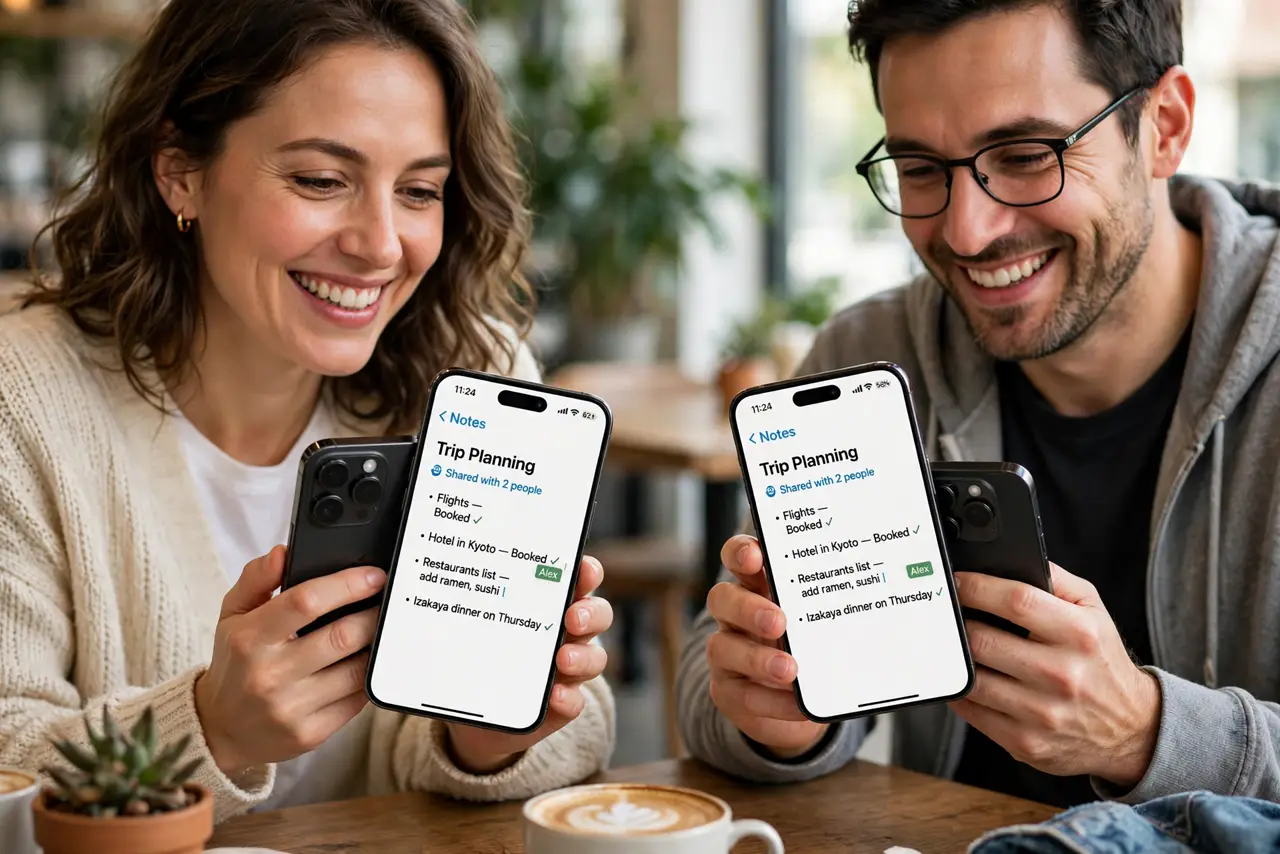
A shared grocery list, a trip plan, meeting notes the whole team edits — Apple Notes collaboration is genuinely good once the sharing settings are right. The trick is choosing Collaborate versus Send Copy, and knowing iCloud is non-negotiable for live editing.
TL;DR / Quick Fix
Quick fix: open the note, click the Share button, and choose Collaborate — not Send Copy. Invite via Messages, Mail, or link. Everyone needs an Apple ID and the note must live in iCloud, not On My Mac. Changes sync live to all collaborators.
Follow these steps
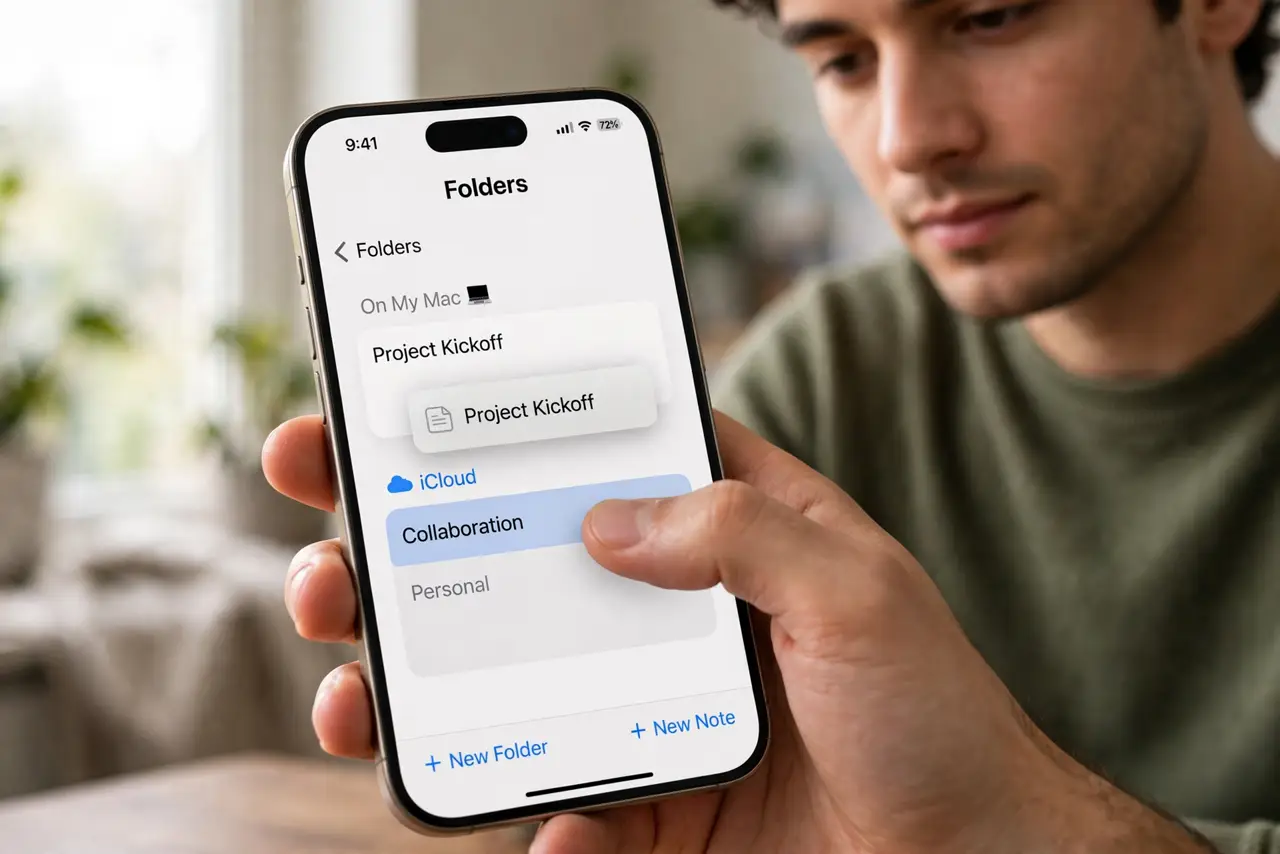
- Move the note to iCloud first. Notes stored On My Mac cannot be shared. Drag the note into an iCloud folder — collaboration requires iCloud.
- Click Share and choose Collaborate. The share sheet offers Collaborate or Send Copy. Collaborate means everyone edits one live note; Send Copy forks a dead duplicate.
- Pick who can make changes. Set permissions: Can make changes for editors, View only for readers. You can also restrict to invited people only.
- Send the invitation. Messages, Mail, or a link — whichever your collaborators actually check. Link sharing with 'anyone with the link' is the fastest for groups.
- Watch the live cursors. Collaborators appear with colored cursors and name flags — the cursor confusion guide explains the dance when several people type at once.
- Stop sharing when done. Share > Manage Shared Note > Stop Sharing. The note becomes yours alone again — collaborators keep nothing.
What NOT to do
- Do not choose Send Copy when you mean Collaborate. A sent copy forks instantly — five versions by Friday, none current.
- Do not share a note full of personal data. Collaborators see everything in the note — move private content out first.
- Do not use an On My Mac note and wonder why sharing fails. iCloud is the price of admission — move it first.
- Do not leave 'anyone with the link' on forever. It is convenient for the invite and a leak afterward — tighten permissions once everyone is in.
Frequently asked questions
Why can't my friend edit the shared note?
Permissions say View only, or they opened a sent copy instead of joining. Re-check the share settings and resend the collaborate link.
Do collaborators need an Apple ID?
Yes — Apple Notes collaboration requires each person to be signed into iCloud. There is no guest access.
The note stopped syncing for one person — what now?
Usually a sign-in or storage hiccup on their device. The sync troubleshooter walks through it.