Optimize Storage Deleted Local Files? Fix It
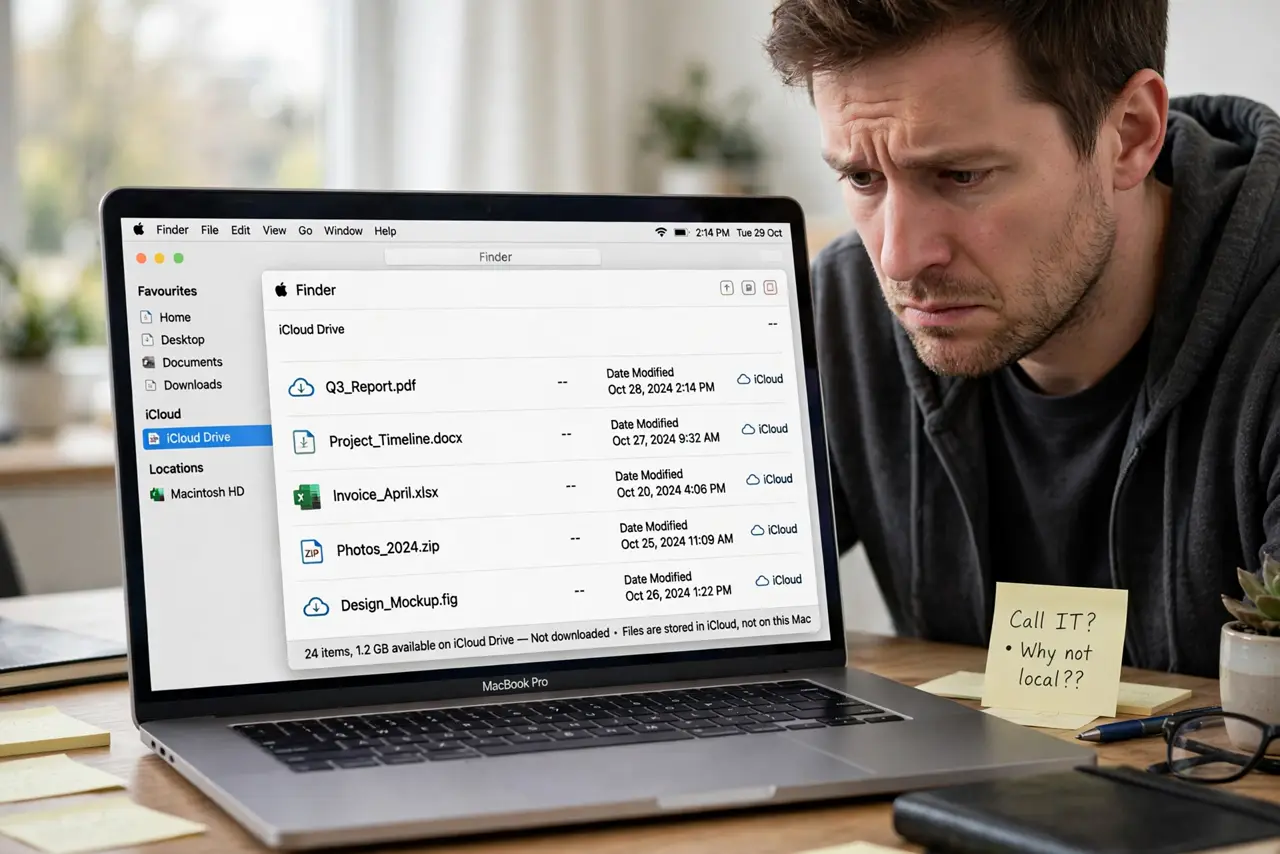
You turned on Optimize Storage and now files show cloud icons, opening only with internet. Nothing was deleted; macOS moved the originals to iCloud to free disk space. This guide explains the trade and gets local copies back where you need them.
TL;DR / Quick Fix
Quick fix: your files are safe in iCloud; click the cloud icon on any file to download it. To stop the offloading, turn off Optimize Storage in System Settings under Apple ID, iCloud, and keep enough free space so macOS stops evicting files.
Follow these steps
- Understand what Optimize Storage does. When the disk runs low, macOS uploads full files to iCloud and leaves lightweight placeholders. It is Apple's automatic answer to startup disk full, not data loss.
- Download what you need now. Click the cloud icon next to any file or folder to pull the full copy back. Downloaded files stay local until space pressure returns.
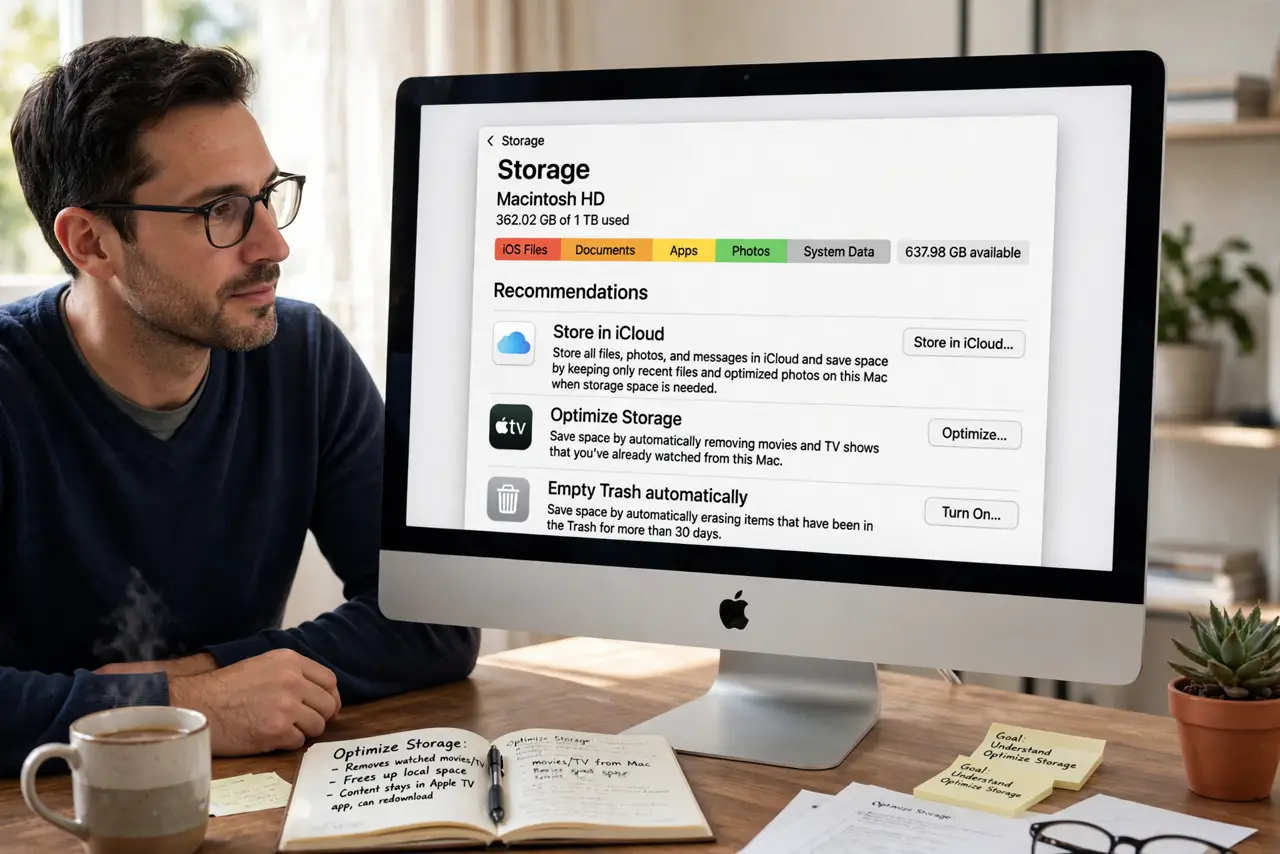
- Turn off the offloading. In System Settings, then Apple ID, then iCloud, disable Optimize Mac Storage. With it off, macOS stops replacing local files with placeholders.
- Keep breathing room on the disk. Offloading triggers when space runs low. Freeing real space is the only way to keep files local with the feature on.
- Check iCloud storage headroom. Offloaded files live in iCloud, so a full iCloud account breaks the scheme. Review usage in the same iCloud settings pane.
- Download before traveling. Before a flight or offline trip, open key folders and download everything. Placeholders are useless without internet.
What NOT to do
- Do not panic-delete cloud-icon files. Deleting a placeholder deletes the iCloud original too, which is real loss.
- Do not turn it off with a full iCloud. Disabling offload while iCloud is full strands the scheme halfway; free iCloud space first.
- Do not assume placeholders work offline. They need internet to materialize, so download before disconnecting.
- Do not blame a specific update. Optimize Storage behaves this way by design whenever disk space runs low.
Frequently asked questions
Did Optimize Storage delete my files?
No. It moved them to iCloud and left placeholders. Click the cloud icon to bring any file back.
How do I get all files local again?
Turn off Optimize Storage and download folders one by one. There is no single download-everything button.
Will it re-offload if I free space?
Only when the disk runs low again. Keeping comfortable free space prevents the cycle.