Mac Stuck at 80% Charge? It's Optimized Charging
Your Mac sits at 80% for hours and refuses to charge further, which feels like a broken battery. It is almost always Optimized Charging doing its job: holding the charge to slow battery aging. This guide explains when to leave it alone and how to get a full charge when you need one.
TL;DR / Quick Fix
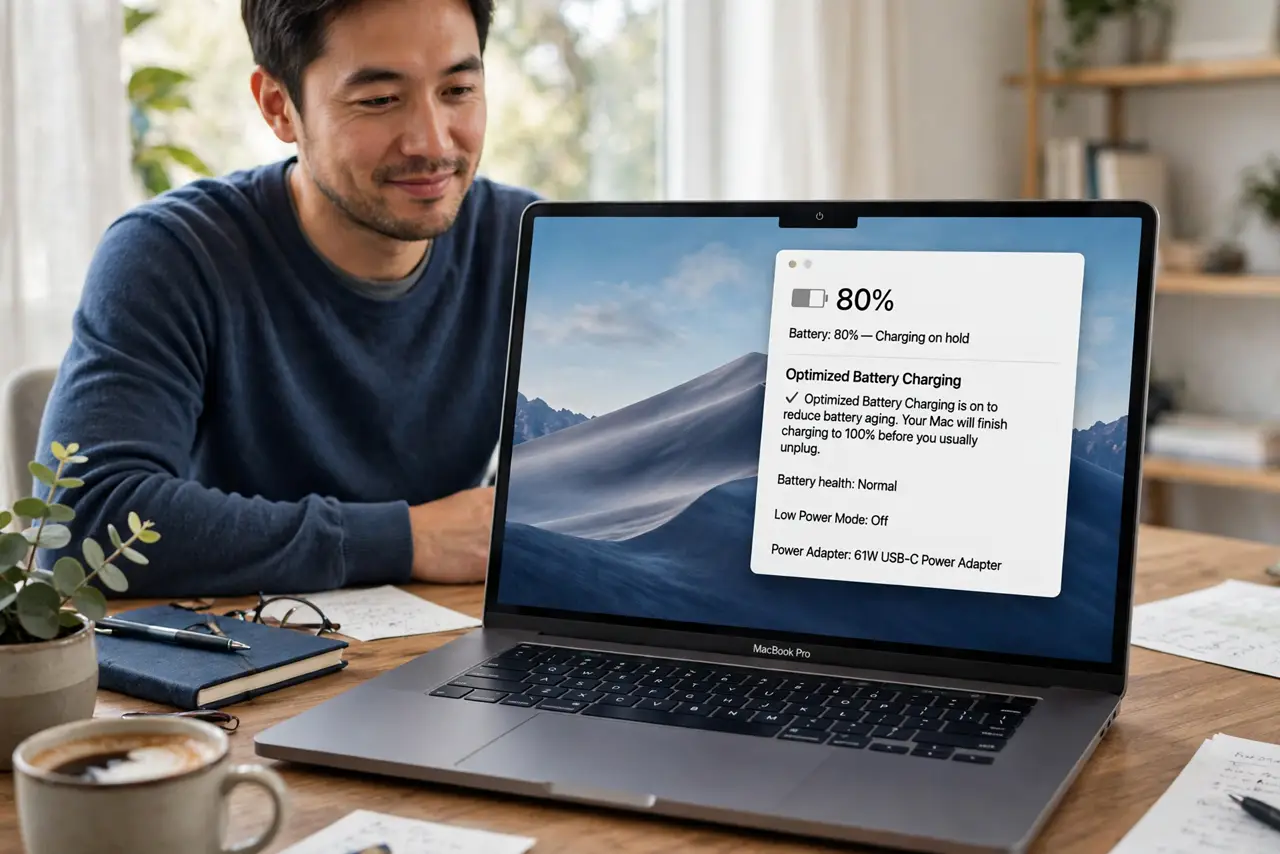
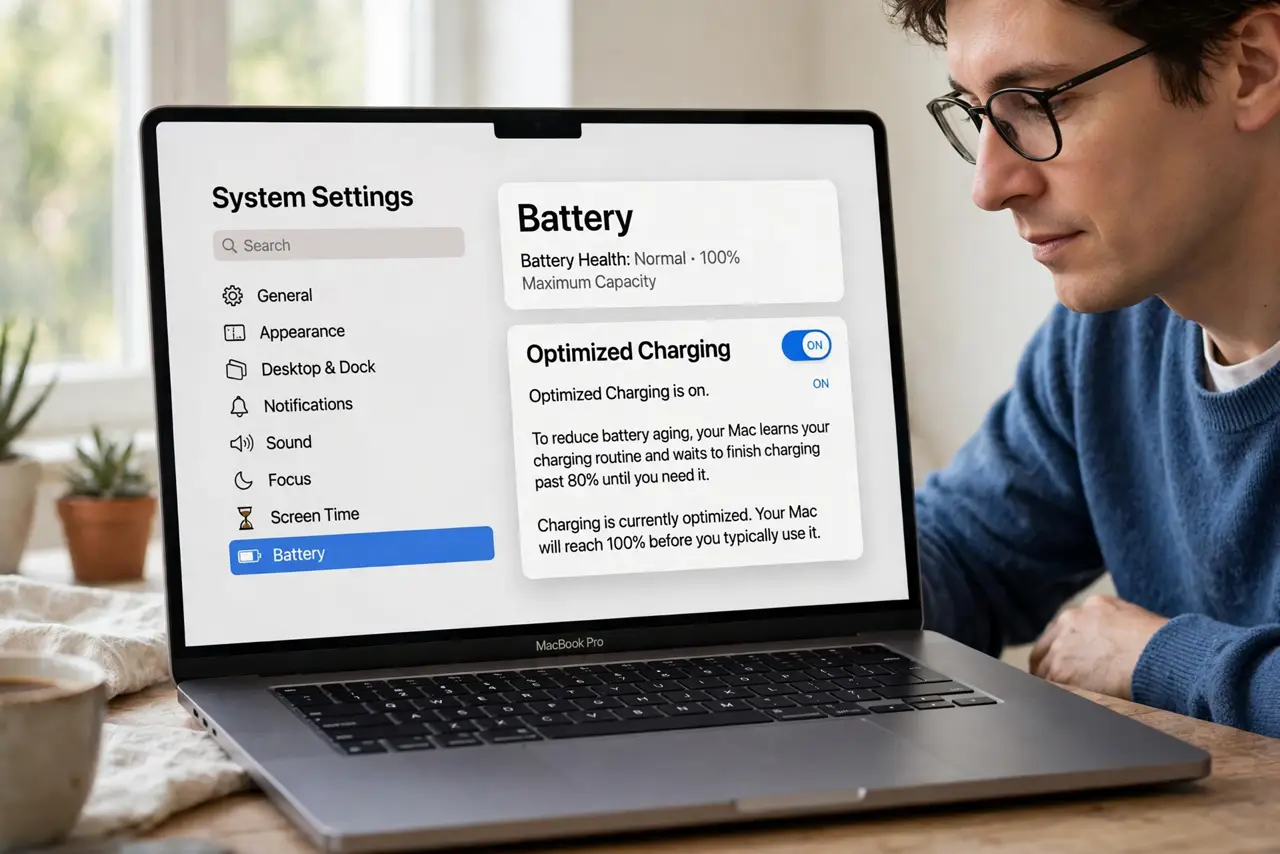
Quick fix: this is usually Optimized Charging protecting your battery, so leave it on for daily desk use. When you need 100 percent, click the battery icon and choose Charge to Full Now, or turn off Optimized Charging in System Settings under Battery for one trip.
Follow these steps
- Confirm it is Optimized Charging. Click the battery icon in the menu bar. If it says charging is on hold or optimized, the Mac is deliberately pausing at 80 percent, which is different from a charger plugged in but not charging fault.
- Learn why Apple does this. Lithium batteries age faster when held at 100 percent, especially when warm. Pausing at 80 percent during predictable desk routines can add years of healthy battery life.
- Charge to full just once when needed. Click the battery icon and choose Charge to Full Now before a flight or a long day out. You get the full charge without changing any settings.
- Check your routine prediction. Optimized Charging learns when you unplug. If your schedule changed, give it a week to learn the new pattern instead of fighting it.
- Turn it off temporarily for travel. Go to System Settings, then Battery, and turn off Optimized Charging if you need full charges for several days. Turn it back on when the trip ends.
- Rule out a real charging fault. If the Mac never charges past 80 even with the feature off, or the percentage jumps around, test another charger and cable to rule out hardware.
What NOT to do
- Do not turn off Optimized Charging permanently out of habit. The small daily convenience costs real battery lifespan over a year or two.
- Do not panic at 80 percent on a new Mac. The feature needs about a week to learn your routine, so early holds are normal.
- Do not confuse this with a swollen battery. A healthy hold at 80 percent looks identical every day; swelling shows as a bulging case or trackpad.
- Do not keep the Mac at 100 percent on a hot desk. Heat plus a full charge ages the battery fastest, which is exactly what the 80 percent hold prevents.
Frequently asked questions
Why does my Mac stop charging at 80 percent?
Optimized Charging is pausing the charge to reduce battery aging. It finishes to 100 percent before it predicts you will unplug.
How do I force 100 percent right now?
Click the battery menu and choose Charge to Full Now for a one-time full charge without changing settings.
Does this work on Intel Macs too?
Yes. Optimized charging exists on both Intel and Apple silicon Macs running recent macOS versions.