Sync Passwords With iCloud?
You saved a password on your iPhone but your Mac does not know it — or the Mac keeps asking for an old iCloud security code. iCloud Keychain (now part of Passwords) syncs logins across your Apple devices, but it only works when every device is signed in, synced, and approving each other. This guide gets the sync flowing.
TL;DR / Quick Fix
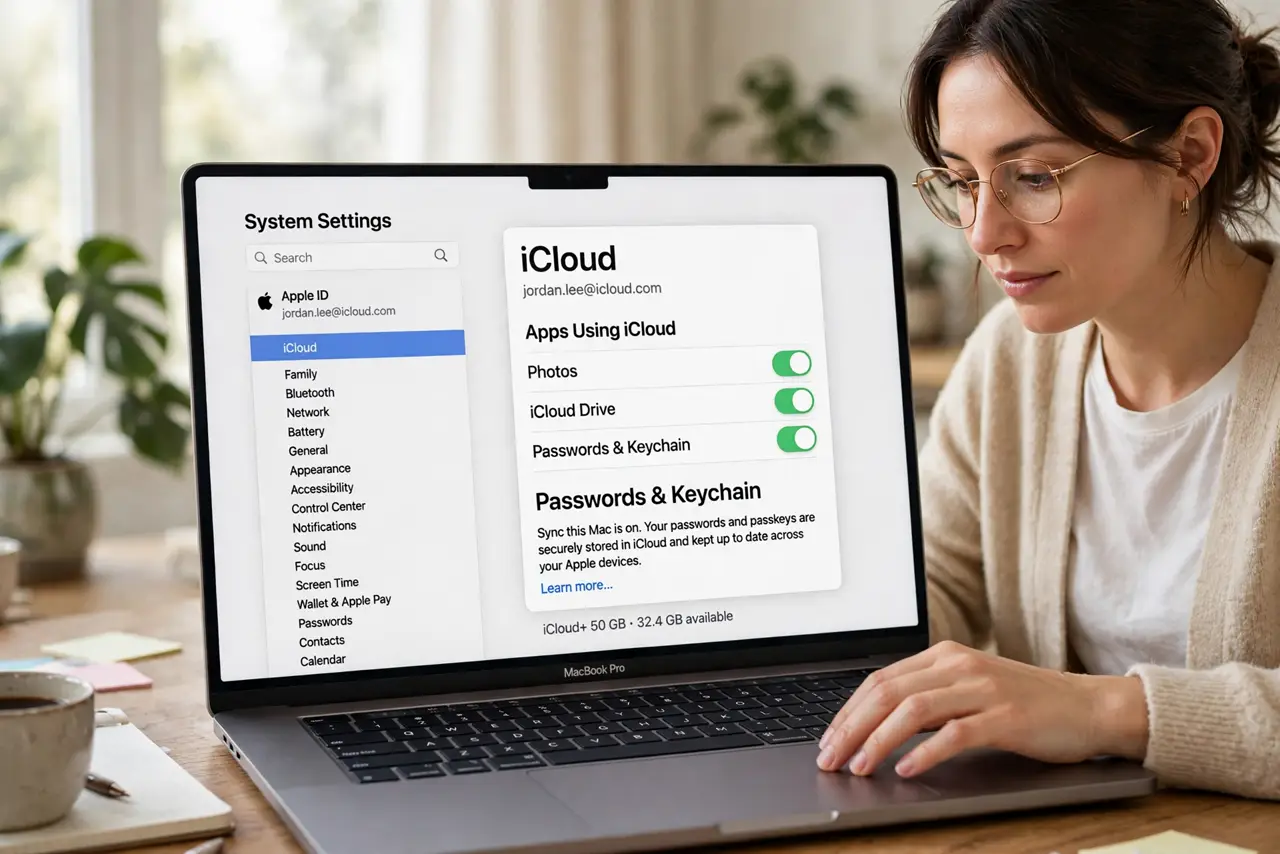
Quick fix: on Mac open System Settings, your Apple ID, iCloud, and turn on Passwords sync. Do the same on iPhone under Settings, your name, iCloud. Approve new devices from an old one when prompted. If it asks for a forgotten security code, use account recovery instead of guessing.
Follow these steps
- Turn on Passwords sync on the Mac. Open System Settings, click your Apple ID, then iCloud, and toggle on Passwords. This is the master switch — without it, the Mac neither sends nor receives.
- Turn it on for iPhone too. On iPhone: Settings, your name, iCloud, then Passwords — toggle on. Both ends must sync; one-sided sync explains most 'it works on one device' cases.
- Approve new devices. When a new device joins, an existing device must approve it. Check the old iPhone or Mac for the approval prompt — it hides in notifications.
- Recover a forgotten security code. If iCloud asks for an old security code, do not guess repeatedly — follow the recovery path to reset it without losing data.
- Check iCloud storage. Keychain data is tiny, but a full iCloud account can stall all syncing. If storage is full, sync pauses silently — free space and retry.
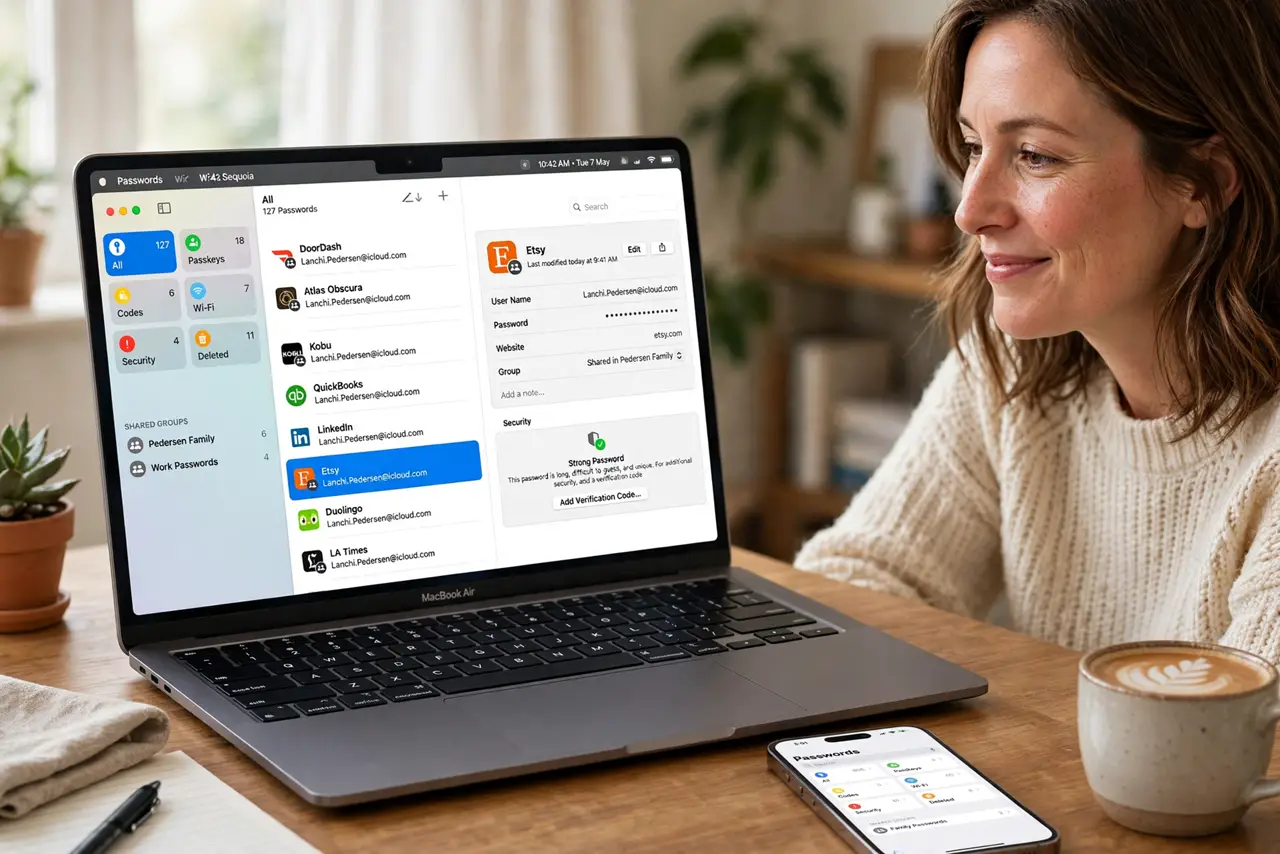
- Verify in the Passwords app. Open the Passwords app on Mac and confirm entries appear. If they sync one way only, toggle the sync off and on once to restart it.
What NOT to do
- Do not turn sync off and on repeatedly. One clean toggle restarts it; rapid toggling can create duplicates.
- Do not approve devices you do not recognize. An approval prompt for an unknown device is a red flag — deny it and check your Apple ID devices.
- Do not store the only copy of passwords in iCloud. Export a backup periodically — sync is convenient, not archival.
- Do not reuse your Apple ID password elsewhere. The account holding all your passwords deserves a unique, strong password plus 2FA.
Frequently asked questions
Is iCloud Keychain safe?
Yes — it uses end-to-end encryption Apple cannot read. It is among the safest places for passwords, safer than reusing them.
Why do passwords sync to iPhone but not Mac?
The Mac's Passwords toggle is off, the Mac needs approval, or iCloud storage is full. Check all three.
Can I use iCloud passwords on Windows?
Yes — Apple's iCloud for Windows includes password sync with browser extensions for Chrome and Edge.