Print to PDF Makes Huge Files on Mac
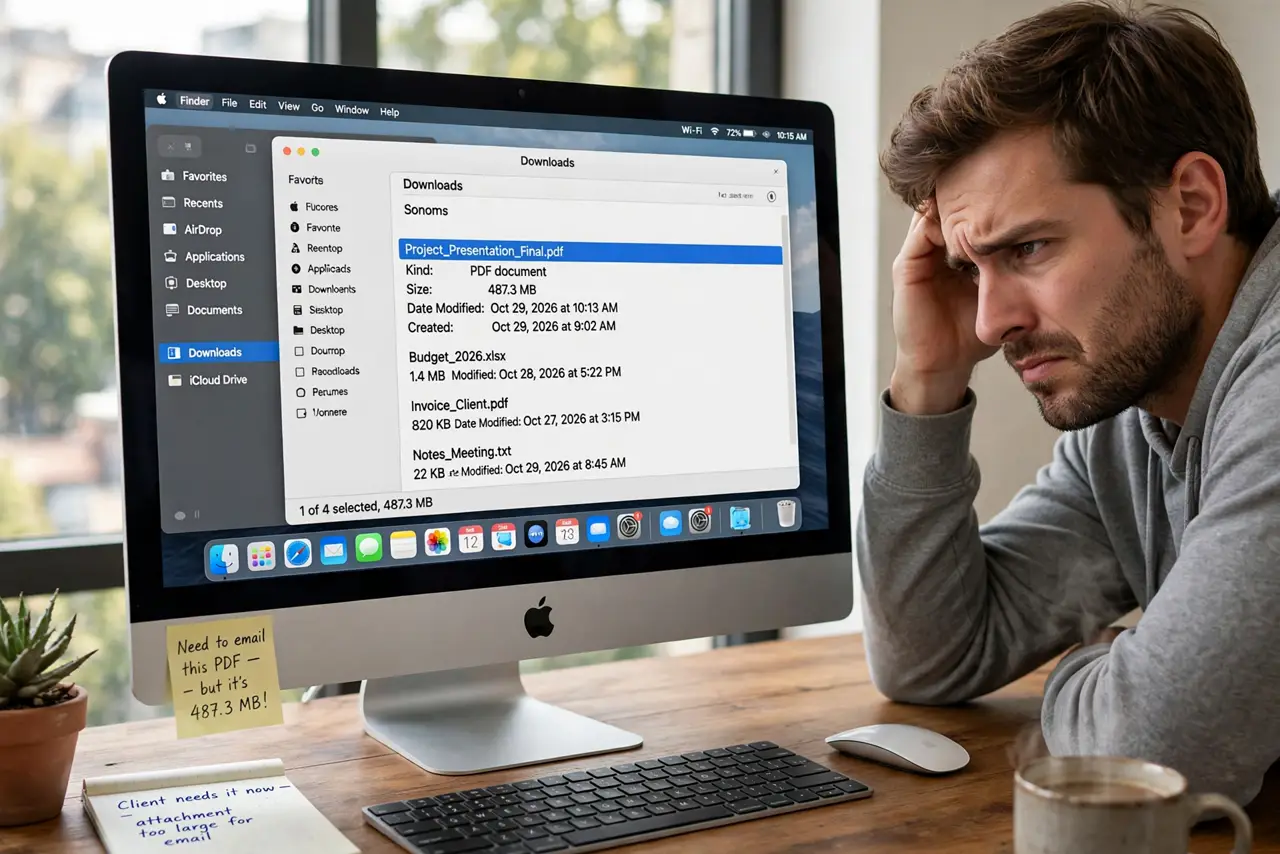
You print a document to PDF and the result is tens of megabytes for a few pages. Print to PDF embeds full-resolution images with no compression warning. This guide shrinks the PDF without wrecking its readability.
TL;DR / Quick Fix
Quick fix: in the Print dialog, use the PDF button's quality options or export from the app instead of printing. For an existing giant, open it in Preview and export with a Quartz filter like Reduce File Size, then check the text stays sharp.
Follow these steps
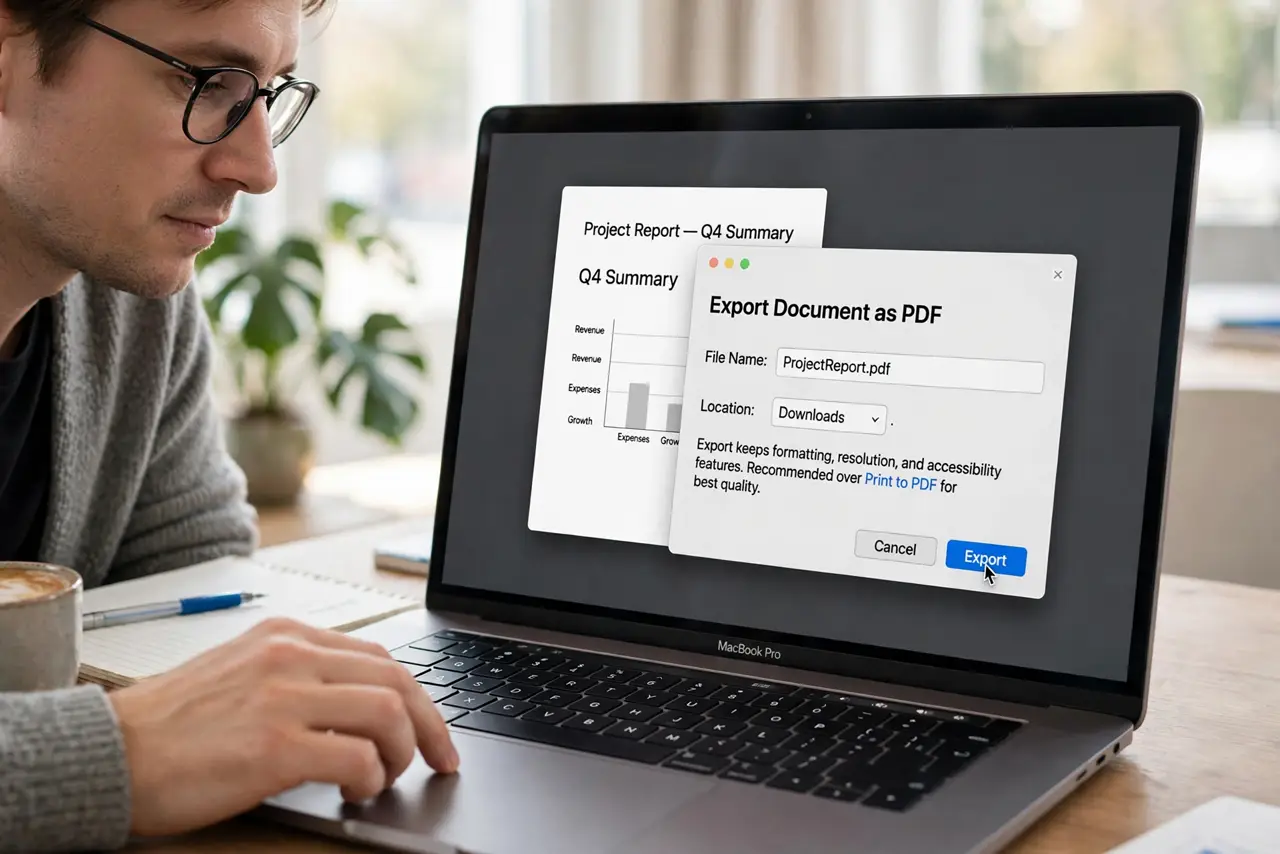
- Prefer Export over Print to PDF. Many apps offer File, then Export as PDF with real compression settings. Export almost always beats the print path for size.
- Use a Quartz filter on export. In Preview, choose File, then Export, then apply the Reduce File Size Quartz filter. It compresses images aggressively inside the PDF.
- Check readability after shrinking. Open the reduced PDF at 100 percent and read a page. If text looks fuzzy, the filter went too far; re-export with gentler settings.
- Fix the source images first. If the document holds giant photos, shrink them in the document before PDF time. A 12-megapixel photo on a small page is pure waste.
- Split huge documents. A 200-page PDF is big no matter what. Split it into chapters with Preview's thumbnails drag-and-drop for emailable pieces.
- Check the save path too. If edits vanish instead of growing, the issue is Preview not saving, not file size. Fix the save first, then shrink.
What NOT to do
- Do not email a 50MB PDF and hope. Most mail servers reject it; shrink first or share a link.
- Do not apply Reduce File Size twice. Double compression mangles images with little extra savings.
- Do not flatten everything to images. Text-as-text keeps the PDF searchable and small; rasterizing balloons it.
- Do not assume smaller is always fine. Legal and print-shop PDFs need quality; only shrink copies meant for screens.
Frequently asked questions
Why is my PDF so much bigger than the document?
Print to PDF embeds images at full resolution with minimal compression. Export paths compress far better.
Does Reduce File Size hurt text?
Text stays vector and sharp; only embedded images get compressed. Fuzzy text means the source was an image.
What is a good email size for a PDF?
Under 10MB is safe for most mail servers. Under 5MB is polite.