Precision Finding
Find My says your keys are nearby — but nearby is a whole house, and you are late. Precision Finding narrows it to inches: an arrow, a distance, and haptic guidance that walks you to the exact couch cushion. Here is how it works and what you need for it.
TL;DR / Quick Fix
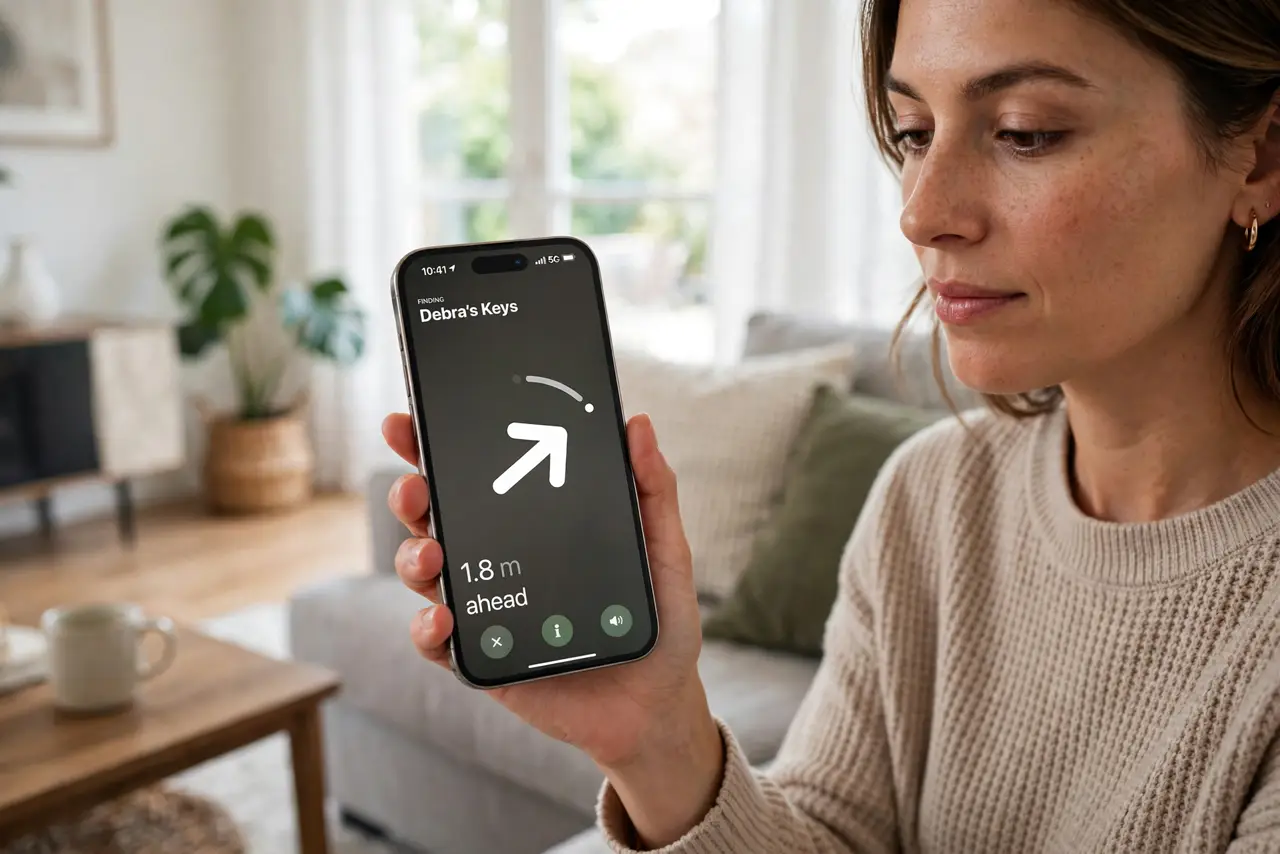
Quick fix: on newer iPhones and Macs, Precision Finding gives arrow-and-distance guidance to a lost item — open Find My, tap the item, and follow the directional cues. It needs an ultra-wideband iPhone nearby; the Mac shows the map while the phone does the pointing. Keep Bluetooth on.
Follow these steps
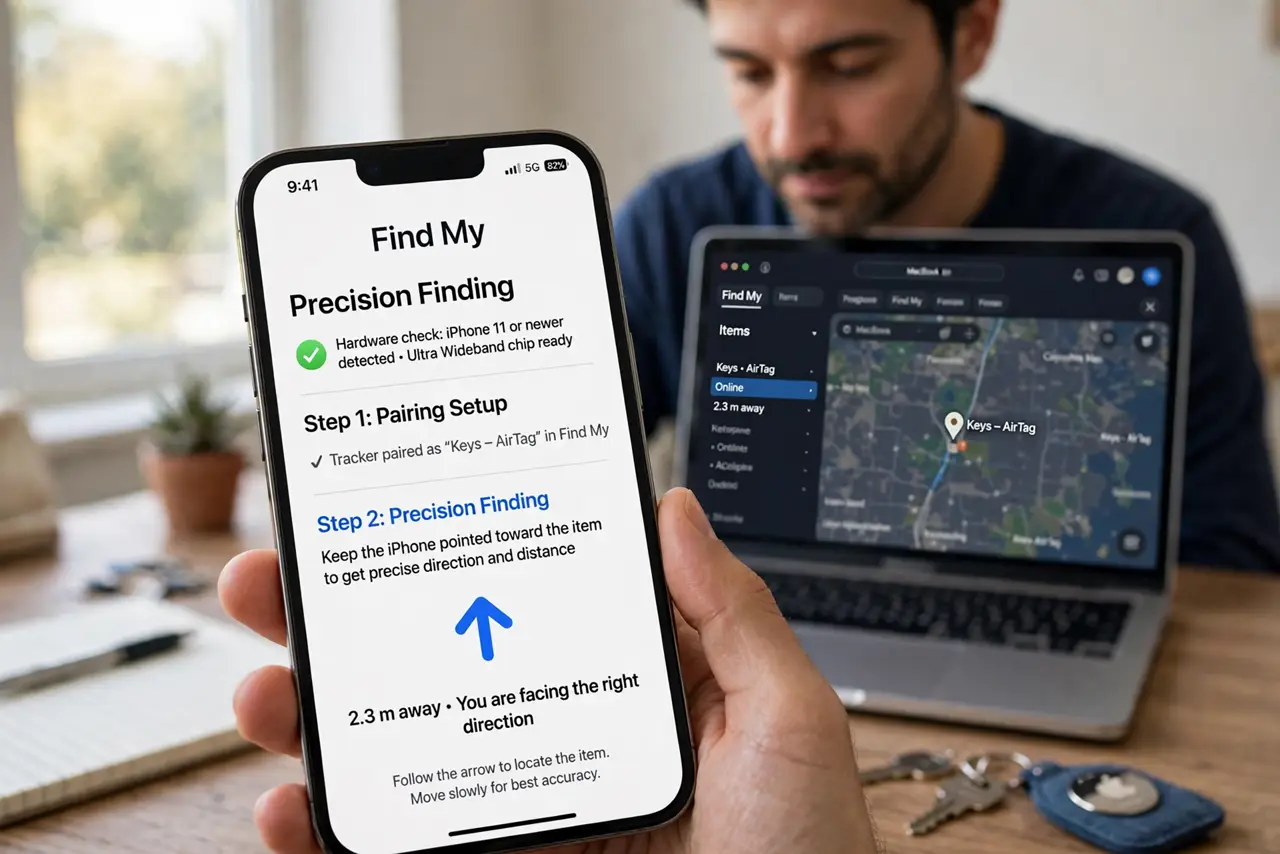
- Check you have the hardware. Precision Finding needs an ultra-wideband chip — iPhone 11 and newer have it. The Mac shows the map; the iPhone does the precise pointing — see the Find My items setup for pairing trackers first.
- Open the item in Find My. Tap the lost item to see its location. If you are close enough, the Find button offers Precision Finding instead of just a map pin.
- Follow the arrow. The screen shows direction, distance, and haptic pulses that strengthen as you approach. Walk slowly — the arrow updates as you move.
- Play a sound at close range. Within a few feet, play the sound. Ears finish what the arrow started — the beep locates the exact cushion.
- Keep Bluetooth on. Precision Finding needs Bluetooth and ultra-wideband both active. Airplane mode or disabled Bluetooth drops you back to vague nearby.
- Know the range limits. It works within tens of feet — room scale, not neighborhood scale. For far-away items, the map and crowd location come first.
What NOT to do
- Do not expect it through walls at distance. Precision Finding is a close-range tool — the map gets you to the house, the arrow gets you to the couch.
- Do not forget Bluetooth. Without it, there is no precision — just the old blue dot of approximate location.
- Do not use it to track people. Items only — following a person with a tracker is illegal in most places and the safety alerts exist for it.
- Do not panic if the arrow spins. Metal, interference, and fast movement confuse it — stand still a moment and let it settle.
Frequently asked questions
Which devices support it?
iPhone 11 and newer for the pointing; the Mac displays and manages. Older phones get map-only finding.
Why does it say nearby but no arrow?
You are out of ultra-wideband range, or Bluetooth is off. Get closer and check the radios.
Does it drain the battery?
A little during active finding — the radios work hard. It is a minutes-long tool, not an all-day mode.