Reorder PDF Pages in Preview
Page 3 should be page 1, the appendix wandered into the middle, the scanned stack came out shuffled. Preview's thumbnail sidebar is a full page organizer: drag pages into order, delete the blanks, save. Faster than re-scanning, safer than a website.
TL;DR / Quick Fix
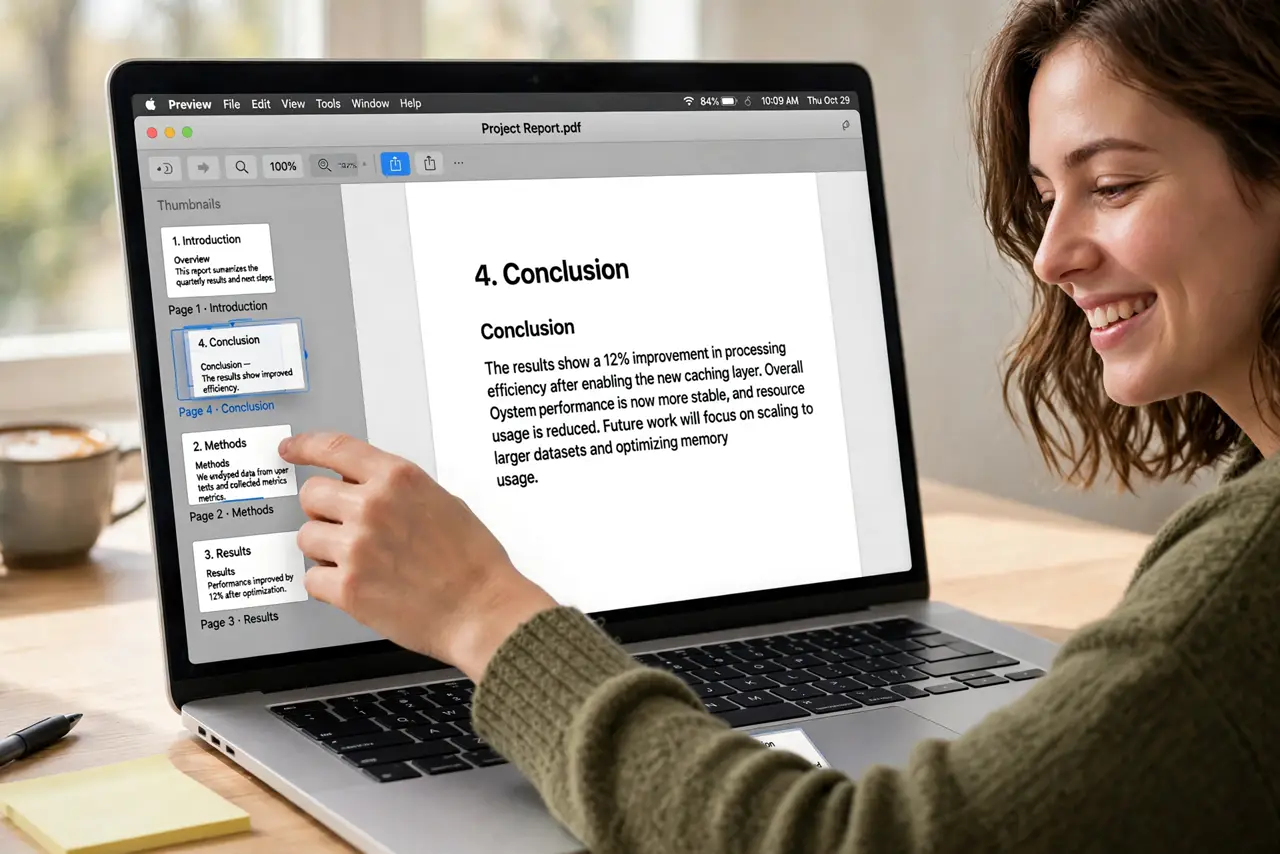
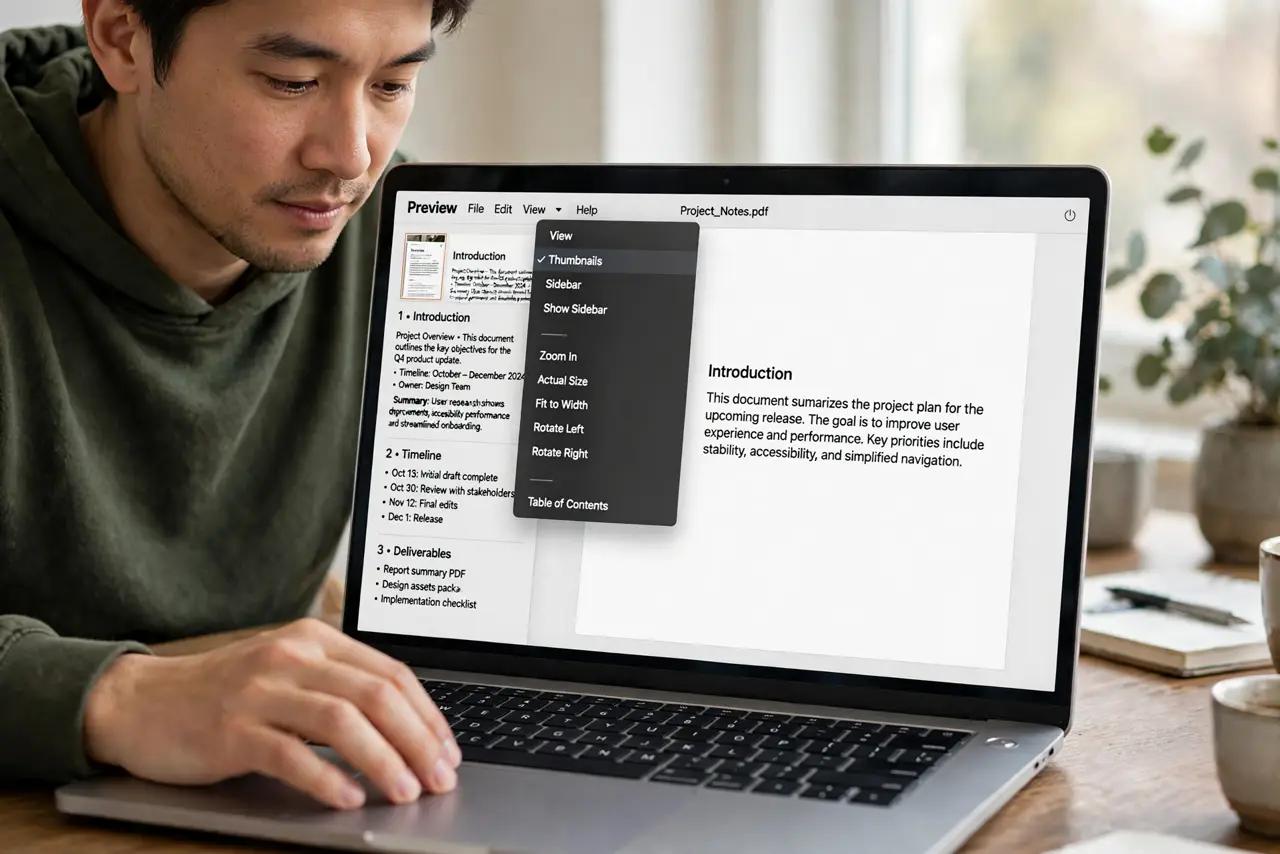
Quick fix: open the PDF in Preview, choose View > Thumbnails, then drag pages up or down the sidebar into the right order. Select extras and press Delete. Save with Command-S — or Export as PDF to keep the original untouched.
Follow these steps
- Open the thumbnails sidebar. View > Thumbnails. The page strip is the whole workspace for this job.
- Drag pages into order. Click a thumbnail and drag it up or down — a blue line shows the drop point. Multi-select with Command-click to move several at once.
- Delete the junk pages. Select blank or duplicate pages and press Delete. Scanned stacks always hide a blank page or two.
- Rotate the sideways ones. Select a page and press Command-L or Command-R to rotate left or right. Shuffled scans often need this too.
- Save carefully. Command-S overwrites; File > Export as PDF preserves the original. For a shuffled original you might want to keep, export.
- Double-check the final order. Scroll through the thumbnails once after saving. Drag-and-drop slips happen — a 30-second review beats resending.
What NOT to do
- Do not reorder in a PDF reader that cannot save. Some apps show thumbnails but only Preview (and real editors) write the new order.
- Do not delete pages from the only copy. Export first, edit the copy — deleted pages do not come back after save.
- Do not assume page numbers update. The PDF's printed page numbers are part of the content — reordering moves the numbers with the pages.
- Do not fight a 500-page scan in Preview. It works, but a dedicated PDF tool is kinder for phonebook-sized jobs.
Frequently asked questions
Can I move pages between two different PDFs?
Yes — open both, show both thumbnail sidebars, and drag pages from one to the other. That is also how merging works.
Why won't the thumbnails drag?
The PDF is probably locked or the sidebar is not in Thumbnails view. Check for a lock icon in the title bar.
Does reordering change the file size?
Barely — it rewrites the page order, not the content. Deleting pages is what shrinks the file.