Fix a Mac Printer Offline After Sleep
A printer that shows offline every time the Mac wakes from sleep usually lost its network connection while asleep, or the Mac kept an old printer state. The printer itself is rarely broken. Wake and reconnect in order, and print a test page.
TL;DR / Quick Fix
Quick fix: wake the printer, check it is on the same Wi-Fi network, and turn it off and on again. Then on the Mac, open Printers and Scanners, select the printer, and try a single test page before changing drivers or settings.
Follow these steps
- Wake the printer fully. Press the printer power button or wake it from sleep mode, and wait until it shows Ready. A sleeping printer reports offline until it wakes.
- Confirm the same Wi-Fi network. Check the printer network settings and confirm it is on the same Wi-Fi network name as the Mac. A printer on a guest network will show offline.
- Turn the printer off and on. Power the printer fully off, wait thirty seconds, and power it on again. A fresh printer restart clears a stale network state from sleep.
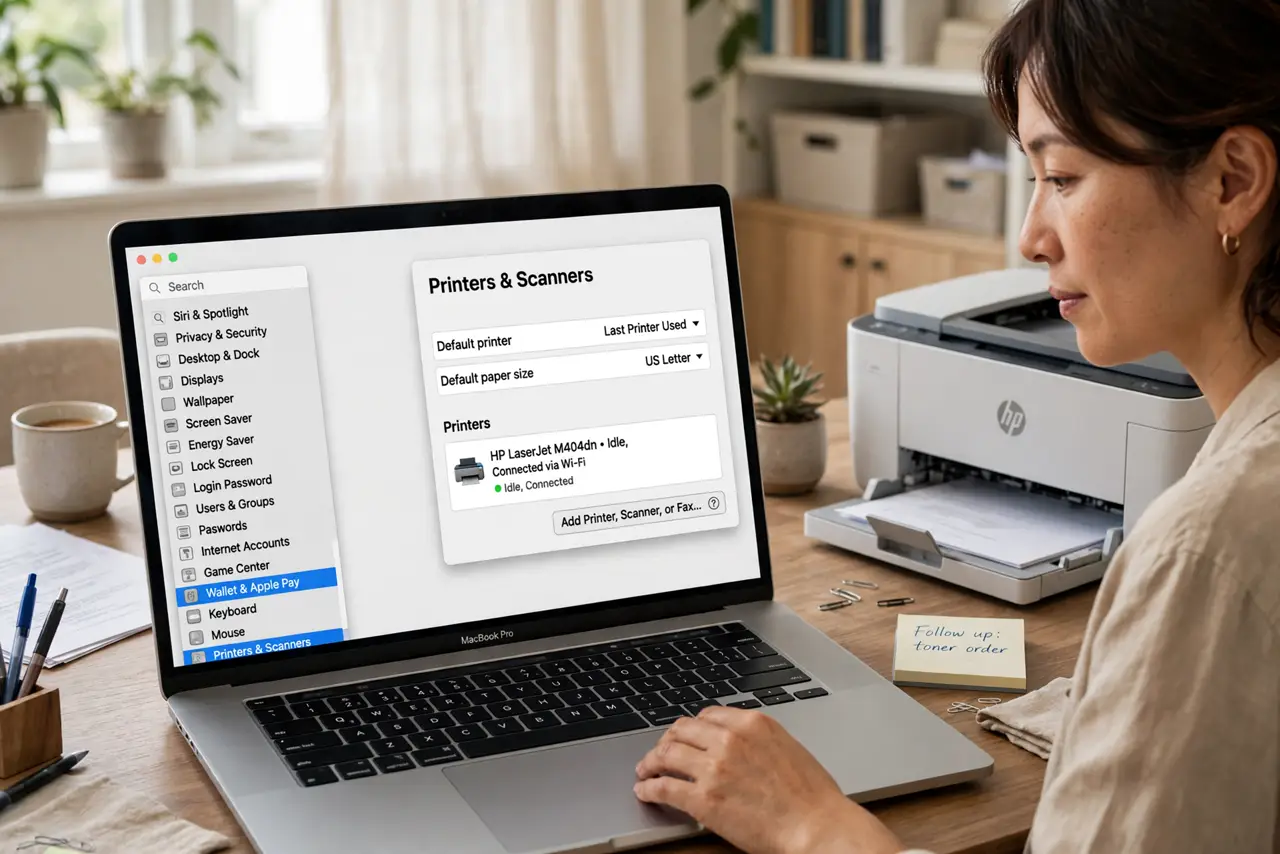
- Check the printer in System Settings. Open System Settings, then Printers and Scanners, and select the printer. If it still shows offline, remove and re-add it with the printer awake.
- Print a single test page. Print one simple test page after reconnecting. A successful test page proves the connection works before you print a long document.
- Restart the router if it keeps happening. If the printer goes offline after every sleep, restart the router and test again. Routers can drop sleeping printers after running for weeks.

What NOT to do
- Do not reinstall printer drivers first. Waking the printer, checking the network, and re-adding it fix most sleep-related offline states.
- Do not buy a new printer for a sleep problem. A printer that prints when awake but shows offline after sleep has a connection state problem, not a hardware failure.
- Do not keep sending the same print job repeatedly. Cancel stuck jobs, reconnect the printer, then send the job once more.
- Do not change printer network settings blindly. Confirm the network name first, and note any setting before you change it.
Frequently asked questions
Why is the printer offline only after sleep?
Sleep breaks the network link, and the Mac or printer may keep the old offline state until one of them restarts or reconnects.
Does removing and re-adding delete my settings?
It removes that printer entry, so you may need to re-select paper size or defaults, but it does not delete your documents.
What if the printer is offline even when awake?
Check the network name, cable or Wi-Fi connection, and whether the printer shows an error on its own screen.