Printer Paused and Won't Resume on Mac
Print jobs pile up and nothing comes out because the printer shows as paused, and Resume does nothing. The queue is stuck on an error or a disconnected printer. This guide clears the jam in the queue, not in the printer.
TL;DR / Quick Fix
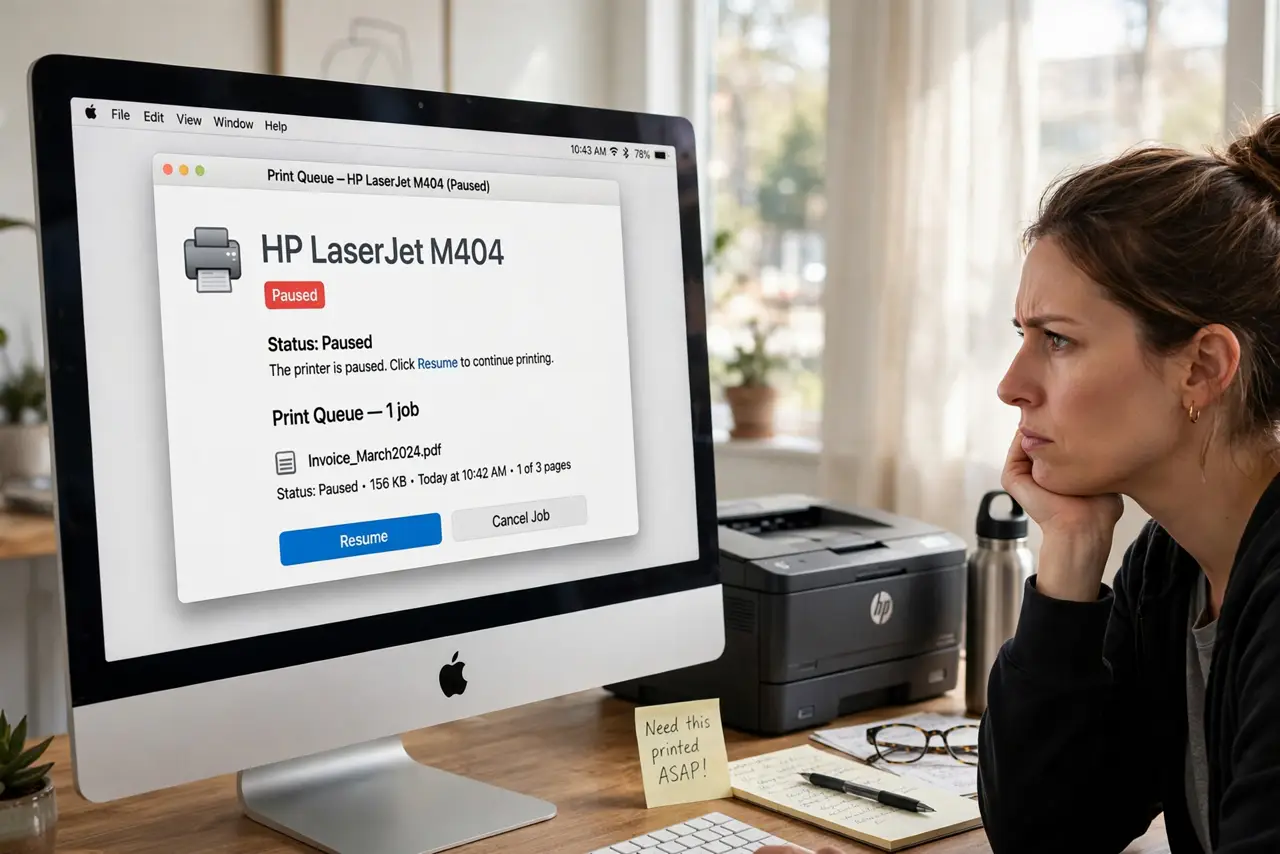
Quick fix: open System Settings, go to Printers, open the print queue, and click Resume. If it re-pauses, delete the stuck job at the top, check the printer is actually added and online first using the setup steps, then try again.
Follow these steps
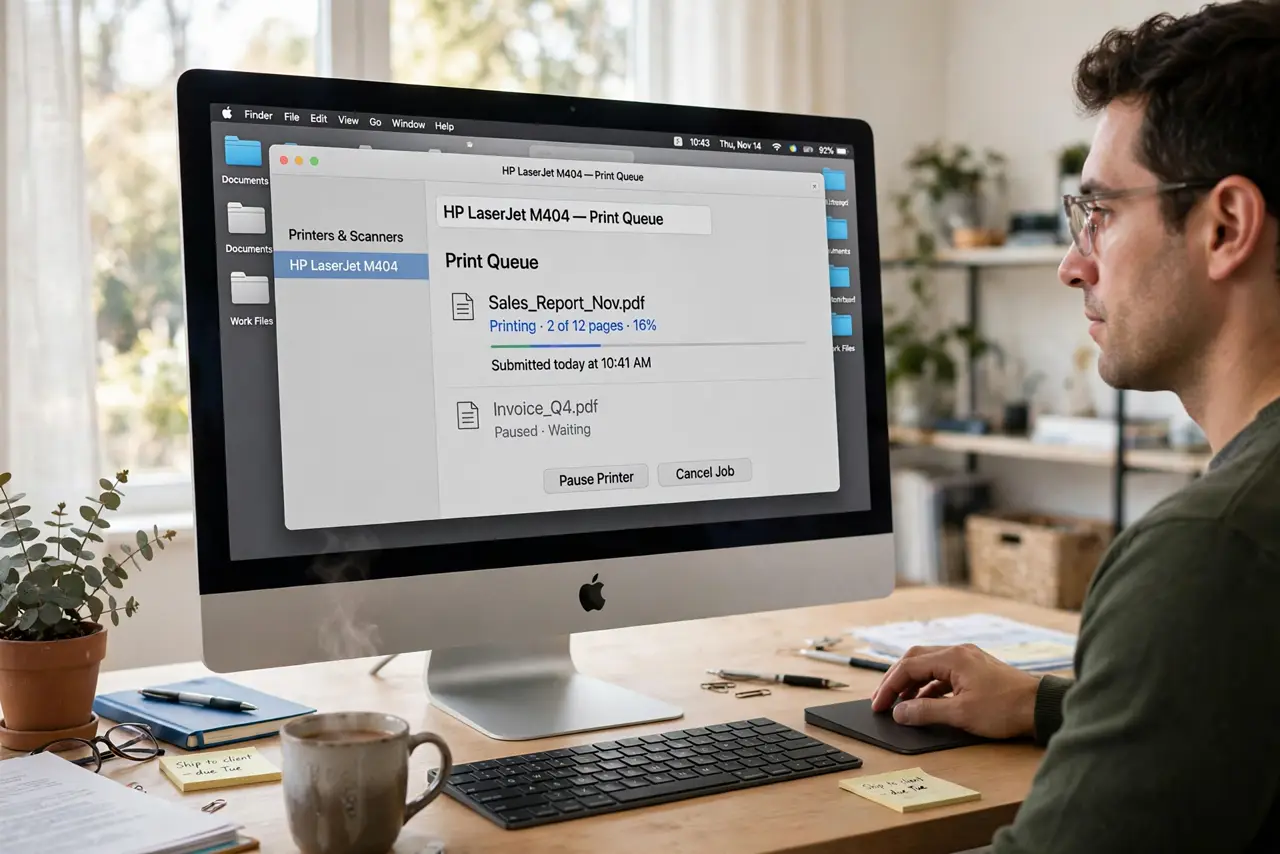
- Open the print queue. Go to System Settings, then Printers and Scanners, select the printer, and open its queue. The paused banner and the stuck job are both visible there.
- Resume the printer. Click the Resume button in the queue window. A manually paused printer is the simplest cause and the one-click fix.
- Delete the stuck job. If it pauses again instantly, delete the top job. One corrupt job can hold the whole queue hostage indefinitely.
- Confirm the printer is truly added. A printer that vanished from the list cannot print. Re-add it with the printer setup steps before blaming the queue.
- Check the connection. Make sure the printer is on, on the same Wi-Fi, or plugged in. A queue pauses politely when its printer disappears from the network.
- Reset the printing system if needed. Right-click in the Printers list and choose Reset Printing System, then re-add the printer. This clears deep queue corruption as a last resort.
What NOT to do
- Do not keep hitting Resume on a corrupt job. Delete the offender; resume only works once the jam is gone.
- Do not reinstall the printer driver first. Queue state causes this far more often than drivers do.
- Do not reset the printing system casually. It removes every printer, so it is a last resort, not a first try.
- Do not assume the printer is broken. A paused queue is a software state; the printer hardware is usually fine.
Frequently asked questions
Why does my printer keep pausing itself?
Usually a failed job or a lost connection triggers the pause. Clearing the job and restoring the connection ends the cycle.
Will resetting delete my presets?
Resetting the printing system removes printers and their presets, so note custom settings first.
Can a full disk pause printing?
Yes, indirectly. Spooling needs disk space, so a full disk can stall the queue.