Printer Presets Reset on Every Print
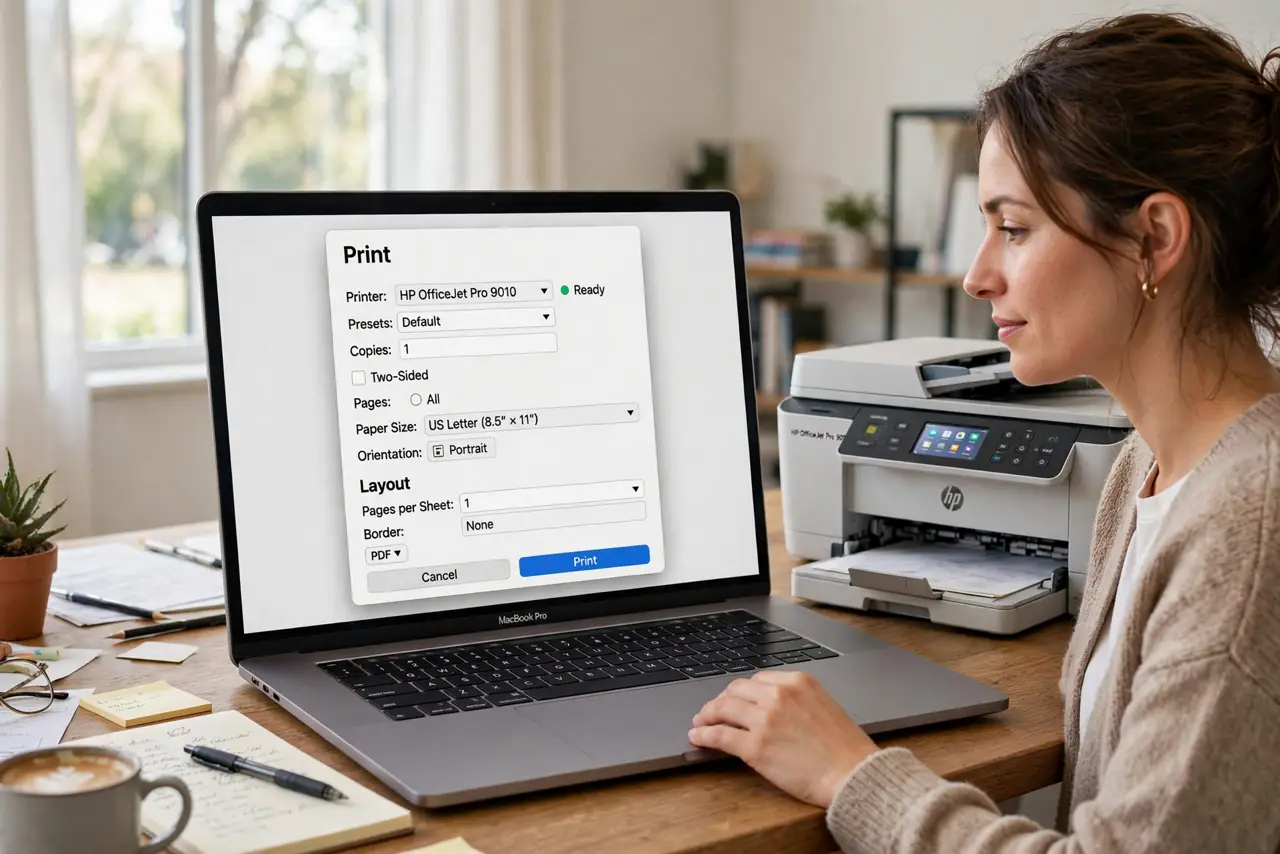
Printer presets that reset every time usually were never saved as a real preset, or the app you print from overrides them with its own defaults. The preset list may look right while the print dialog quietly uses something else.
TL;DR / Quick Fix
Quick fix: in the print dialog, set your paper, quality, and color options, then save them as a named preset and choose it before printing. If the app still resets, set the preset as the default for that printer in the print dialog.
Follow these steps
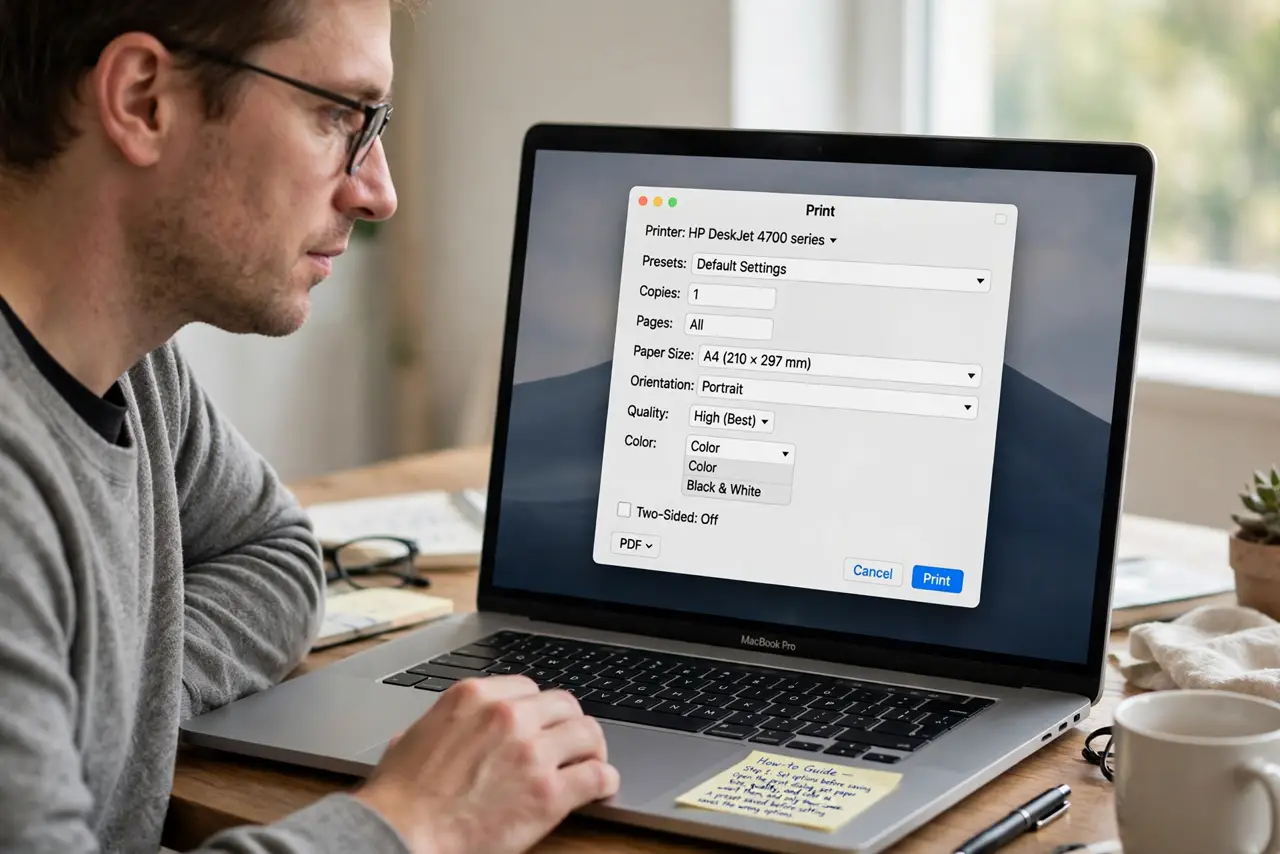
- Set options before saving. Open the print dialog, set paper size, quality, and color exactly as you want them, and only then save. A preset saved before setting options saves the wrong options.
- Save a named preset. Use the preset menu to save the current options under a clear name, such as Everyday Color. A named preset is the only version the dialog reliably remembers.
- Select the preset each time. Before printing, open the preset menu and choose your named preset. The dialog may open on a default preset, so selecting yours is part of the routine until it becomes default.
- Set it as the default preset. If the dialog offers a default preset option for the printer, choose your named preset there. A default preset applies automatically, which stops the every-print reset.
- Check the app's own settings. Confirm the app you print from has no print defaults of its own that override the system preset. Some apps reapply their own settings on every print job.
- Test from another app. Print the same document from a different app using your preset. If it sticks there, the first app is overriding it, and the fix belongs in that app.
What NOT to do
- Do not recreate the preset from scratch every print. Save it once properly, then select it, since rebuilding it each time hides whether saving actually worked.
- Do not delete all presets to fix one reset. Deleting the list removes good presets too, and the reset usually comes from a missing default, not a corrupt list.
- Do not assume the printer is faulty. Preset resets are a dialog and app settings issue, not a printer hardware fault.
- Do not print a long document to test a preset. Print one test page, so a wrong preset wastes one page instead of a whole document.
Frequently asked questions
Why do my printer presets reset?
Because the preset was never saved properly, never set as default, or the app overrides it with its own defaults on every print.
How do I save a printer preset?
Set all print options in the dialog first, then save them under a clear name from the preset menu.
Why does the preset work in one app but not another?
Because the second app applies its own print defaults. Check that app's settings, or select the preset manually before printing.