Purgeable Space? What It Is
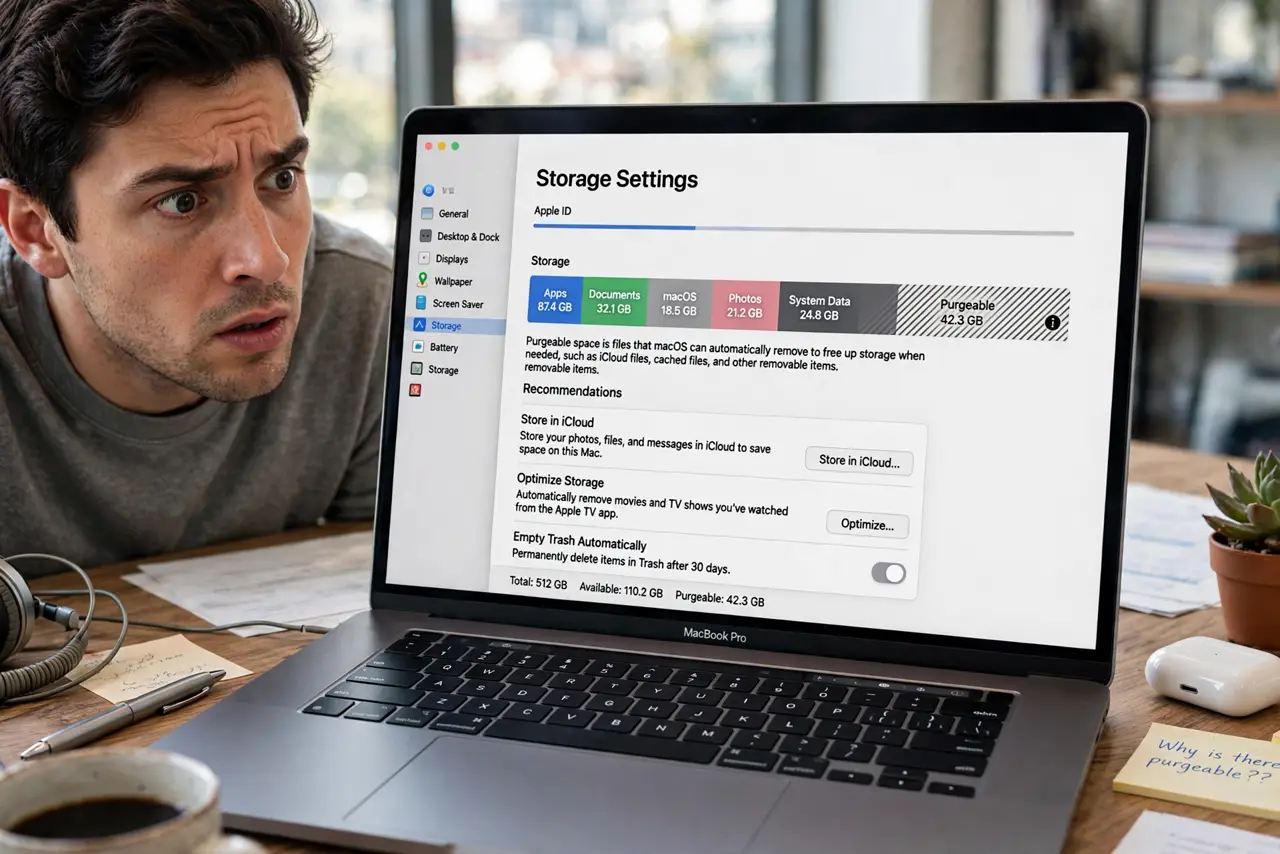
The storage bar shows plenty of 'purgeable' space, yet the Mac complains the disk is full when you try to save. Purgeable space is macOS's IOU — space it can free automatically but hasn't yet. Understanding the IOU explains the contradiction and tells you how to collect on it.
TL;DR / Quick Fix
Quick fix: purgeable space is space macOS will free on demand — cached files, old Time Machine snapshots, and offloadable iCloud files. It usually clears itself when you need room. If it doesn't, restart the Mac or manually clear caches to force it.
Follow these steps
- Learn what purgeable actually is. Local Time Machine snapshots, cached app data, and files already safe in iCloud. macOS marks them 'I can delete these if someone needs the room.'
- Stop treating it as free space. The paradox: the bar counts it as available, but a big save can still fail if macOS is slow to purge. Treat purgeable as 'probably available,' not 'available.'
- Trigger a purge with a restart. Restarting clears temporary caches and old snapshots promptly. It's the simplest way to convert purgeable into real free space.
- Clear caches manually if needed. Browser caches and a few GB of app caches can be cleared by hand when a restart doesn't cut it — the same cleanup as for Other storage.
- Check Time Machine snapshots. Local snapshots pile up when the backup drive is disconnected. Reconnect the drive or let a backup run, and macOS thins the snapshots itself.
- Free real space for the long term. Purgeable is a cushion, not a solution. For lasting room, work the free up space guide and enable Optimized Storage.

What NOT to do
- Do not install a cleaner app to 'reclaim purgeable space.' macOS manages it fine alone — the apps just take credit for what a restart does.
- Do not disable Time Machine to kill snapshots. The snapshots are tiny and self-managing; losing backups to save megabytes is a bad trade.
- Do not panic when purgeable is huge. A large purgeable number means macOS is being lazy, not that anything is wrong.
- Do not confuse purgeable with a disk error. It's a normal macOS accounting category, not corruption or a failing drive.
Frequently asked questions
Why does the Mac say the disk is full despite purgeable space?
macOS sometimes purges lazily — the space is earmarked but not yet reclaimed when the save happens. A restart usually forces the issue.
Can I force macOS to purge immediately?
Restarting is the reliable trigger. Copying a large file can also force it, but that's a clumsy way to ask.
Does purgeable space slow down the Mac?
No. It's just cached data sitting on free blocks. If anything, the caches speed things up — purging them costs a little performance until they rebuild.