Safari Tabs Keep Reloading? Fix It
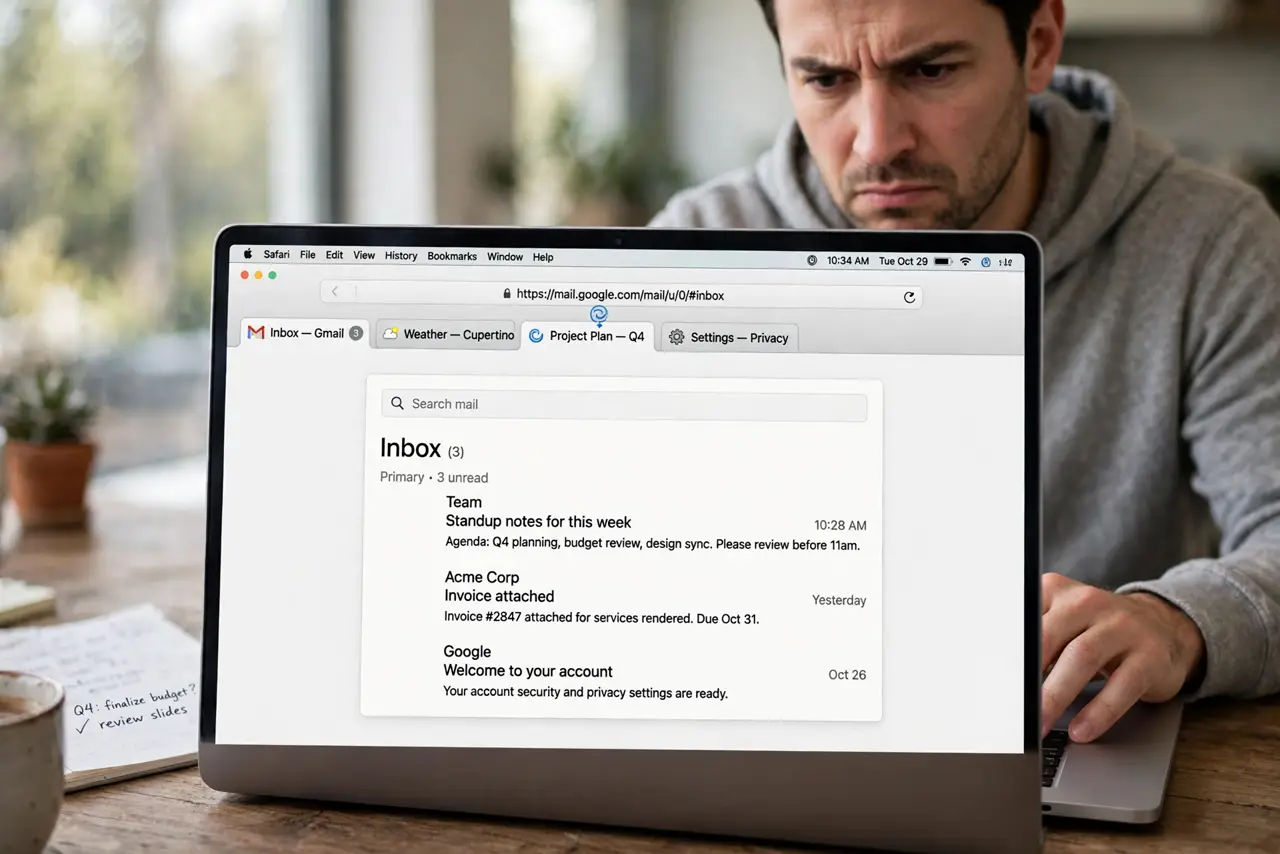
You switch back to a Safari tab and the page reloads, losing your place, your scroll position, and sometimes your form entries. Safari unloads background tabs to save memory, but it should not do it constantly. This guide shows how to calm the reloads down.
TL;DR / Quick Fix
Quick fix: update macOS and Safari, then close tabs you do not need and quit memory-hungry apps to free RAM. Disable unneeded Safari extensions, and turn off background tab preloading tests one change at a time until the reloads stop.
Follow these steps
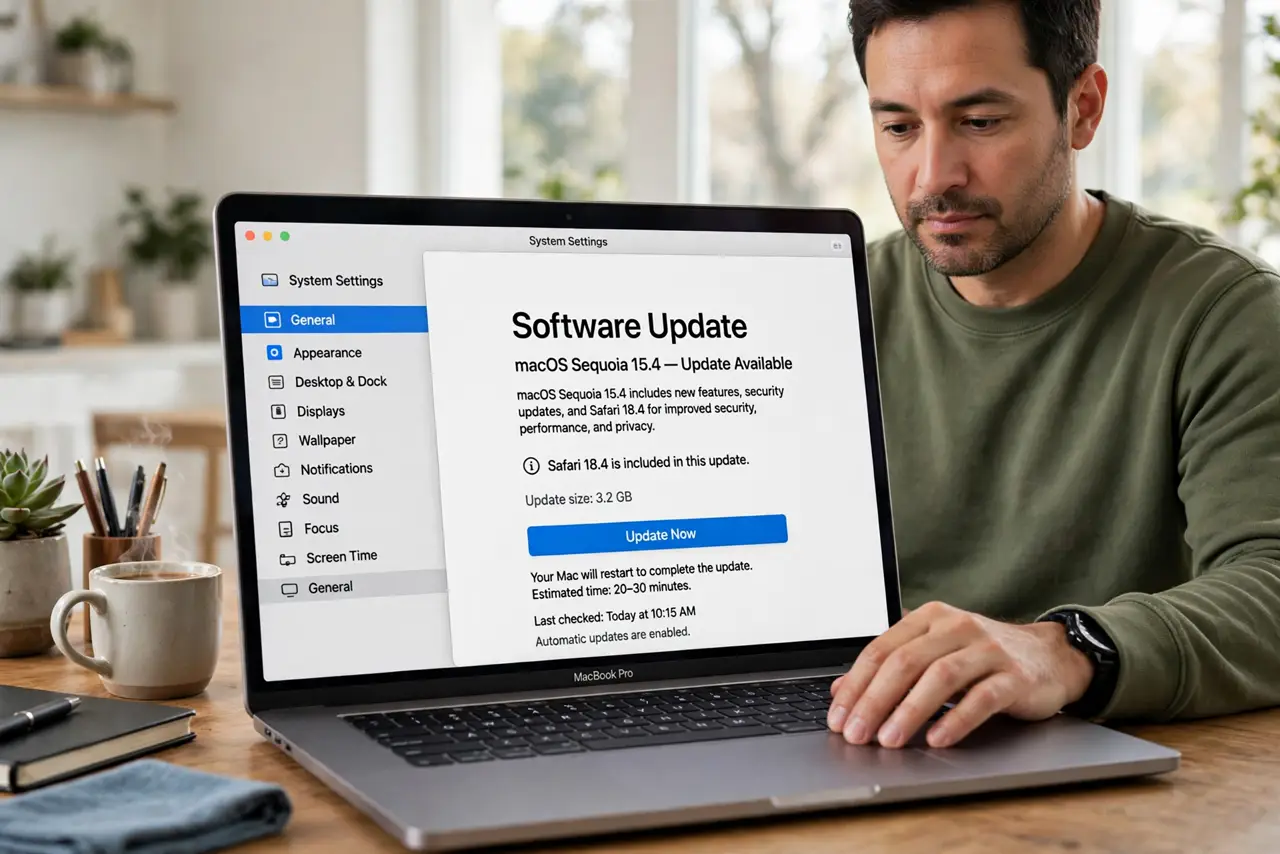
- Update macOS and Safari. Install the latest updates first. Apple regularly fixes tab management bugs, and many chronic reload problems disappear with one update.
- Free up memory pressure. Close tabs you are not using and quit heavy apps. Open Activity Monitor and check memory pressure: yellow or red pressure forces Safari to unload tabs aggressively.
- Disable Safari extensions one by one. A misbehaving Safari extension can force tab reloads or crash page processes. Turn them all off, then re-enable one at a time to find the offender.
- Check for runaway web content. In Activity Monitor, look for Safari Web Content processes using huge memory. One bloated page can starve every other tab, so close or reload that page.
- Test in a private window. Open the same sites in a private window with no extensions. If tabs stay put there, an extension or cached data is the cause.
- Reset Safari's experimental features. If you ever changed Safari's Develop experimental flags, reset them to defaults. Wrong flags are a classic cause of constant tab unloading.
What NOT to do
- Do not install a tab suspender extension as the first fix. Adding more extensions to fix an extension problem usually makes things worse.
- Do not keep 100 tabs open and blame Safari. Tab hoarding guarantees reloads, so bookmark or close what you are not reading.
- Do not reinstall macOS for tab reloads. This is almost never an OS corruption issue, so the heavy fix is overkill.
- Do not disable JavaScript globally. It stops reloads by breaking the modern web, which is a cure worse than the disease.
Frequently asked questions
Why does Safari reload tabs when I switch back?
To save memory. Safari unloads background tabs under memory pressure and reloads them on return; constant reloads mean the pressure is too high.
Can an extension cause tab reloads?
Yes. A buggy extension can crash the page process, which looks exactly like a spontaneous reload.
Will more RAM fix it?
It helps a lot. Macs with 8GB hit memory pressure far sooner than ones with 16GB when many tabs are open.