Safari Video Pauses When You Switch Tabs
A video that pauses the moment you leave its tab is usually Safari saving power or the site itself pausing background playback. The tab is not broken; something is telling the video to stop when it loses focus.

TL;DR / Quick Fix
Quick fix: return to the video tab and press play, then check whether the site offers a picture-in-picture or background playback option. If the pause repeats, test another video site to learn whether the behavior belongs to Safari or just that one site.
Follow these steps
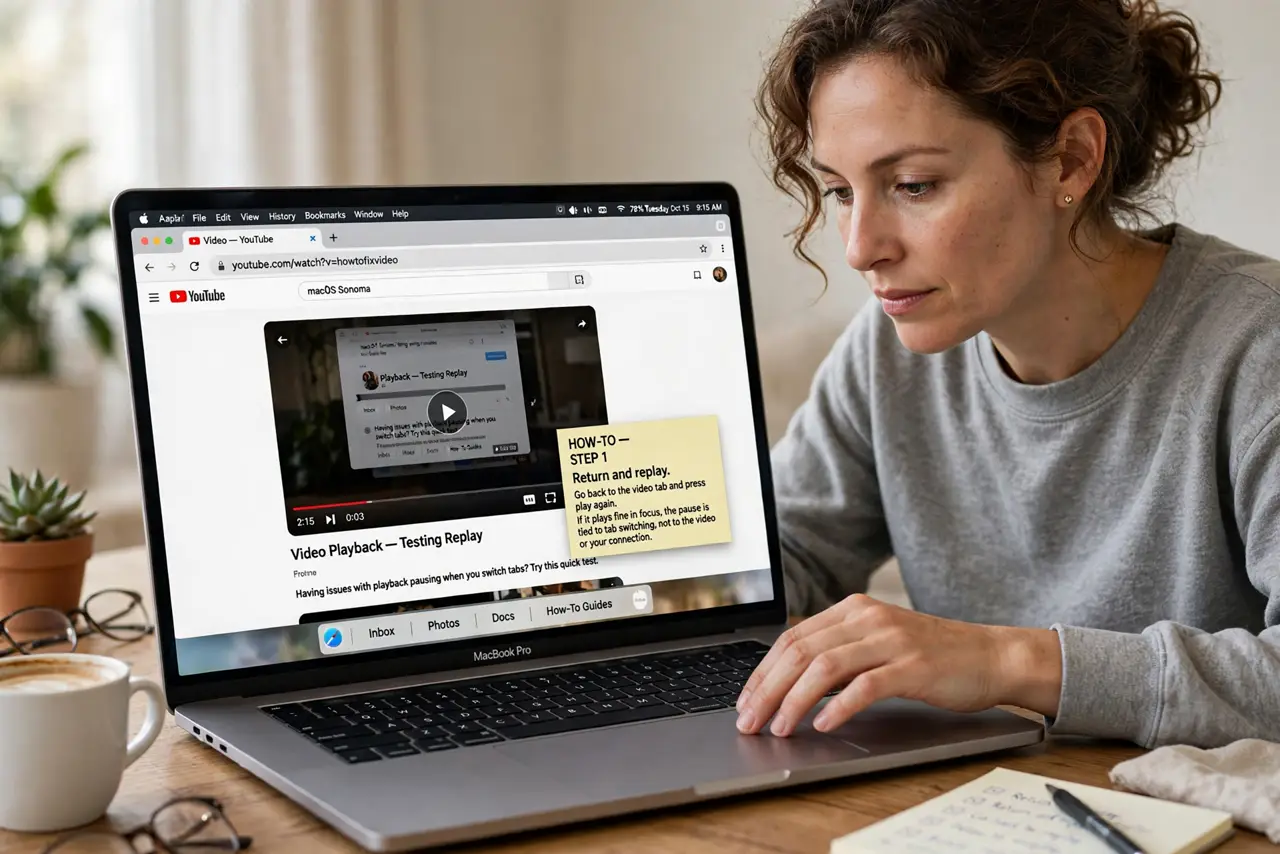
- Return and replay. Go back to the video tab and press play again. If it plays fine in focus, the pause is tied to tab switching, not to the video or your connection.
- Try picture-in-picture. If Safari offers picture-in-picture for the video, use it before switching tabs. A floating video window keeps playing while you work in other tabs.
- Test another video site. Play a video on a different site, then switch tabs the same way. If only one site pauses, that site pauses background video by design.
- Check autoplay settings. Open Safari settings for the site and confirm autoplay and media settings allow playback. A restrictive site setting can stop video the moment the tab loses focus.
- Check power settings. Confirm low power mode or energy saver is not aggressively pausing background media. Power saving can pause background tabs to save battery, especially on a MacBook.
- Keep the tab audible. If the video is mainly audio, check whether the tab keeps playing sound when switched. Sound continuing while picture pauses points to a video-specific pause, not a full tab suspension.
What NOT to do
- Do not assume your connection dropped. A pause on tab switch with instant replay is a playback behavior, not a network failure.
- Do not install an extension to force background play as a first fix. Test picture-in-picture and another site first, since those cover most cases safely.
- Do not leave the video tab open and untouched as a workaround forever. Picture-in-picture or a proper playback setting is the cleaner long-term answer.
- Do not blame Safari before testing another site. Site-specific background pause rules are common, and Safari-wide fixes will not change them.
Frequently asked questions
Why does Safari pause video when I switch tabs?
Usually Safari or the site pauses background video to save power, or the site only plays while its tab is in focus.
Does picture-in-picture fix it?
Often yes. A floating video window stays in focus as its own window, so switching tabs no longer pauses it.
Is this a Safari bug?
Usually not. Test another site first: if only one site pauses, that site's own rules are the cause.