Mac Screen Saver Never Starts? Fix the Timer
Your screen saver never appears, no matter how long you leave the Mac alone. Something is keeping the Mac awake, or the start time is set too long. Check the timer, energy settings, and background activity in order.
TL;DR / Quick Fix
Quick fix: open System Settings, then Screen Saver, and set Start screen saver after to a short time for testing. Leave the Mac alone for that time, without touching mouse or keyboard. Then test the fix for a full day before changing anything else.
Follow these steps
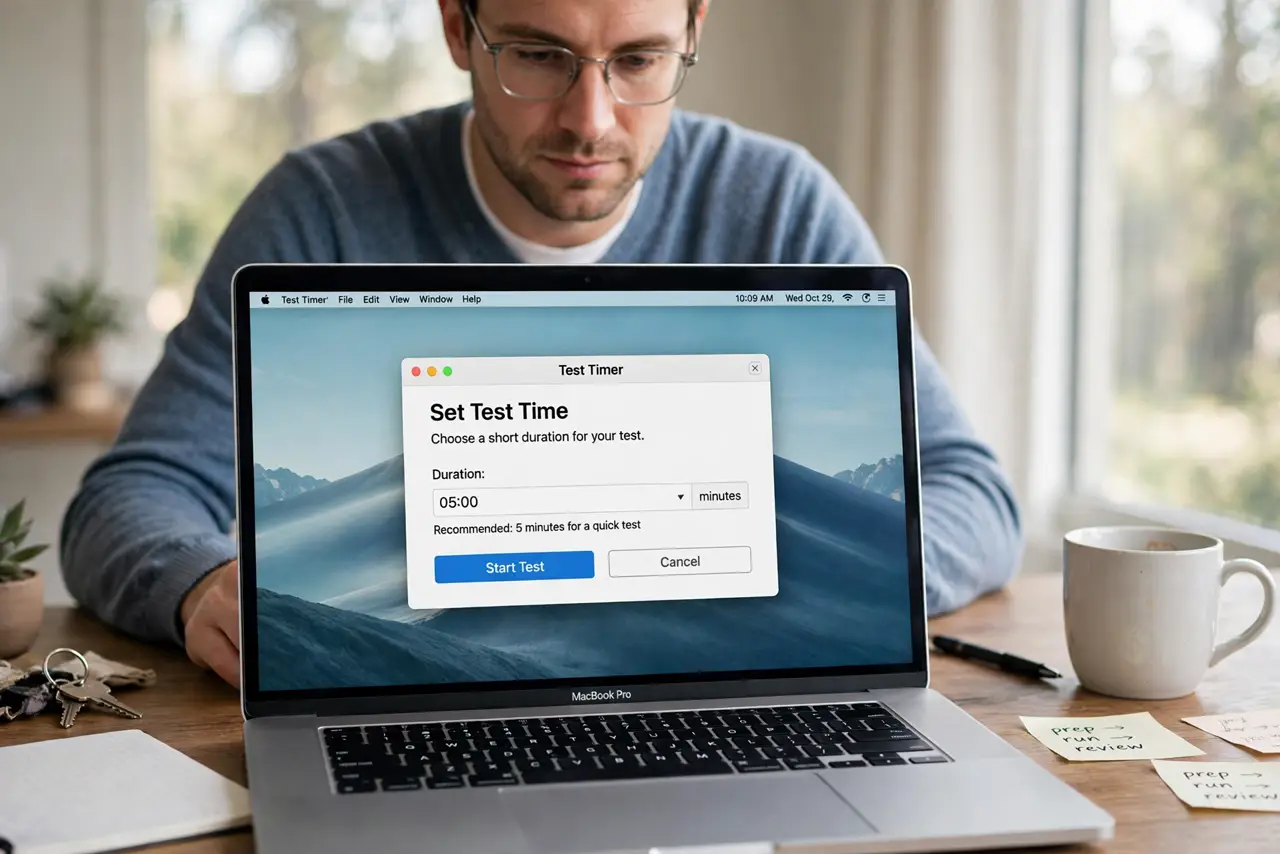
- Set a short test time. Open System Settings, then Screen Saver, and set the start time to two minutes for testing. A short time proves quickly whether the saver can start at all.
- Leave the Mac truly idle. Step away without touching the mouse, keyboard, or trackpad for the full test time. Any input resets the idle timer.
- Check Energy Saver settings. Open System Settings, then Energy Saver or Battery, and check sleep and display settings. A display set to never sleep can block the saver.
- Check for media playing. Pause videos, music, and video calls during the test. Playing media tells the Mac you are active, even if you stepped away.
- Check apps that prevent sleep. Some apps, such as video players and presentation tools, prevent sleep and screen savers. Quit them for the test and see if the saver starts.
- Restore your preferred time. Once the saver starts at two minutes, set the start time back to your preferred delay. Confirm it still starts at the longer delay the next day.
What NOT to do
- Do not set the screen saver to one minute permanently just to test. Use a short time for testing, then restore a sensible delay.
- Do not install a screen saver app to fix this. The built-in saver works once idle, energy, and media blocks are cleared.
- Do not assume the saver is broken if media is playing. Media playback legitimately counts as activity and delays the saver.
- Do not leave the Mac idle with the mouse on a moving surface. Vibration or a nudged mouse resets the idle timer repeatedly.
Frequently asked questions
Why does my screen saver never start?
Usually media is playing, an app prevents sleep, or the start time is longer than you waited.
Is screen saver the same as display sleep?
No. The screen saver shows moving images after idle time, while display sleep turns the screen off. Both have their own settings.
What if the saver starts only sometimes?
An app that sometimes prevents sleep is likely the cause. Note which apps were open when it failed.