Change Screenshot Format
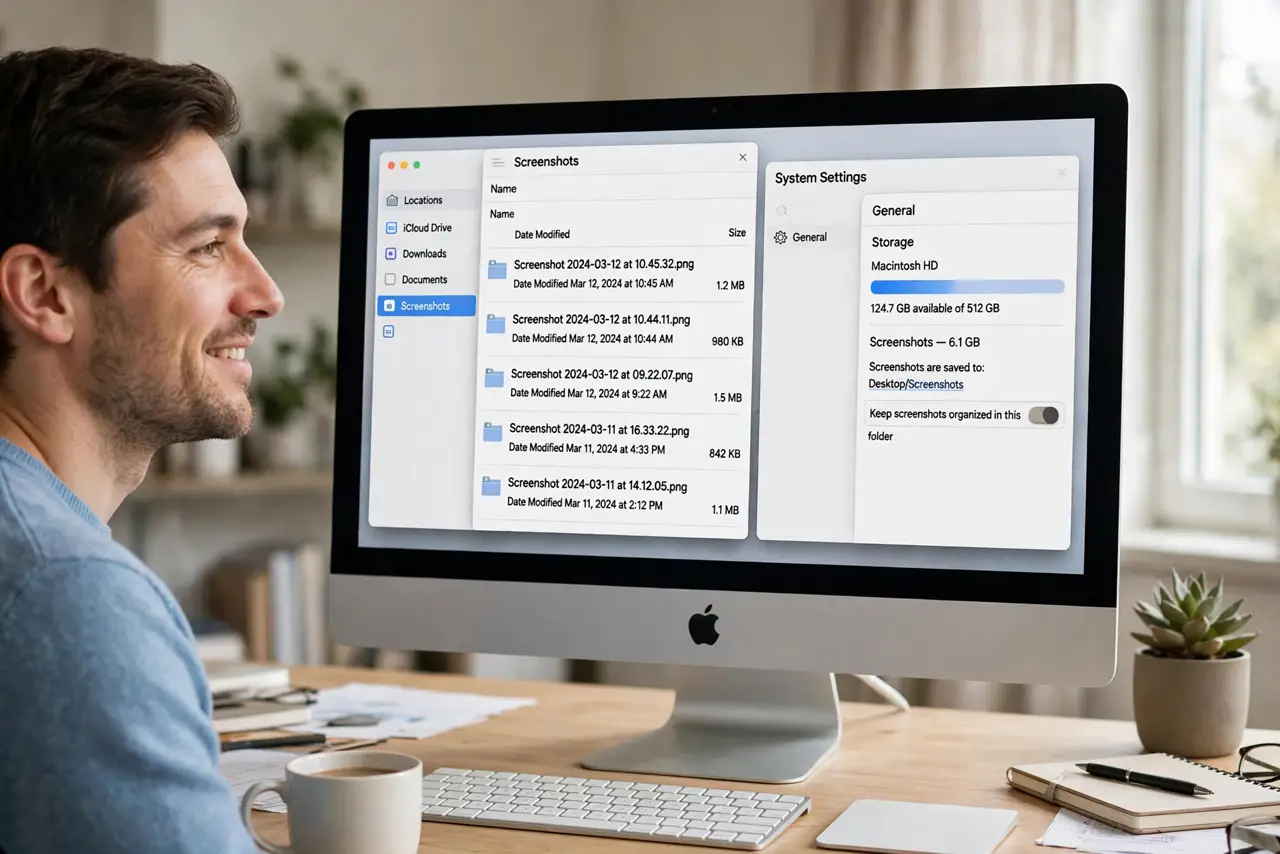
Every Mac screenshot saves as a PNG — crisp, but enormous. A dozen screenshots and your desktop is a graveyard of multi-megabyte files. macOS lets you switch the default to JPG for smaller files, and the screenshot options panel holds the rest of the tweaks. One terminal command or a settings visit fixes it permanently.
TL;DR / Quick Fix
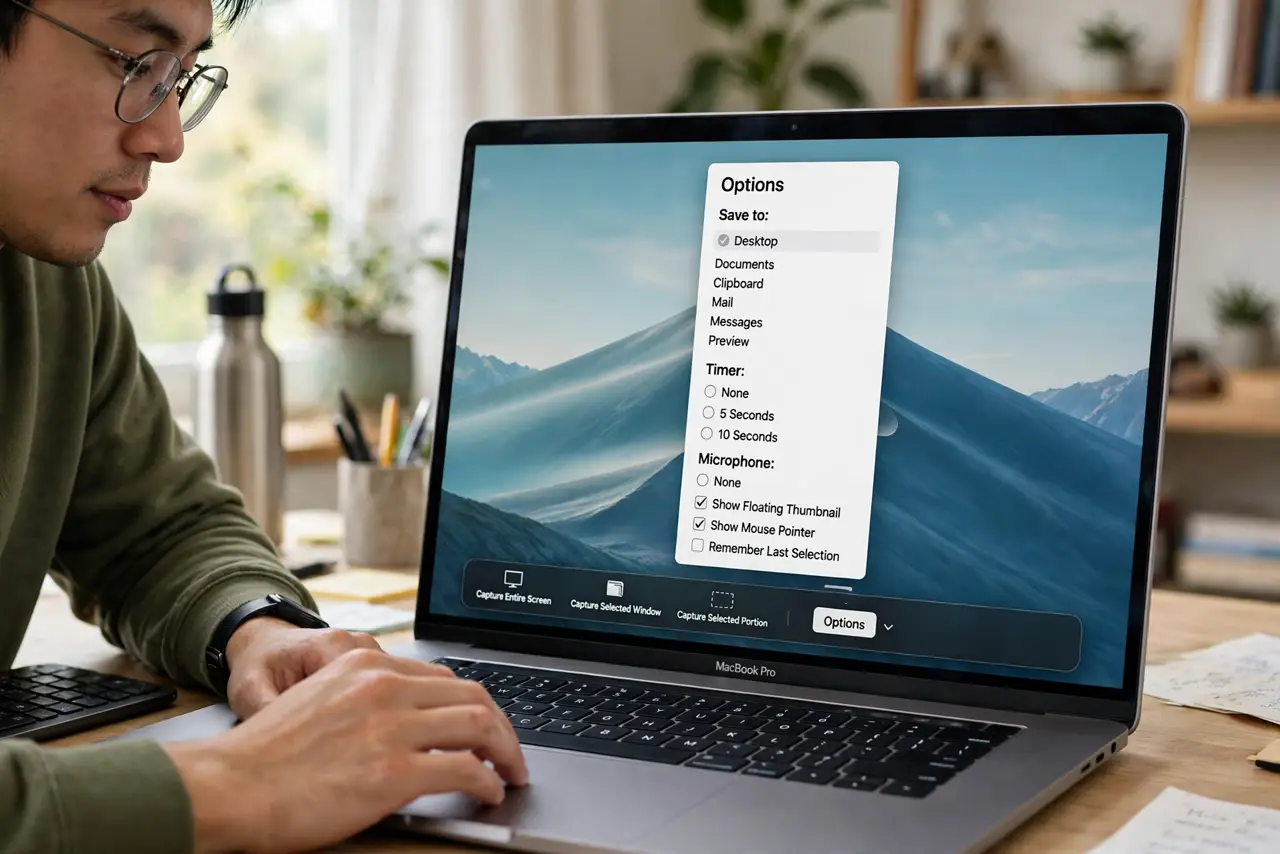
Quick fix: open the Screenshot app with Command-Shift-5, click Options, and change where shots save — for the format itself, a single Terminal command switches PNG to JPG permanently. Smaller files, same visible quality for sharing. Keep PNG only when you need pixel-perfect captures.
Follow these steps
- Open the Screenshot options. Press Command-Shift-5 to open the capture bar, then click Options. Save location, timer, and pointer visibility live here — the options tour covers the panel fully.
- Change the save location. Desktop is the default graveyard. Point screenshots at a dedicated folder — the pile-up problem disappears overnight.
- Switch the format via Terminal. For JPG instead of PNG, one defaults-write command in Terminal changes it permanently. Log out and back in — every future shot saves small.
- Know when to keep PNG. Pixel-perfect captures — bug reports, design work — deserve PNG. Sharing memes and chat screenshots does not; JPG is plenty.
- Trim the extras. The no-shadow tweak drops the drop shadow for cleaner window shots. Small settings, visibly tidier captures.
- Annotate quickly. The thumbnail preview opens markup instantly — arrows, text, crops. The quick annotate habit turns raw shots into clear explanations.
What NOT to do
- Do not screenshot everything as PNG forever. JPGs are a tenth the size for sharing — match format to purpose.
- Do not fear the Terminal command. It is one documented preferences change, reversible anytime.
- Do not save screenshots to Desktop indefinitely. A folder plus the format change ends the clutter double-punch.
- Do not share screenshots with sensitive info visible. Crop or redact first — screenshots leak more than people think.
Frequently asked questions
How do I change the screenshot format?
Via a Terminal defaults command switching PNG to JPG (or TIFF, PDF). It is persistent and reversible.
Will JPG look worse?
For sharing and chat, no visible difference. For archival or design work, keep PNG.
Where did my screenshots go?
Check the save location in Screenshot options — Command-Shift-5, Options — after any change.