Spilled on Your Mac?
Coffee arcs through the air in slow motion, lands across the keyboard, and your brain helpfully supplies the repair bill. What you do in the next sixty seconds matters more than anything that follows: power off, unplug, and get the liquid out — fast. Most spill deaths are not caused by the liquid; they are caused by electricity meeting liquid while the owner panics. Act first, mourn later. The keyboard spill guide covers external keyboards too.
TL;DR / Quick Fix
Quick fix: if liquid hits your Mac, power it off immediately, unplug everything, flip it upside down in a tent shape, and do not turn it on for 48 hours. Speed matters more than technique — every second powered on risks a short.
Follow these steps
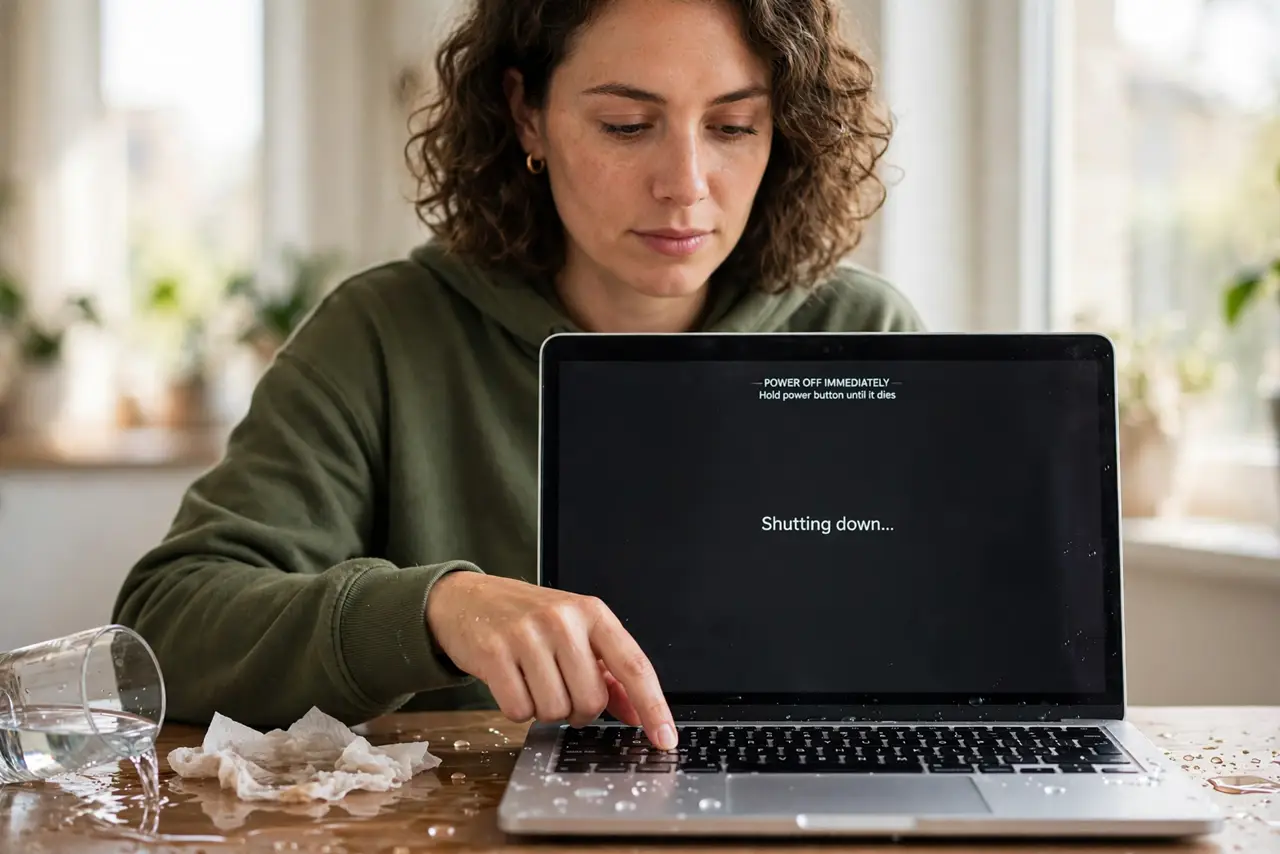
- Power off immediately. Hold the power button until it dies. Do not save work, do not close apps gracefully — every powered second lets liquid short live circuits.
- Unplug everything. Charger, dongles, external drives — all of it, now. Electricity plus liquid is the killer; remove the electricity.
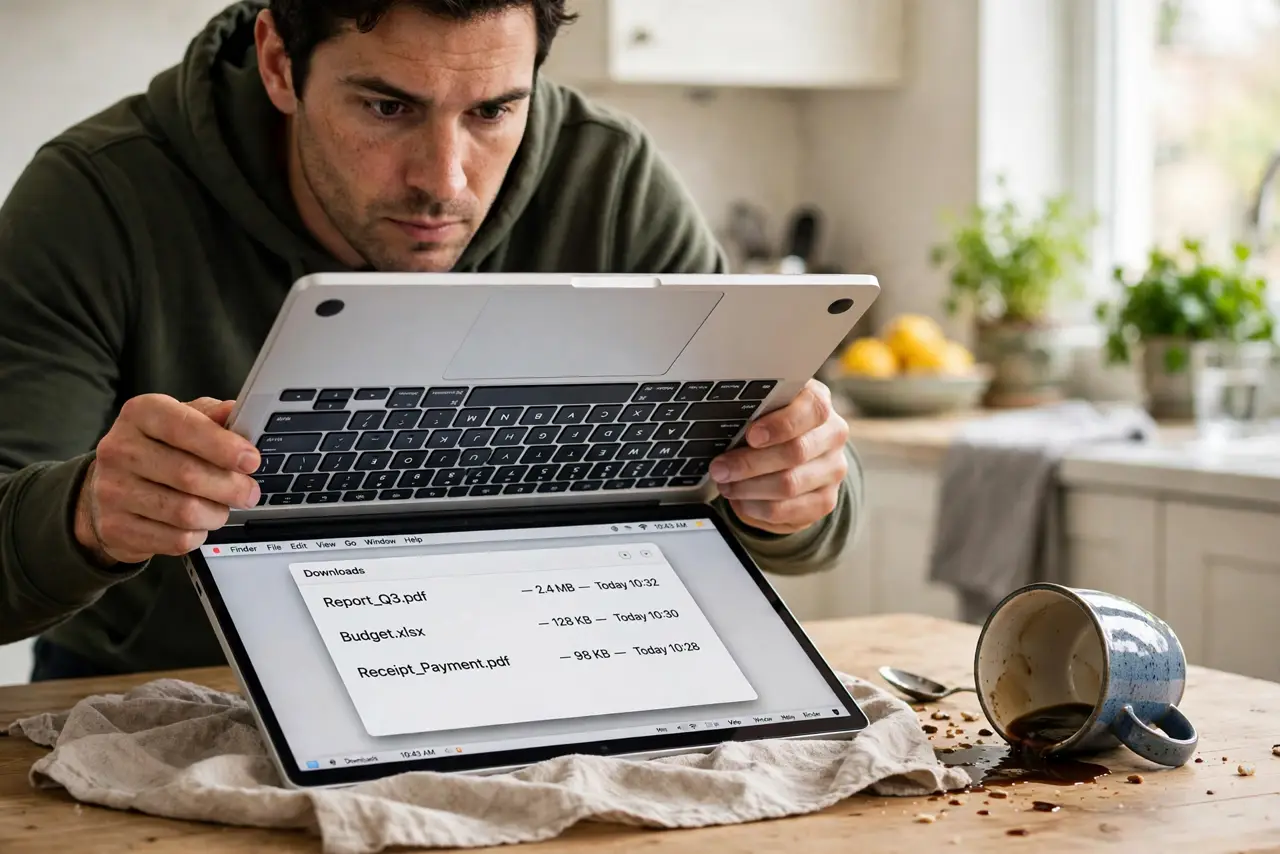
- Flip it upside down. Open the Mac into an inverted V (tent shape) over a towel so liquid drains out instead of deeper in. Do not shake it.
- Blot, do not wipe. Dab visible liquid with a dry cloth or paper towel. Wiping pushes liquid into crevices; blotting lifts it out.
- Wait at least 48 hours. Let it dry completely in a warm, airy spot — not on a radiator, not with a hair dryer. Patience here saves logic boards.
- Get it checked before trusting it. Even if it boots, corrosion starts silently. A professional cleaning soon after the spill prevents the slow death weeks later.
What NOT to do
- Do not turn it on 'just to check.' The check is what kills it — powered circuits plus moisture equals shorts.
- Do not use rice. Rice dust gets inside and the myth outlived its usefulness — airflow and time work better.
- Do not use a hair dryer. Heat warps components and drives moisture deeper; room-temperature air is the fix.
- Do not assume surviving means fine. Corrosion blooms over weeks — the professional cleaning is not optional.
Frequently asked questions
Will AppleCare cover a spill?
Liquid damage is accidental damage — covered under AppleCare+ with a service fee, not under the standard warranty.
How long before I know it survived?
If it works after 48 hours and a professional cleaning, odds are good. Watch for flaky keys or ports over the next month.
Is plain water less dangerous?
Somewhat — but minerals in water still corrode. Treat every spill with the same urgency.