Spilled Coffee on the Keyboard? Do This First
Coffee just went across your keyboard. The next sixty seconds decide whether this is a cleanup story or a dead-keyboard story. Power, position, and patience — in that order — give your keyboard its best chance of survival.

TL;DR / Quick Fix
Quick fix: power off immediately and flip the keyboard face-down so liquid drains out instead of in. Do not try to type-test it while wet. Let it dry for at least 48 hours before powering on — patience now saves the keyboard later.
Follow these steps
- Power off immediately. Hold the power button to shut down now. Electricity plus liquid causes the short circuits that kill keyboards — every second powered matters.
- Flip it face-down. Turn the keyboard or laptop upside down in a tent position so liquid drains out. Gravity is your best tool in the first minute.
- Disconnect power and peripherals. Unplug the charger and remove USB devices. For removable-battery laptops, take the battery out if you can do it quickly.
- Blot, do not wipe. Dab up pooled liquid with a dry cloth. Wiping spreads coffee across more keys and pushes it deeper under them.
- Do not use heat to dry it. No hair dryers, no radiators. Heat warps keycaps and bakes sugar onto contacts — air-dry at room temperature.
- Wait a full 48 hours. Let it dry upside down for at least two days before powering on. Testing too early is the most common way a survivable spill becomes a dead keyboard.
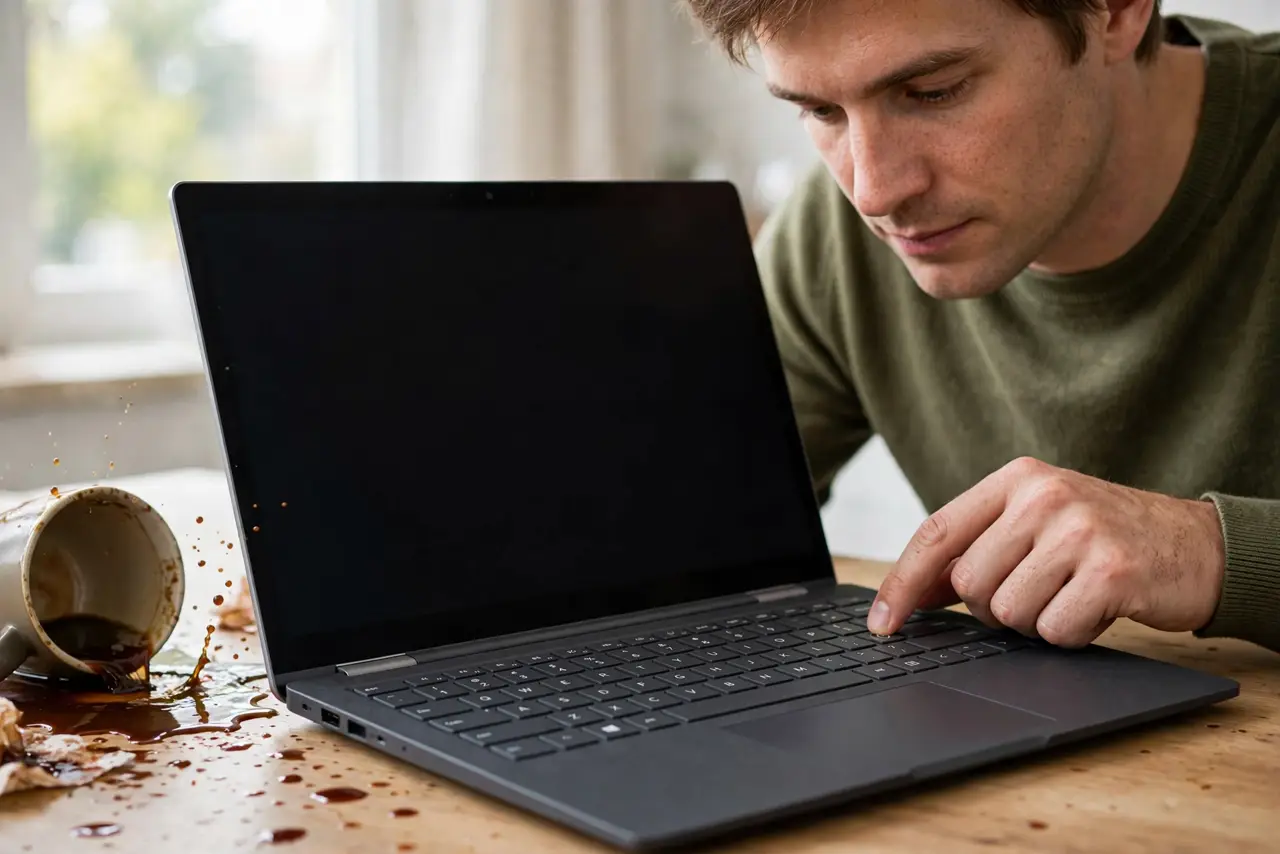
What NOT to do
- Do not keep typing to 'see if it still works.' Power plus liquid is what causes damage — every keypress while wet risks a short.
- Do not use a hair dryer. Heat warps plastic and bakes sugary residue onto the contacts permanently.
- Do not turn it right-side up to check. Flipping it back lets pooled liquid run deeper into the machine.
- Do not assume sticky keys mean it is ruined. Sugar residue can often be cleaned once fully dry — see sticky keys for the cleanup — but test only after the full drying time.
Frequently asked questions
Will my keyboard survive a coffee spill?
Often yes, if you power off fast, drain it upside down, and wait the full drying time. Speed of response matters most.
Is water worse than coffee?
Coffee is worse — sugar and milk leave conductive, corrosive residue. Plain water dries cleaner if handled fast.
When should I give up on the keyboard?
If keys stay dead after 48 hours of drying and cleaning, the damage is likely permanent — replacement time.