Tap to Click? Turn It On
Clicking the trackpad physically gets tiring fast, especially on a MacBook you use all day. Tap to click lets you tap the surface lightly instead of pressing it down — the same action, a fraction of the effort. It is off by default, which is why many new Mac owners never discover it. Turning it on takes about ten seconds in Settings.
TL;DR / Quick Fix
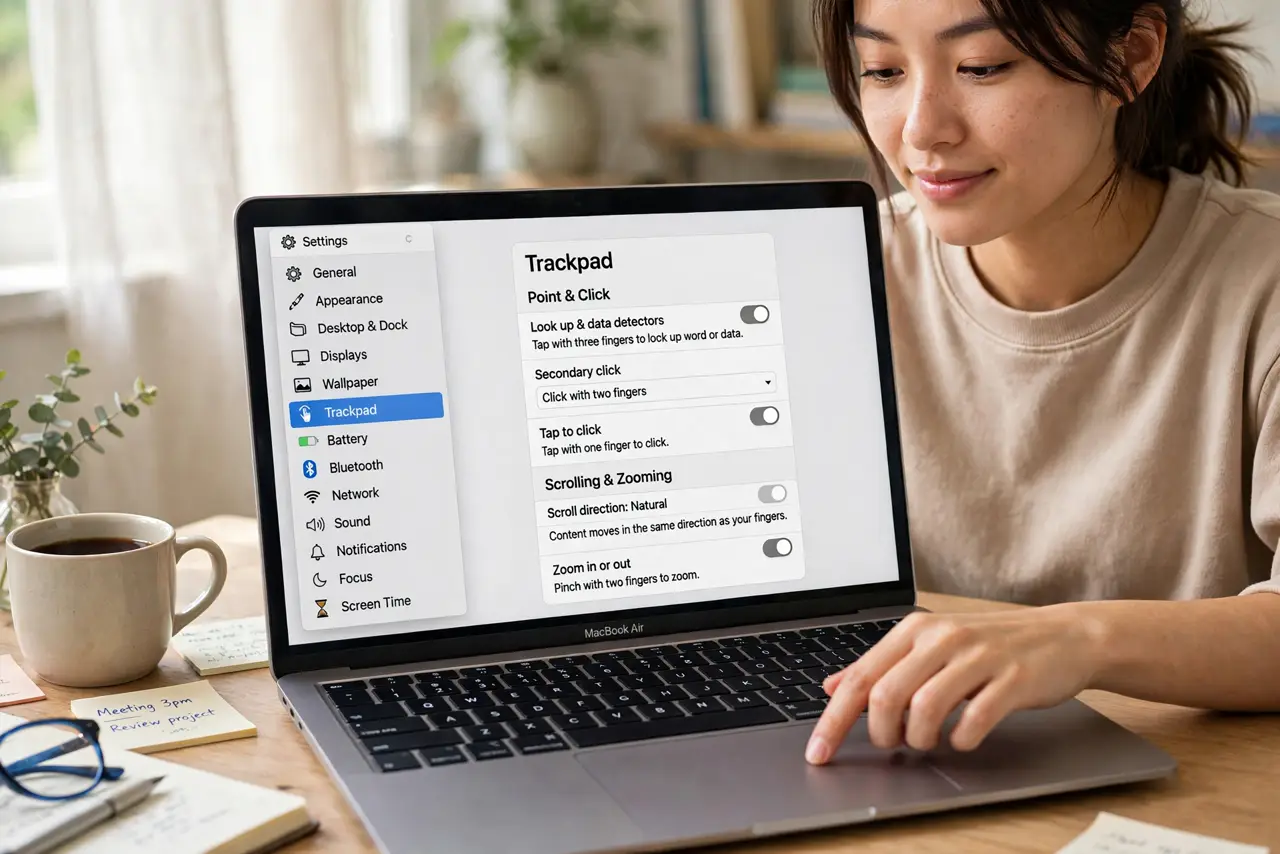
Quick fix: open System Settings, go to Trackpad, and turn on Tap to Click under Point and Click. You can then tap the trackpad lightly instead of pressing it down. Most people also like enabling it for secondary click, so a two-finger tap right-clicks without pressing hard.
Follow these steps
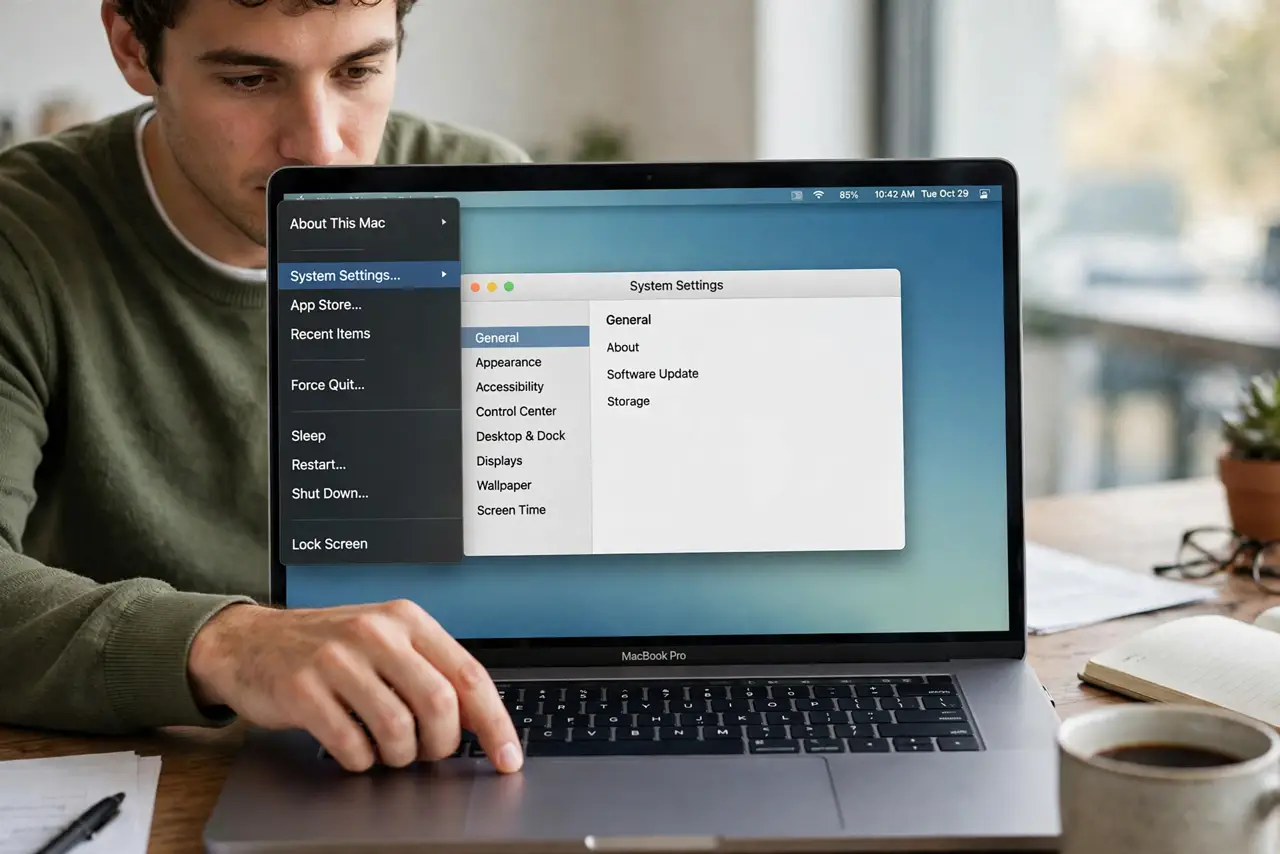
- Open System Settings. Click the Apple menu and choose System Settings. Everything trackpad-related lives here, in one panel, so you will not need to hunt through multiple menus.
- Go to the Trackpad panel. Click Trackpad in the sidebar. The Point and Click tab holds the main clicking behavior, including tap to click.
- Turn on Tap to Click. Flip the Tap to Click switch on. From now on, a light tap selects and clicks — no pressing needed.
- Set up secondary click too. Under the same tab, enable secondary click with a two-finger tap. This gives you right-click behavior without the deep press.
- Adjust tracking speed while you are here. Tap users often like a slightly faster pointer since tapping is so light. Nudge the tracking speed to match your hand — see the scroll speed guide for related tuning.
- Give it a day to feel natural. If you have pressed to click for years, tapping feels strange for an hour. Almost everyone sticks with it after a day.
What NOT to do
- Do not press harder when taps stop working. Taps need lightness — pressing is the habit you are replacing.
- Do not enable tap to drag unless you want it. That is a separate option under Accessibility, and it changes how selections behave.
- Do not turn it on for someone else's Mac without asking. Pointer habits are personal — what feels effortless to you may annoy them.
- Do not confuse tap to click with Force Touch. Force Touch is the deep press with haptic feedback; tap to click replaces the ordinary press only.
Frequently asked questions
Will tap to click wear out my trackpad faster?
If anything, it wears it less — taps use the sensor, not the physical press mechanism. Heavy clickers actually extend trackpad life by switching.
Why does tapping sometimes not register?
Taps that are too heavy read as presses, and too-light brushes read as nothing. A quick, deliberate tap is the sweet spot.
Does tap to click work on external trackpads?
Yes — Apple's Magic Trackpad follows the same setting. Third-party trackpads depend on their own drivers.