Tune Trackpad Clicks
Every click feels either mushy or hair-trigger, and right-clicking is a coin flip. The Mac trackpad's click pressure and haptics are adjustable — most people just never open the settings. This guide tunes click firmness, enables the deep Force Click, and fixes the gestures that misfire. For keyboard-side tuning, create custom shortcuts next.
TL;DR / Quick Fix
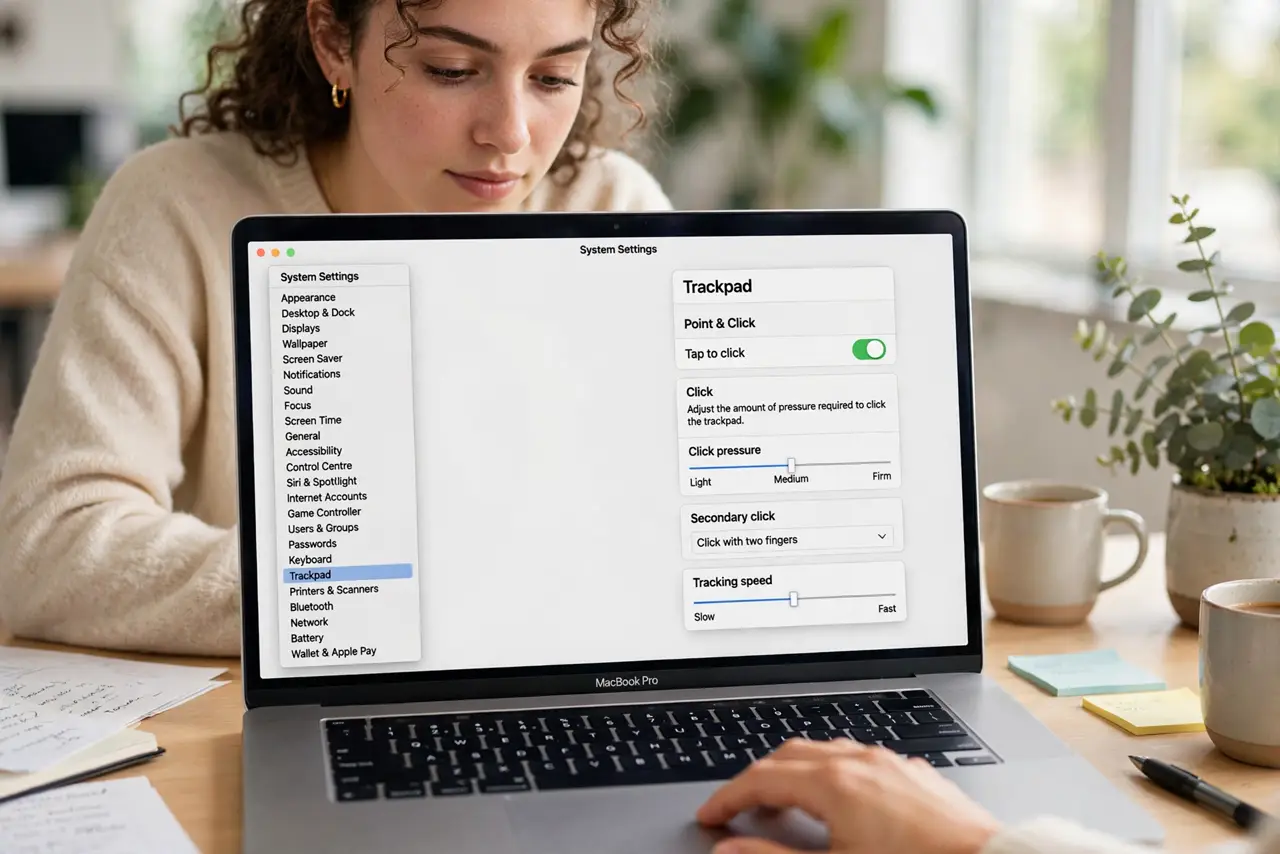
Quick fix: open System Settings, go to Trackpad, and set Click to your preferred firmness — Light, Medium, or Firm. Turn on Force Click for the deep-press shortcuts in apps. If right-click misfires, switch it to a corner click for reliability.
Follow these steps
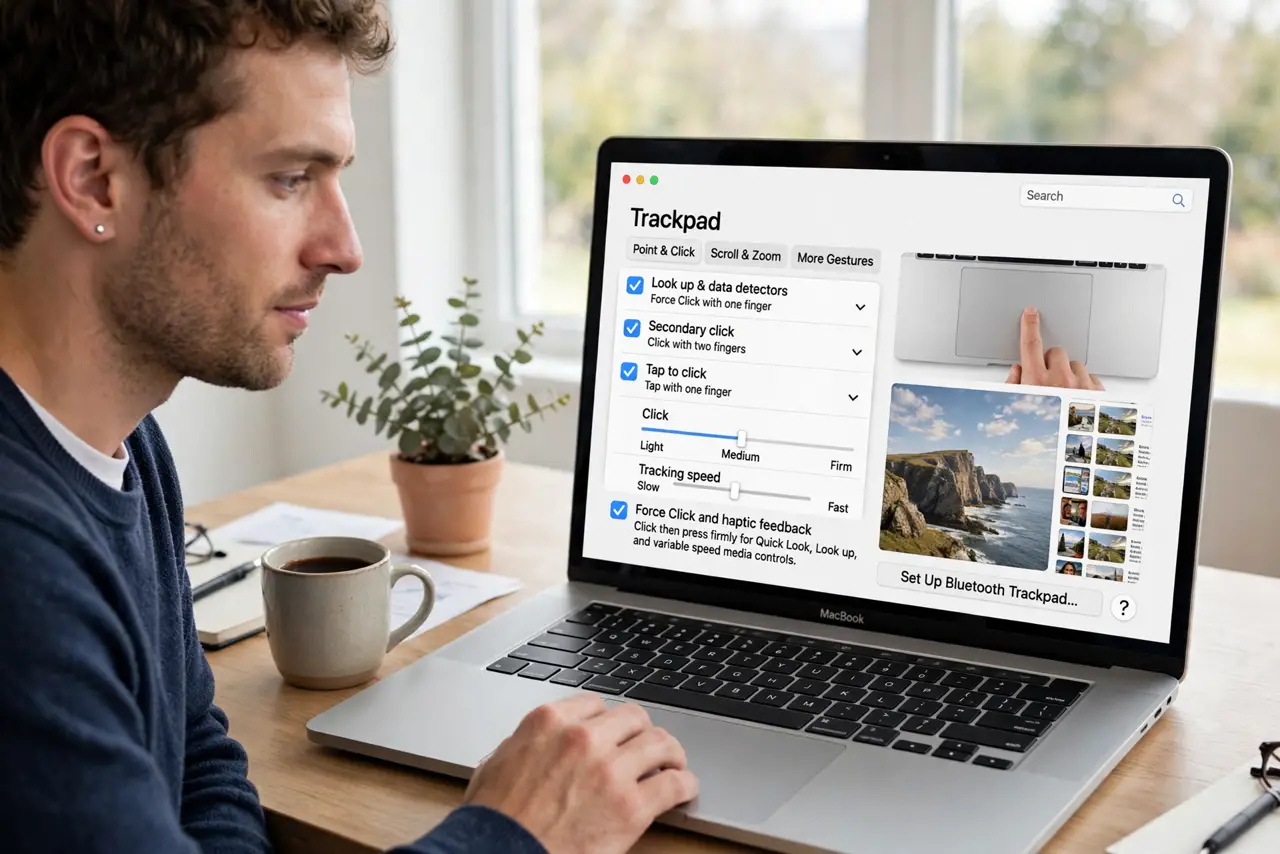
- Open Trackpad settings. Go to System Settings, then Trackpad. The Point and Click tab holds the pressure and click-style controls.
- Set click firmness. Choose Light, Medium, or Firm for the click feel. Light suits gentle tappers; Firm suits people who rest weight on the trackpad — pick what your fingers prefer.
- Enable Force Click. Turn on Force Click and haptic feedback. A deeper press then triggers shortcuts: previews in Finder, definitions in text, fast-forward in video — genuinely useful once learned.
- Fix right-click. Set Secondary click to a corner (bottom-right is classic) if two-finger taps misfire. Corner clicks are dramatically more reliable for many hands.
- Tune tracking speed. Adjust tracking speed so the pointer crosses the screen comfortably. Too slow wastes wrist motion; too fast overshoots targets — one notch at a time.
- Relearn the gestures you broke. After changing settings, spend five minutes retesting your common gestures. New muscle memory forms fast when you practice deliberately.
What NOT to do
- Do not press harder to fix a software setting. If clicks feel wrong, the setting is the fix — force damages nothing but your fingers.
- Do not enable every gesture at once. A trackpad with twelve gestures is a chaos pad — enable the five you will actually use.
- Do not ignore palm rejection issues. If the cursor jumps while typing, check the trackpad sensitivity before blaming the keyboard.
- Do not forget external trackpads differ. Apple's external trackpad has its own feel — tune it separately from the built-in one.
Frequently asked questions
What is Force Click?
A deeper press with haptic feedback that triggers contextual actions — dictionary definitions, file previews, map zoom. It is a whole extra button hiding in the trackpad.
Why does my trackpad feel different after an update?
Updates occasionally reset trackpad settings. Revisit the pane and restore your preferences — thirty seconds.
Can I make the trackpad click quieter?
The haptic 'click' is simulated — Light firmness feels quieter. True silence needs tap-to-click instead of physical clicks.