'Unable to Expand' Zip? Fix It
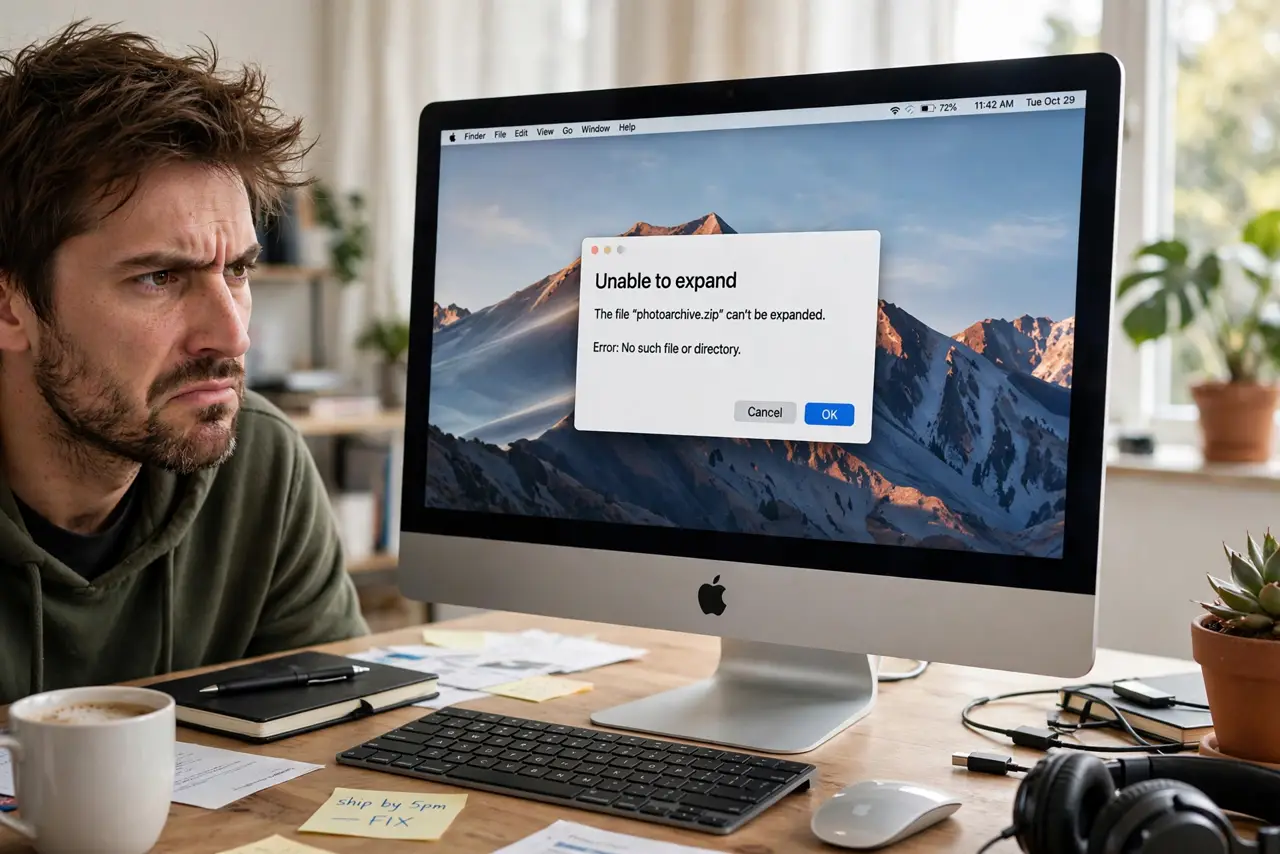
You double-click a zip and instead of files you get 'Unable to expand' with a cryptic error number. The archive is usually incomplete or corrupted — a download that died silently. Before re-downloading a 4 GB file, run these checks.
TL;DR / Quick Fix
Quick fix: the zip is most likely an incomplete download — download it again first, preferably with a stable connection. If the error persists, try opening it with a free third-party unarchiver, which tolerates damage better than the built-in tool.
Follow these steps
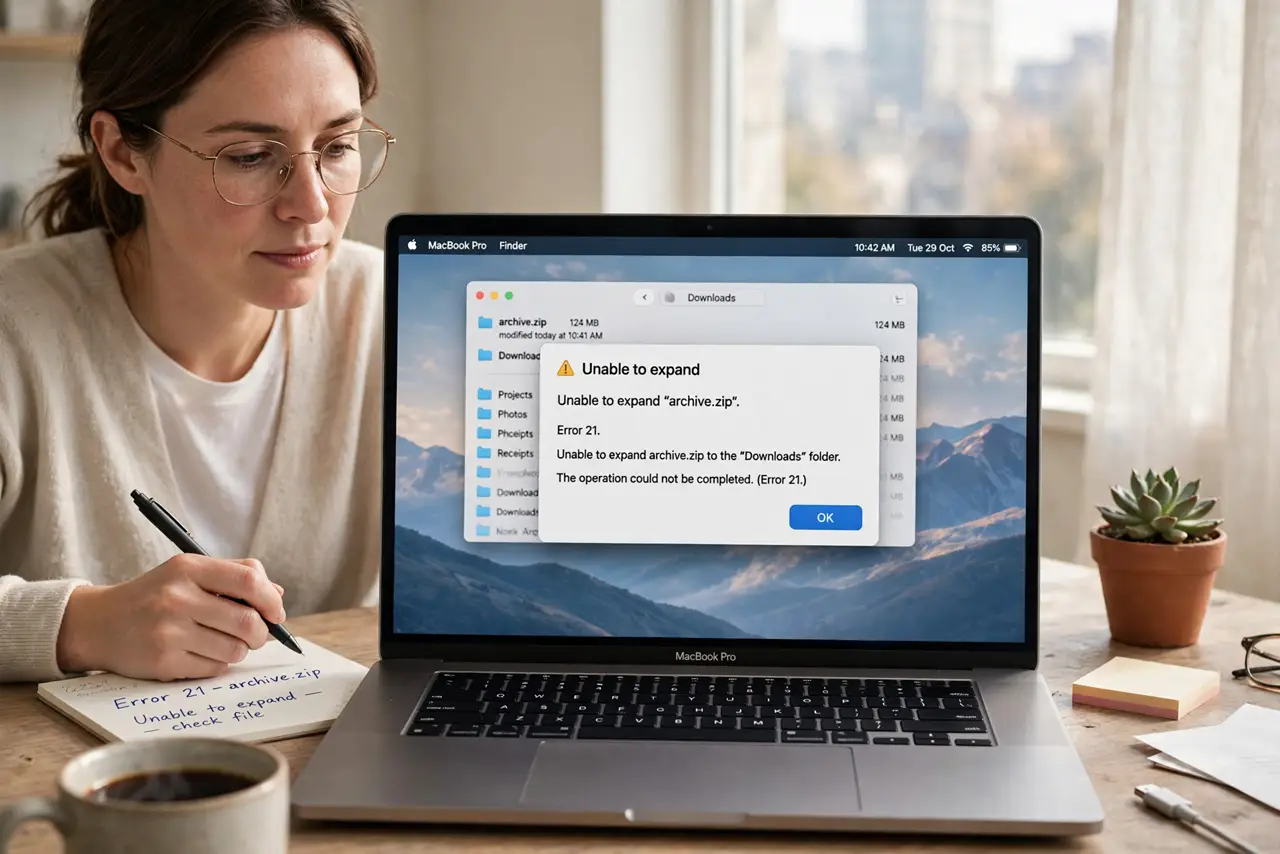
- Read the exact error. Error 1 often means corruption; error 2 often means the format isn't really a zip. The number narrows the hunt.
- Re-download the file. The top cause is a truncated download. Delete the bad copy and download again on a stable connection — don't resume a broken partial.
- Check the file size. Compare against the size the source advertises. A 40 MB file that downloaded as 12 MB was never going to expand.
- Try a third-party unarchiver. Free tools like The Unarchiver handle damaged and oddly-formatted archives far better than macOS's built-in expander. One open often succeeds where the Finder failed.
- Test whether it's password-protected. An encrypted zip with a wrong or missing password can produce expand errors instead of a clean password prompt — confirm with the sender.
- Run First Aid if the zip came from your own disk. Archives copied off a flaky drive inherit its errors. Check the drive with First Aid before blaming the zip.
What NOT to do
- Do not keep double-clicking a corrupt zip hoping it changes its mind. Every attempt just replays the same damaged data.
- Do not download 'zip repair' tools from ads. Most are junk or malware — a reputable free unarchiver is the safe try.
- Do not assume the sender's file is fine because 'it worked for them.' Their upload may have corrupted it; ask them to re-send or re-upload.
- Do not rename the extension to force it open. A .zip that's actually a .rar won't expand by renaming — use the right tool instead.
Frequently asked questions
What does Error 1 mean?
The archive's contents don't match its index — classic corruption, almost always from an incomplete download. Re-download first.
The zip opens on Windows but not Mac — why?
Different expanders tolerate different damage. The Mac's built-in tool is picky; a third-party unarchiver on the Mac usually opens what Windows opened.
Can a zip be too big to expand?
Not realistically on modern macOS — but the destination needs enough free space, roughly twice the archive size during extraction.