Open an App From an Unidentified Developer
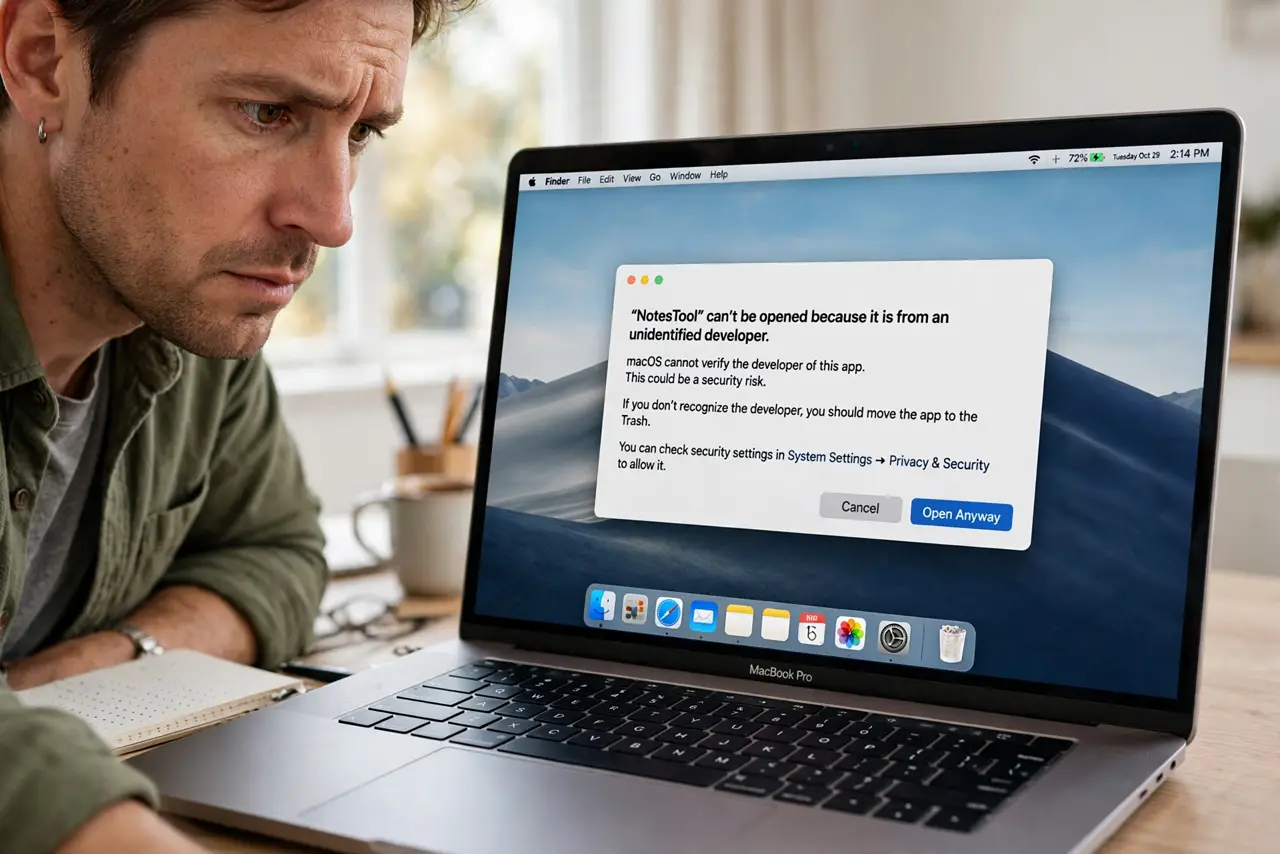
You downloaded an app from a small developer's site and macOS refuses to open it: 'cannot be opened because it is from an unidentified developer.' The app is not necessarily dangerous — the developer simply did not pay for Apple's notarization. This guide opens it safely when you trust the source.
TL;DR / Quick Fix
Quick fix: right-click the app and choose Open, then confirm in the dialog — macOS then trusts that specific app. Only do this for software you deliberately downloaded from a source you trust. Never bypass the warning for random email attachments.
Follow these steps
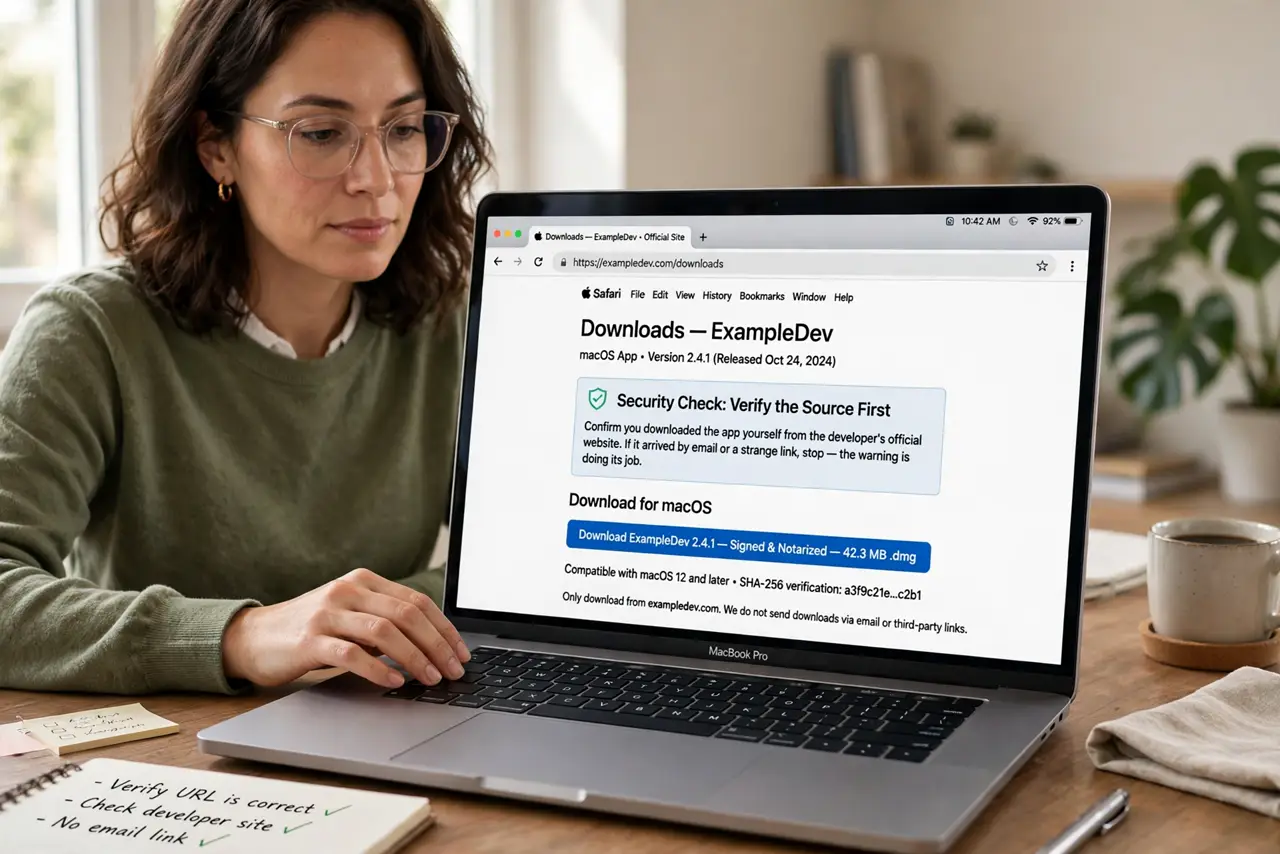
- Verify the source first. Confirm you downloaded the app yourself from the developer's official website. If it arrived by email or a strange link, stop — the warning is doing its job.
- Right-click and choose Open. In Finder, right-click (or Control-click) the app and choose Open. The dialog gains an Open button that double-clicking never shows.
- Confirm deliberately. Click Open in the dialog after reading it. This whitelists that one app — macOS remembers your choice and opens it normally from then on.
- Check for a notarized version. Visit the developer's site for a newer release. Many small developers eventually notarize, and the official build opens without any warning.
- Keep the app in Applications. Move the approved app to the Applications folder. Running it from a disk image or Downloads folder invites repeat warnings.
- Know when to walk away. If the developer is unknown, the site looks sketchy, or the app demands your password immediately, delete it. The warning exists for exactly this case.
What NOT to do
- Do not disable Gatekeeper to avoid the dialog. One approved app is safe; a disabled Gatekeeper lets everything through, including malware.
- Do not approve apps from email attachments. 'Unidentified developer' plus 'unexpected attachment' is the classic malware delivery pattern.
- Do not type your admin password for an app you just approved blindly. Legitimate apps rarely need it at first launch — question any that do.
- Do not assume open-source means safe to approve blindly. Check the project's reputation and download only from its official page.
Frequently asked questions
What does 'unidentified developer' mean?
The developer didn't register with Apple's notarization program. The app may be perfectly fine — macOS just cannot vouch for it.
Is it safe to open such an app?
Only when you chose the source deliberately and trust it. The right-click Open method is the safe, intended path.
Why doesn't double-clicking show an Open button?
By design. macOS reserves the override for the deliberate right-click gesture so accidental opens stay blocked.