Voice Control Commands Conflict on Mac
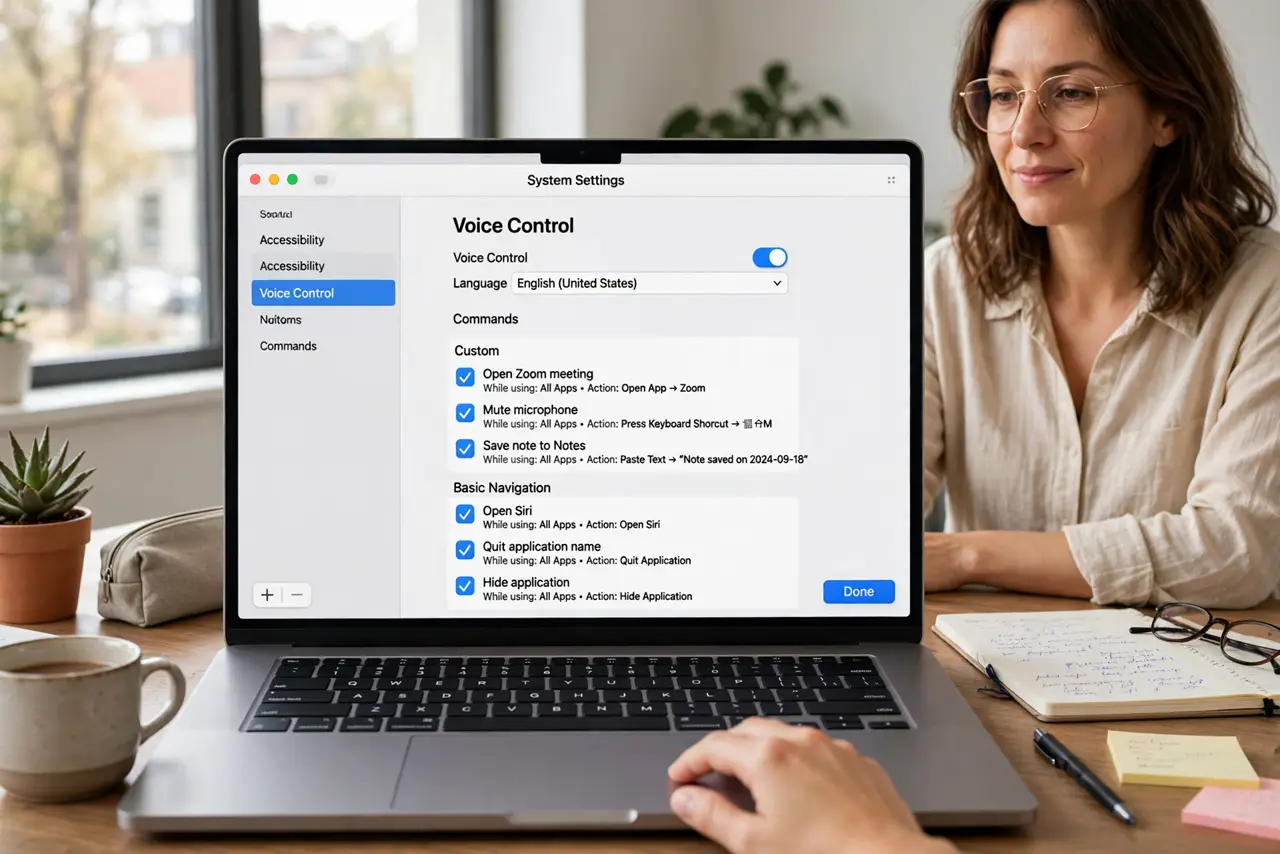
Voice Control commands conflict when two commands share a phrase, or a custom command overlaps a built-in one. The Mac then picks one, guesses, or does nothing, and the result looks random even though the conflict is systematic.
TL;DR / Quick Fix
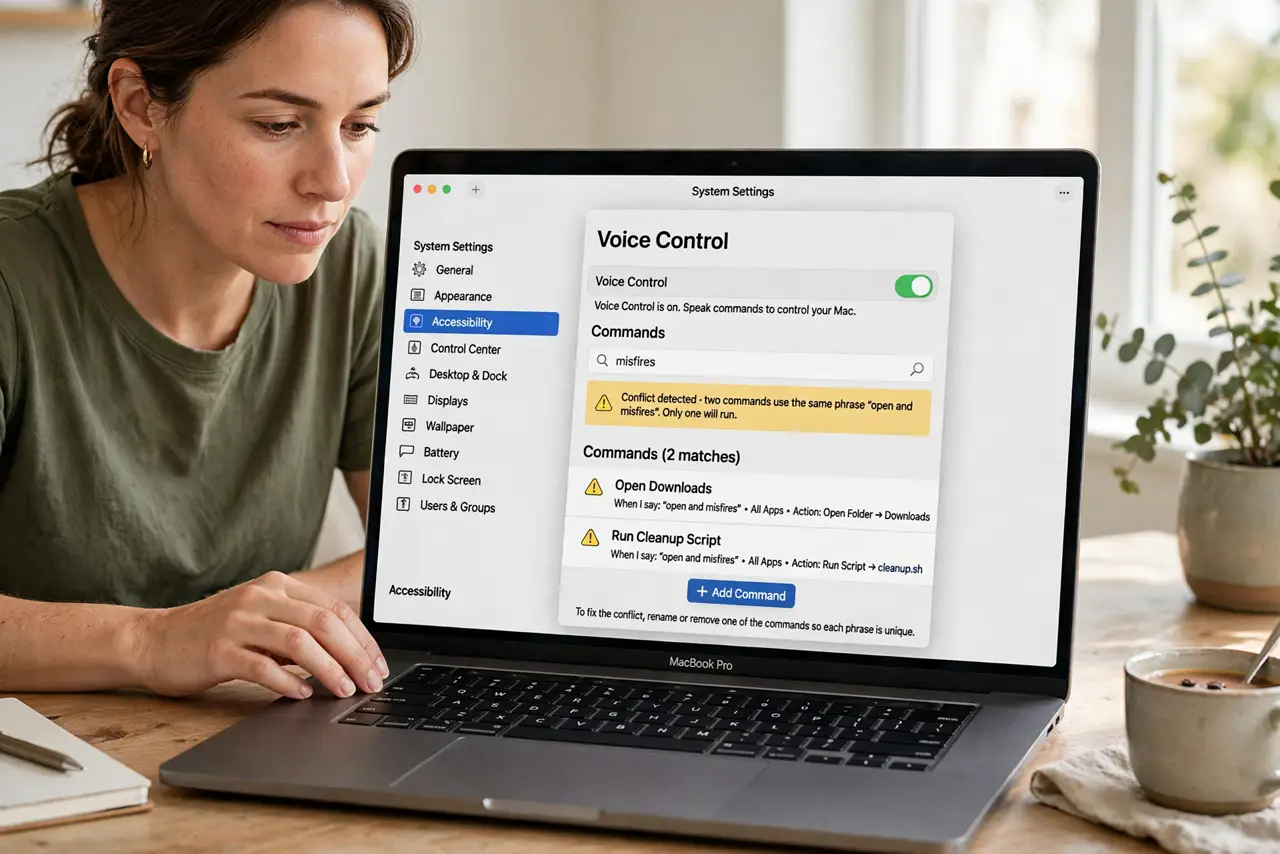
Quick fix: open Voice Control commands, search for the conflicting phrase, and rename your custom command to a distinct phrase. Then test each command alone, and remove any duplicate that still shares the same trigger words. Test the fix, then keep the setting that works.
Follow these steps
- Find the conflicting phrase. Open Voice Control command settings and search for the phrase that misfires. Seeing both commands that share it explains the conflict immediately.
- Rename the custom command. Give your custom command a longer, distinct phrase that no other command uses. Distinct trigger words are the core fix for command conflicts.
- Remove duplicates. Delete any duplicate custom command that shares the same phrase. Two commands cannot share one trigger, so one of them must go or be renamed.
- Check built-in commands. Confirm your custom phrase does not overlap a built-in Voice Control command. Built-in commands win or interfere, so custom phrases must avoid them.
- Test one command at a time. Speak each command alone and confirm the right action fires. Testing alone isolates the conflict, while testing in a chain hides which command actually ran.
- Keep a command list. Write down your custom commands and their exact phrases. A list prevents future conflicts when you add a new command months later.
What NOT to do
- Do not keep adding commands with similar phrases. Similar triggers guarantee conflicts, so distinct phrasing is a requirement, not a nicety.
- Do not delete built-in commands to make room for customs. Built-in commands serve accessibility needs, and custom phrases should work around them instead.
- Do not test conflicts by shouting the phrase repeatedly. Repeated attempts do not resolve a conflict, and they can trigger unintended actions.
- Do not assume Voice Control is broken from one conflict. A single phrase collision explains the symptom, and renaming fixes it without touching anything else.
Frequently asked questions
Why do my Voice Control commands conflict?
Because two commands share a phrase, or a custom command overlaps a built-in one, so the Mac cannot tell which action you meant.
How do I fix a conflict?
Rename the custom command to a distinct phrase, remove duplicates, and test each command alone to confirm the right action fires.
Can custom commands override built-in ones?
No, reliably. Custom phrases should avoid built-in commands, since built-ins can win or interfere with your custom action.