Share Wi-Fi Passwords?
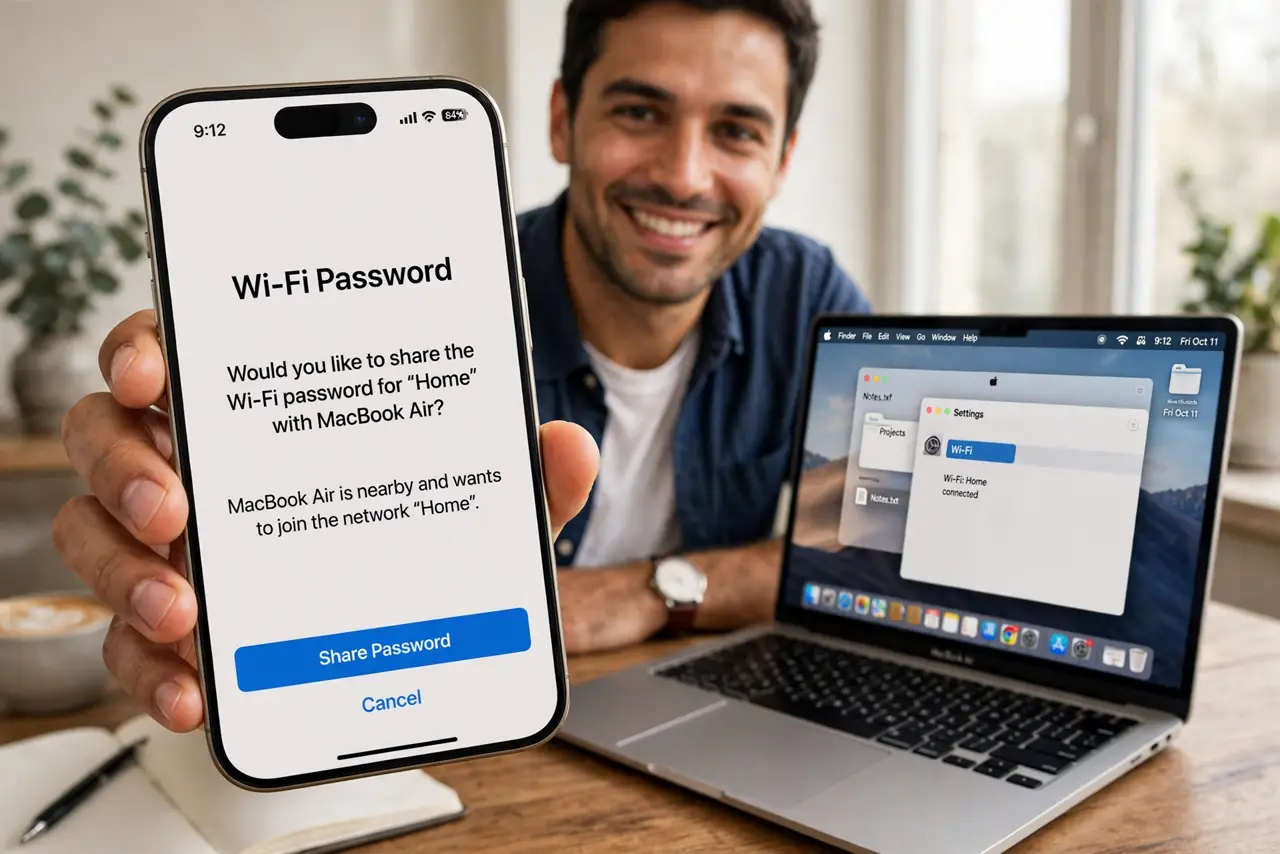
Someone visits, asks for the Wi-Fi password, and you have no idea what it is — your Mac knows, though. Apple devices can share Wi-Fi passwords with a tap when they are near each other, no dictation of long random strings. Here is how the sharing works and how to look up a password when you need the actual text.
TL;DR / Quick Fix
Quick fix: to share Wi-Fi from your Mac, keep Wi-Fi and Bluetooth on and the visitor in your contacts — a Share Password prompt appears automatically. To see the actual password, check Wi-Fi settings or Keychain Access on the Mac. For non-Apple guests, use a QR code instead.
Follow these steps
- Use automatic sharing with Apple guests. Unlock your Mac, keep it near the visitor's iPhone, and have them join your network — a Share Password prompt pops up on your Mac. One tap and they are in, no password spoken aloud.
- Meet the requirements. Both devices need Wi-Fi and Bluetooth on, Personal Hotspot off, and each person's Apple Account email in the other's contacts. Miss one and the prompt never appears.
- Look up the actual password. On the Mac, open System Settings > Wi-Fi, click the (i) next to the network, and reveal the password — or find it in Keychain Access. Useful when the guest has an Android phone.
- Share with non-Apple devices. For Android or Windows guests, dictate the password or generate a Wi-Fi QR code they can scan. The change-password guide helps if the current one is unshareable gibberish.
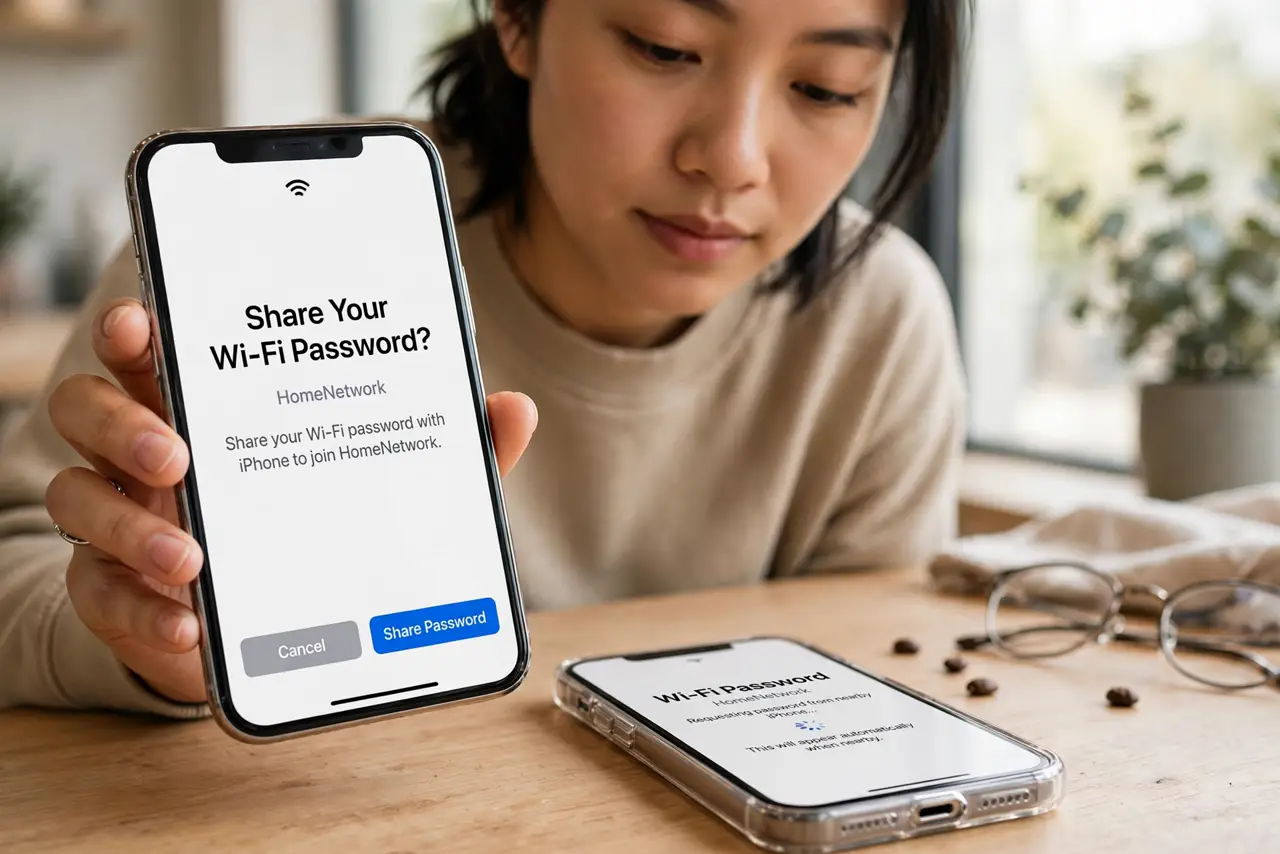
- Fix the prompt that never appears. Toggle Bluetooth off and on both devices, confirm contacts entries match Apple Account emails, and move the devices closer. The repeated-password-prompt fixes cover the stubborn cases.
- Rotate the password after guests leave. If you shared the real password widely, change it afterward — or better, put guests on a separate network from the start.
What NOT to do
- Do not share your main password with a house full of strangers. A guest network exists for exactly this situation.
- Do not read the password aloud in public. Shoulder-surfers are real — use the automatic prompt or a QR code.
- Do not forget the contacts requirement. The automatic prompt silently fails without mutual contact entries — check that first.
- Do not leave the password on a sticky note by the router. Convenient for guests, convenient for everyone else too.
Frequently asked questions
Why isn't the Share Password prompt appearing?
Usually Bluetooth off, not in each other's contacts, or Personal Hotspot on. All three are required simultaneously.
Can I share Wi-Fi with an Android phone from my Mac?
Not automatically — look up the password on the Mac and share it manually, or make a QR code the phone can scan.
Is sharing my Wi-Fi password risky?
Mildly — anyone with it can see network devices. For frequent guests, a separate guest network is the cleaner answer.
What to read next
- Change Your Wi-Fi Password?
- Mac Keeps Asking Wi-Fi Password?