Change Tone with Writing Tools
Your draft sounds like a legal notice when you wanted friendly, or too casual when you needed professional. Mac Writing Tools can rewrite a passage in a different tone — friendly, professional, concise — right where you are typing. Here is how to summon it, pick a tone, and keep your own voice in the result.
TL;DR / Quick Fix
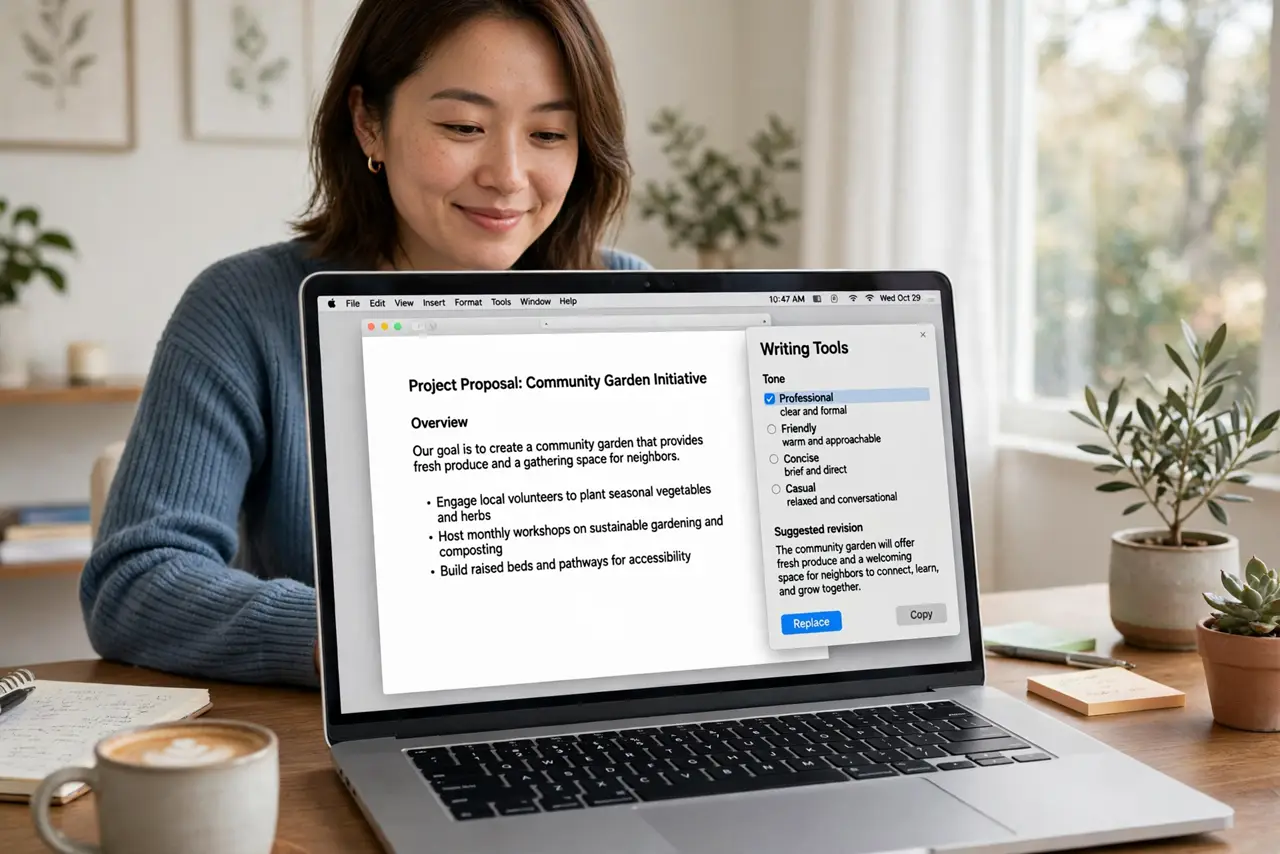
Quick fix: select your text, right-click, and choose Writing Tools, then Rewrite with a tone like Friendly or Professional. Review the result and accept or retry — the tool rewrites, you decide. It works in Mail, Notes, and most apps where you type.
Follow these steps
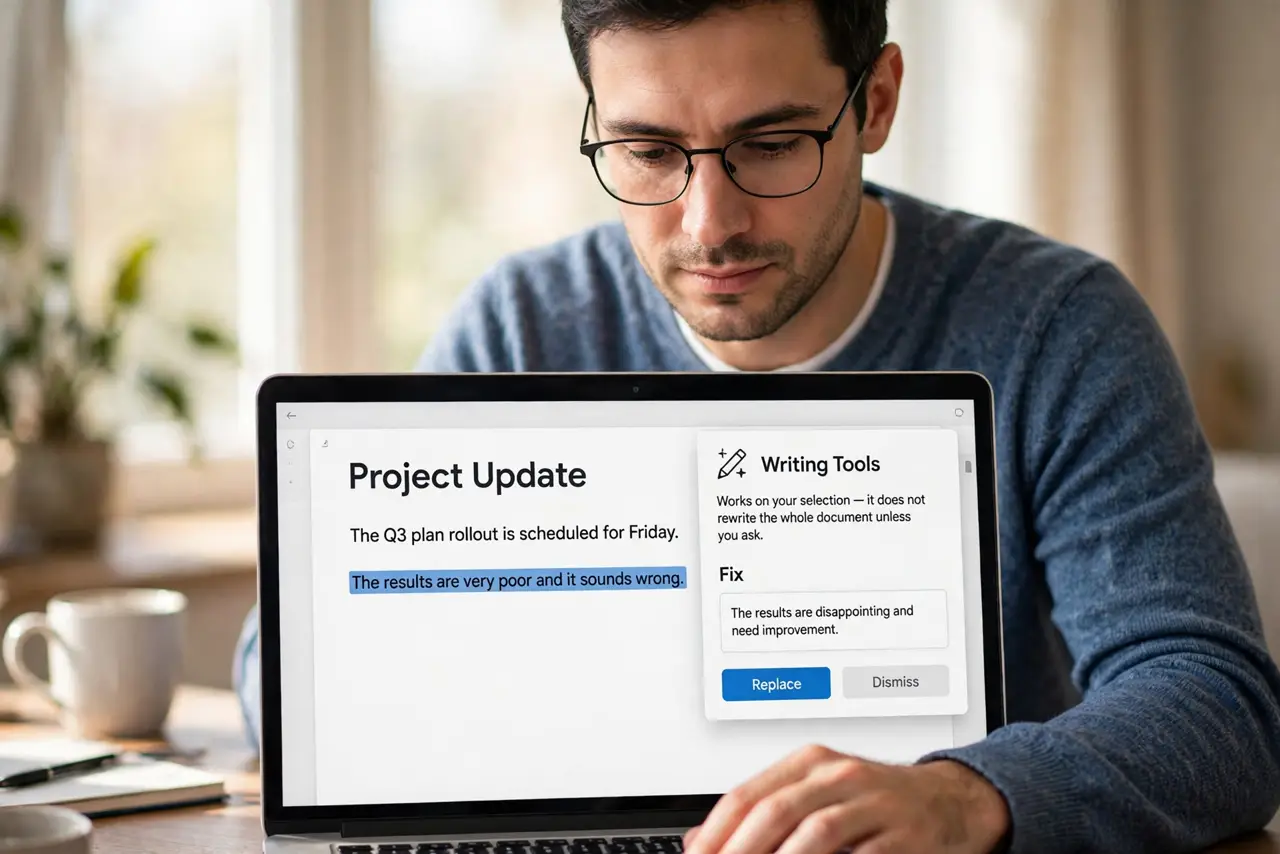
- Select the text to fix. Highlight the sentence or paragraph that sounds wrong. Writing Tools works on your selection — it does not rewrite the whole document unless you ask.
- Open Writing Tools. Right-click the selection and choose Writing Tools from the menu. In some apps it also appears in the Edit menu. Learn where it lives with the Writing Tools anywhere guide.
- Pick Rewrite and choose a tone. Choose Rewrite, then pick Friendly, Professional, or Concise. The tool shows the new version next to your original so you can compare.
- Review before accepting. Read the rewrite out loud. AI tone shifts can flatten your personality or change your meaning — keep what works, retry or edit what does not.
- Try the iPhone version too. The same tools exist on iPhone when you select text — see the iPhone Writing Tools for the mobile steps. Same tones, smaller screen.
- Know its limits. Tone tools polish wording; they cannot fix a muddled message. If the rewrite still feels off, the problem is usually the structure, not the tone — rewrite the idea first.
What NOT to do
- Do not accept the first rewrite blindly. Tone tools sometimes change your meaning — always read the result before sending.
- Do not use Professional tone for everything. Constant formality reads as cold; match the tone to the person, not the tool's default.
- Do not expect it in every app. Some third-party apps do not support Writing Tools — if the menu item is missing, the app opted out.
- Do not paste sensitive text without thinking. Rewrites may be processed online; skip it for confidential or legal documents.
Frequently asked questions
Which tone should I use for work email?
Professional for first contact and formal requests, Friendly for people you know. Concise is best when the email is already too long.
Why is Writing Tools missing from the menu?
Your Mac needs Apple Intelligence and a supported app. Older Macs and some third-party apps will not show it.
Can it make text shorter?
Yes — Concise tone trims wordiness. It is the fastest way to cut a rambling paragraph down to size.