Try 25-Minute Meetings
Your calendar is a wall of back-to-back 30-minute meetings, each one starts late because the last one ran over, and nobody has time to breathe — let alone think. The fix is beautifully simple: make 25 the new 30 and 50 the new 60. Those reclaimed minutes compound into actual breaks, and shorter meetings mysteriously get sharper. This pairs perfectly with the no-agenda rule.
TL;DR / Quick Fix
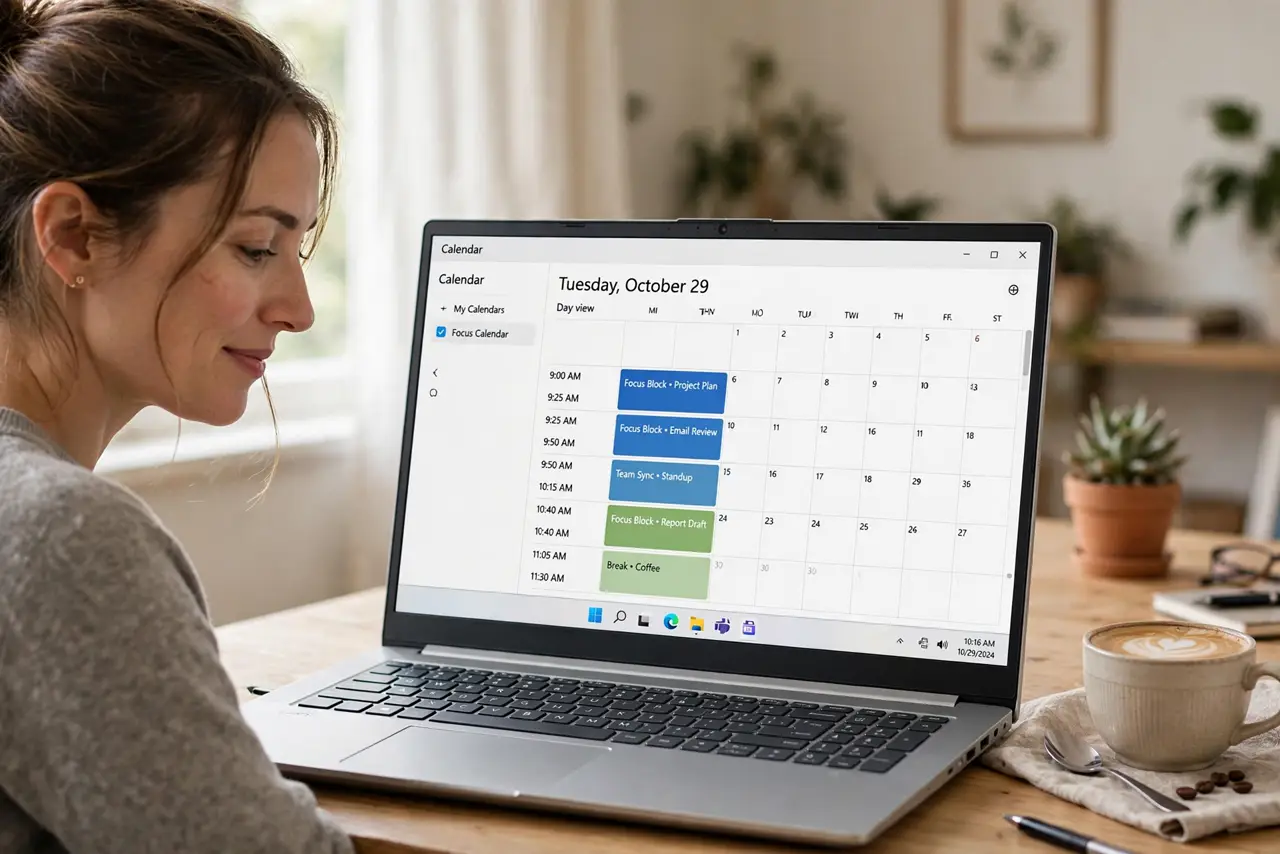
Quick fix: shrink default 30-minute meetings to 25 and 60-minute ones to 50 — the built-in buffer gives everyone breathing room between calls. Shorter meetings also force tighter agendas. Set the shorter defaults in your calendar app once and enjoy the gift of time.
Follow these steps
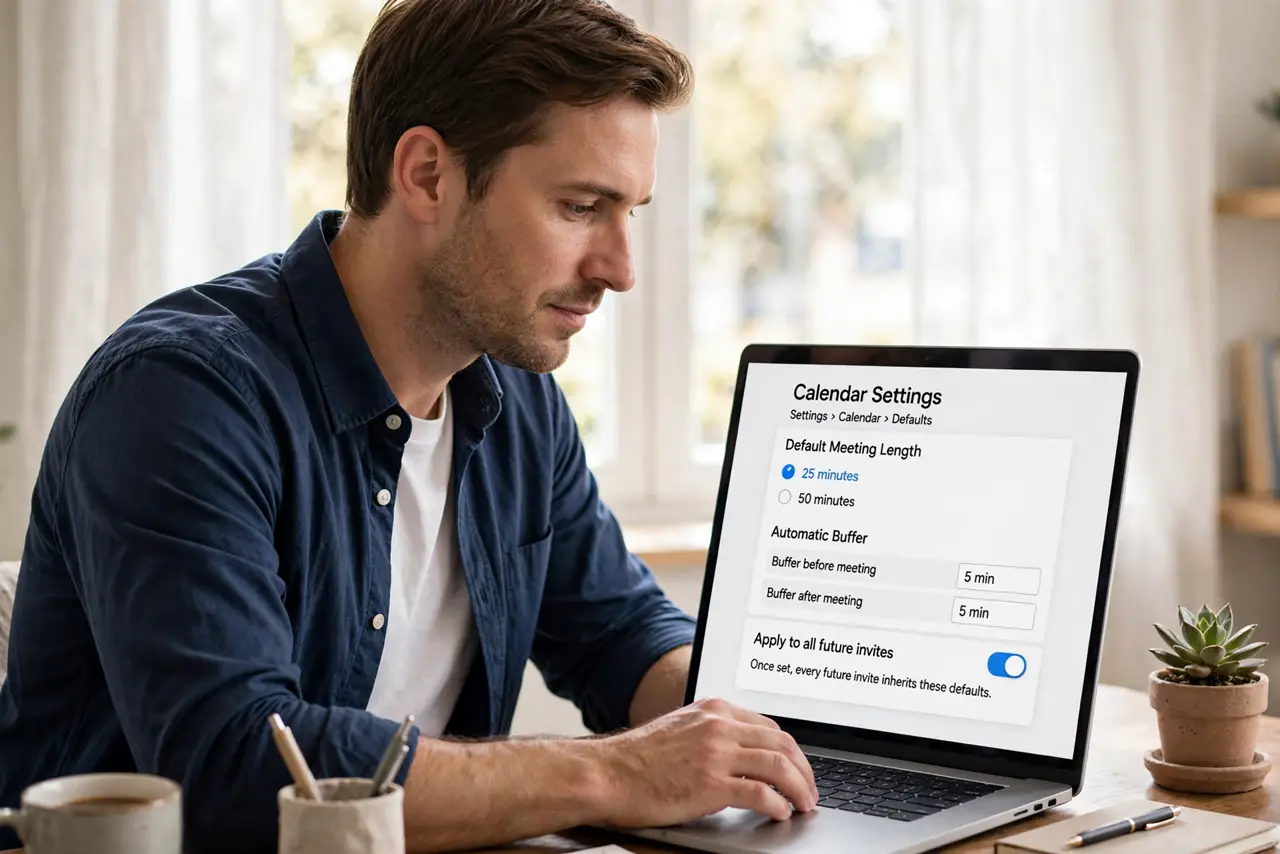
- Change your calendar defaults. Most calendar apps let you set default meeting lengths and add automatic buffers. Set 25 and 50 as your defaults once — every future invite inherits them.
- Shorten existing recurring meetings. Pick your most frequent recurring meetings and trim them. Nobody mourns the lost five minutes; everyone feels the gained buffer.
- Start and end on time, sharply. The buffer only works if meetings actually end at 25 past. Appoint a timekeeper or set a visible timer for the first weeks.
- Use the buffer deliberately. Stand up, refill water, glance at notes for the next call. Five unstructured minutes between meetings beats five minutes of frantic context-switching.
- Watch agendas tighten themselves. Shorter slots force prioritization — the fluff falls away because there is no room for it. Parkinson's law works in reverse here.
- Spread the gospel gently. When colleagues notice your calendar breathing room, share the setting. Team-wide adoption multiplies everyone's buffers — the live notes guide keeps short meetings effective.
What NOT to do
- Do not keep 30-minute defaults 'to be safe.' The safe choice is the buffer — back-to-back meetings with no gap are the unsafe one.
- Do not let 25-minute meetings sprawl to 30. The discipline is the feature; sprawl kills it.
- Do not schedule over someone's buffer deliberately. Respecting buffers is what makes the system work for everyone.
- Do not apply this to workshops. Deep collaborative sessions need their full time — shrink status meetings, not working sessions.
Frequently asked questions
Will people think 25 minutes is weird?
Not anymore — it is a widespread practice. Most people feel relief, not confusion, when they see it.
What about meetings that truly need 30 minutes?
Keep them at 30. The goal is defaults that breathe, not a rigid rule that breaks real work.
Does this work for in-person meetings too?
Yes — the buffer logic is identical. Ending five minutes early respects everyone's next commitment.