Take Better Meeting Notes
Most meeting notes are either a transcript nobody rereads or three cryptic lines nobody understands. Good notes are neither — they are a short record of decisions made and actions assigned, written so someone who missed the meeting can catch up in two minutes. A simple template does most of the work for you. Here is how to take notes people actually use.
TL;DR / Quick Fix
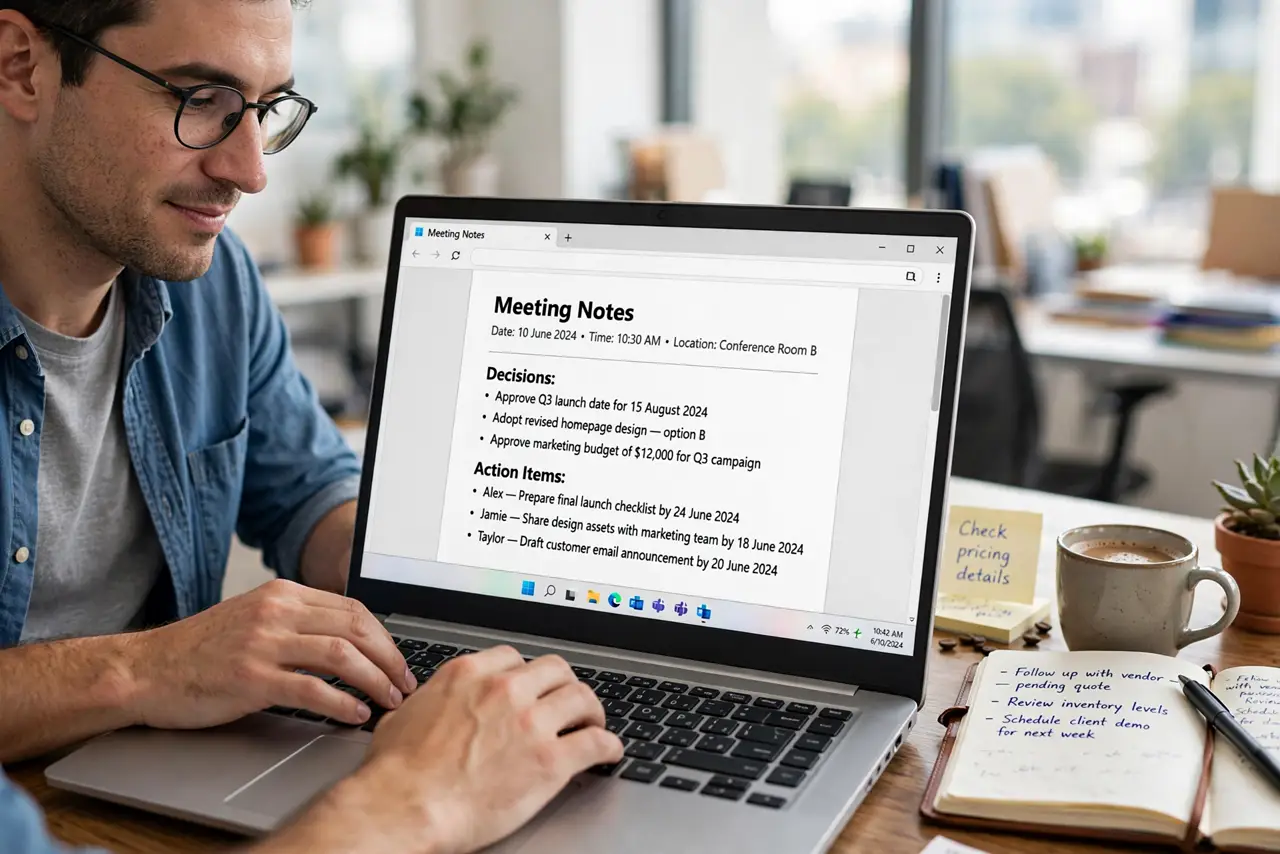
Quick fix: better meeting notes start with a simple template — date, attendees, decisions, and action items with owners and deadlines. Capture decisions in the moment, not topics discussed. Share the notes within a day while memories are fresh, and start the next meeting by reviewing the last action items.
Follow these steps
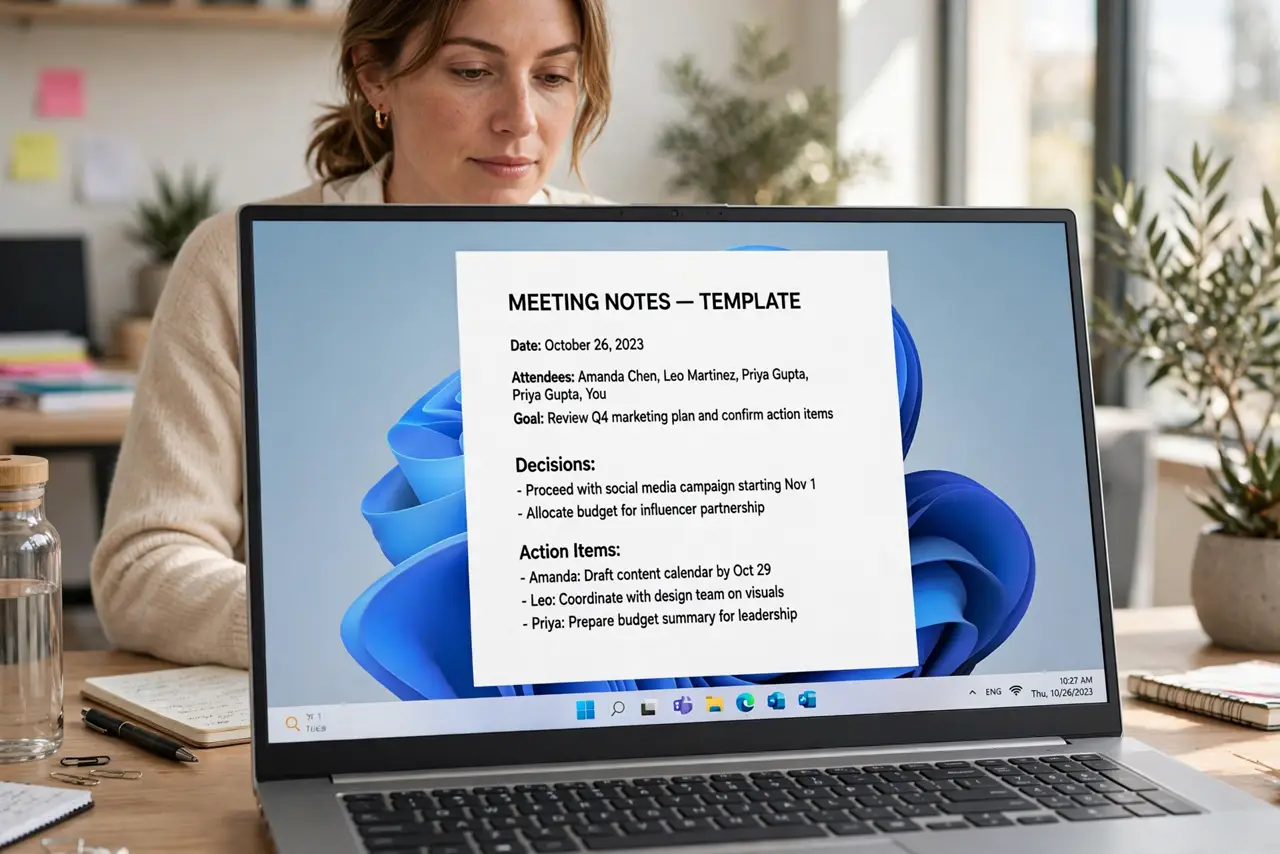
- Start from a fixed template. Every note gets the same skeleton: date, attendees, goal of the meeting, decisions made, and action items. A template removes the 'how do I start' friction — see a template that gets read to pair with it. Keep the template somewhere you can duplicate in seconds.
- Write decisions, not discussions. Nobody needs who-said-what about the logo. They need: 'Decided: launch moved to March 12.' Decisions are the durable output of a meeting; discussion is the exhaust. Capture the output.
- Give every action item an owner and a date. An action item without an owner is a wish. Write 'Priya to send the draft by Friday' — name plus deadline, every time. The action-items method makes this automatic.
- Note in the meeting, clean up right after. Jot rough bullets during the call, then spend five minutes after turning them into clear sentences. Raw notes decay fast — same-day cleanup is when you still remember what 'the thing with the vendor' meant.
- Share notes within 24 hours. Send the notes to all attendees (and key absentees) the same day. Fresh notes get corrections; week-old notes get ignored. Shared notes also create gentle accountability for owners.
- Open the next meeting with the last notes. First agenda item, every time: review last meeting's action items. This single habit turns notes from archives into an engine — people do the work because they know it will be checked.
What NOT to do
- Do not try to transcribe the meeting. Verbatim notes are unreadable and unmaintainable — capture meaning, not words.
- Do not keep notes only to yourself. Private notes help you; shared notes move the team. The value multiplies when everyone sees the same record.
- Do not write action items without owners. 'Someone should follow up' means no one will. Name a human and a date.
- Do not skip notes for 'quick' meetings. Quick meetings produce the vaguest memories — a three-line note beats a forgotten agreement.
Frequently asked questions
Should I take notes by hand or on a laptop?
Whichever you will actually do. Handwriting aids memory for some people; typing is faster and shareable. The best system is the one you repeat.
What if the meeting has no clear decisions?
Write that down too: 'No decision — revisit next week with data from Sam.' An explicit non-decision beats a fuzzy memory of one.
How long should meeting notes be?
Aim for half a page. If they run longer, the meeting probably needed an agenda — or the notes need editing, not the meeting needs more notes.