Meeting Recording Transcript Missing? Fix It
A missing transcript usually means transcription was never turned on, the recording saved elsewhere, or the transcript is still processing. Checking those in order saves you from retyping a whole meeting from memory.
TL;DR / Quick Fix
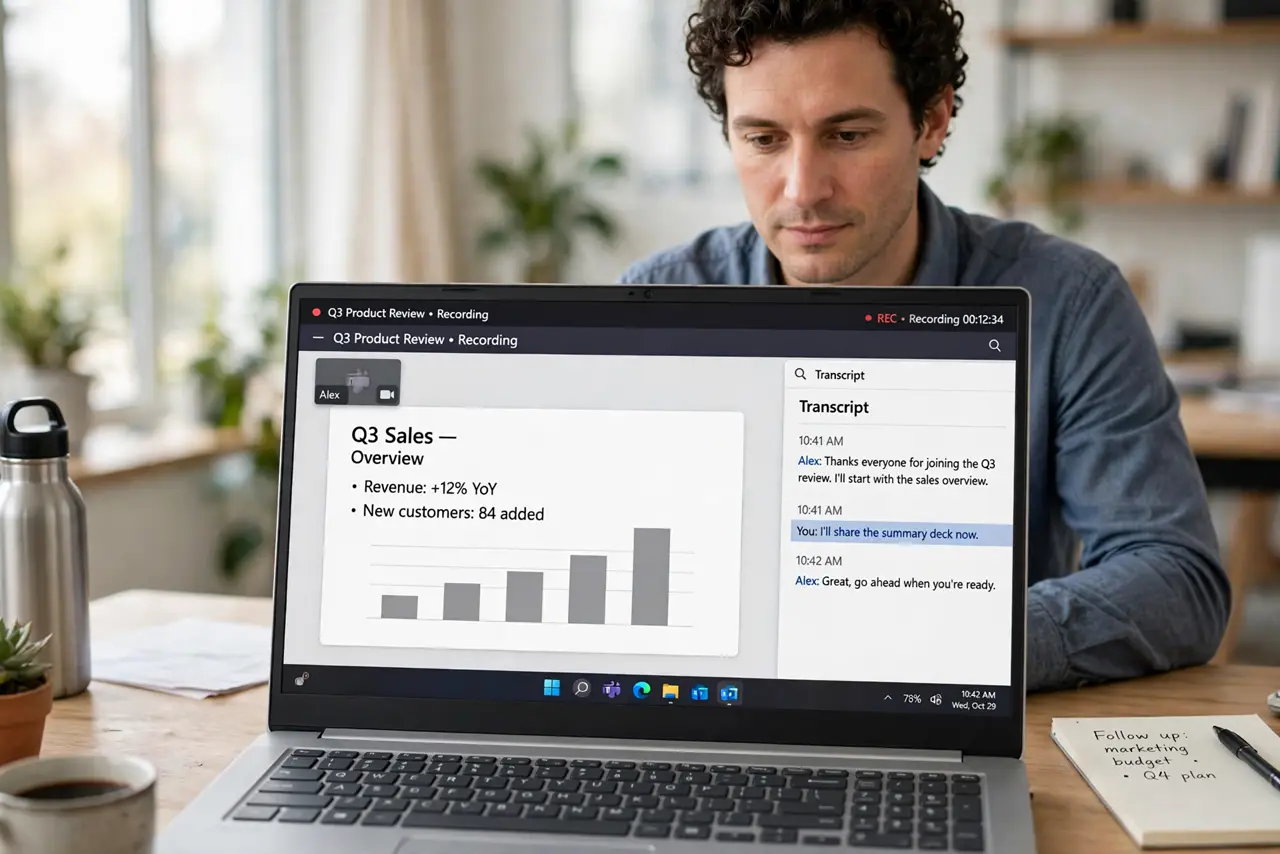
Quick fix: Confirm the meeting was actually recorded. Check whether transcription was enabled. Look in the meeting files and chat. Wait for processing, then refresh. Ask the organizer or host for a copy. Fall back to your meeting notes and the audio.
Follow these steps
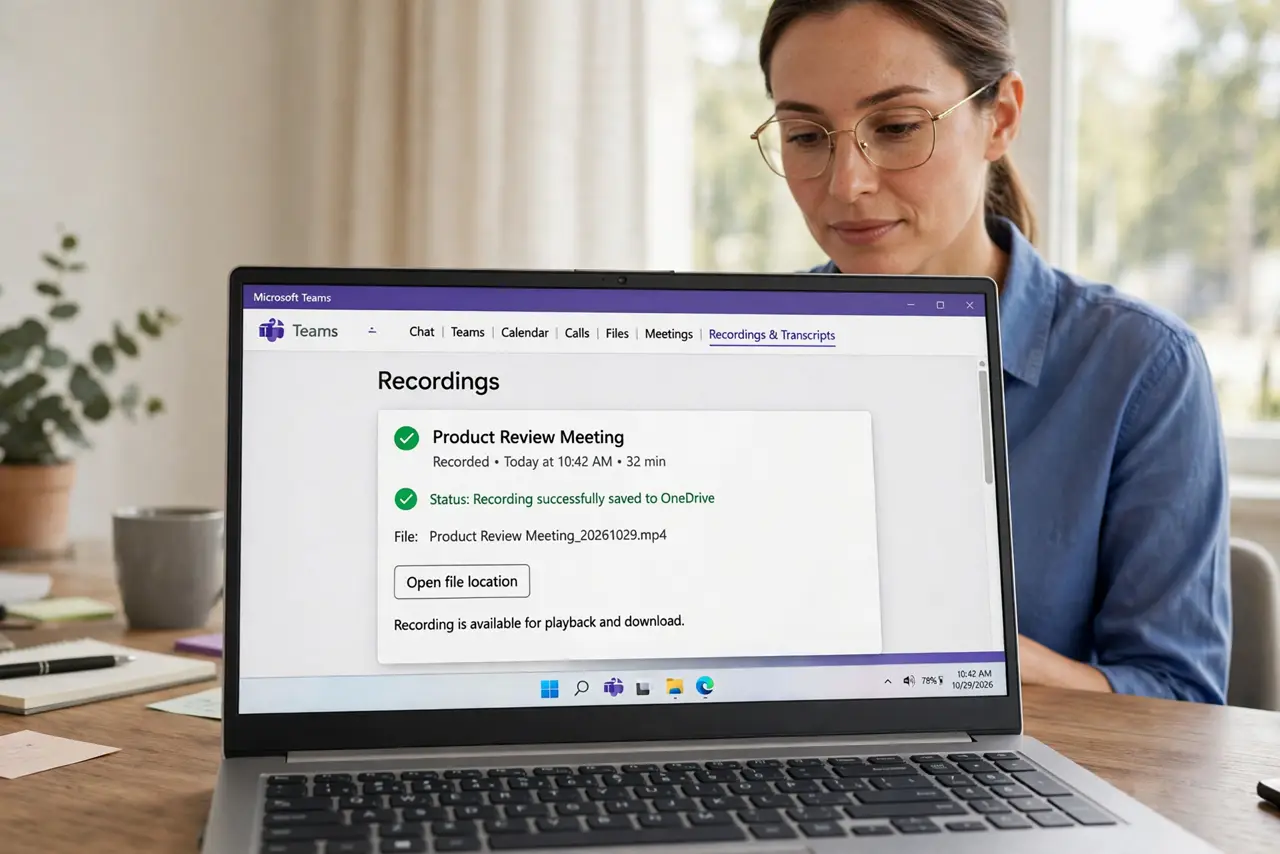
- Confirm the meeting was actually recorded. Check whether a recording exists at all. No recording means no transcript will appear, however long you wait.
- Check whether transcription was enabled. Transcription is often a separate switch from recording. If it was off, the recording has audio but no text, and you need another route.
- Look in the meeting files and chat. Transcripts sometimes save as a file attached to the meeting or chat, not in the player. Search the meeting files before concluding it is lost.
- Wait for processing, then refresh. Long meetings can take a while to transcribe. Wait, refresh, and check again before trying anything drastic.
- Ask the organizer or host for a copy. The host often has access to files attendees cannot see. A polite request frequently produces the transcript in minutes.
- Fall back to your meeting notes and the audio. If no transcript exists, listen to the recording at higher speed and expand your notes. A partial record made today beats a perfect one never made.
What NOT to do
- Do not assume a transcript will appear just because a recording exists. Transcription must be enabled separately.
- Do not delete the recording while hunting for the transcript. The audio is your fallback if no text appears.
- Do not wait days before asking the host. Access requests and processing issues are easiest to fix promptly.
- Do not share a transcript containing private discussion without checking who should see it.
Frequently asked questions
Why is there audio but no transcript?
Because recording and transcription are separate settings, and transcription was likely off.
How long does transcription take?
It varies with meeting length, but most finish well after the meeting ends. Refresh before worrying.
Can I generate a transcript from the audio later?
Sometimes, if your meeting app supports it. Otherwise, use your notes plus the audio.