Megabits vs Megabytes?
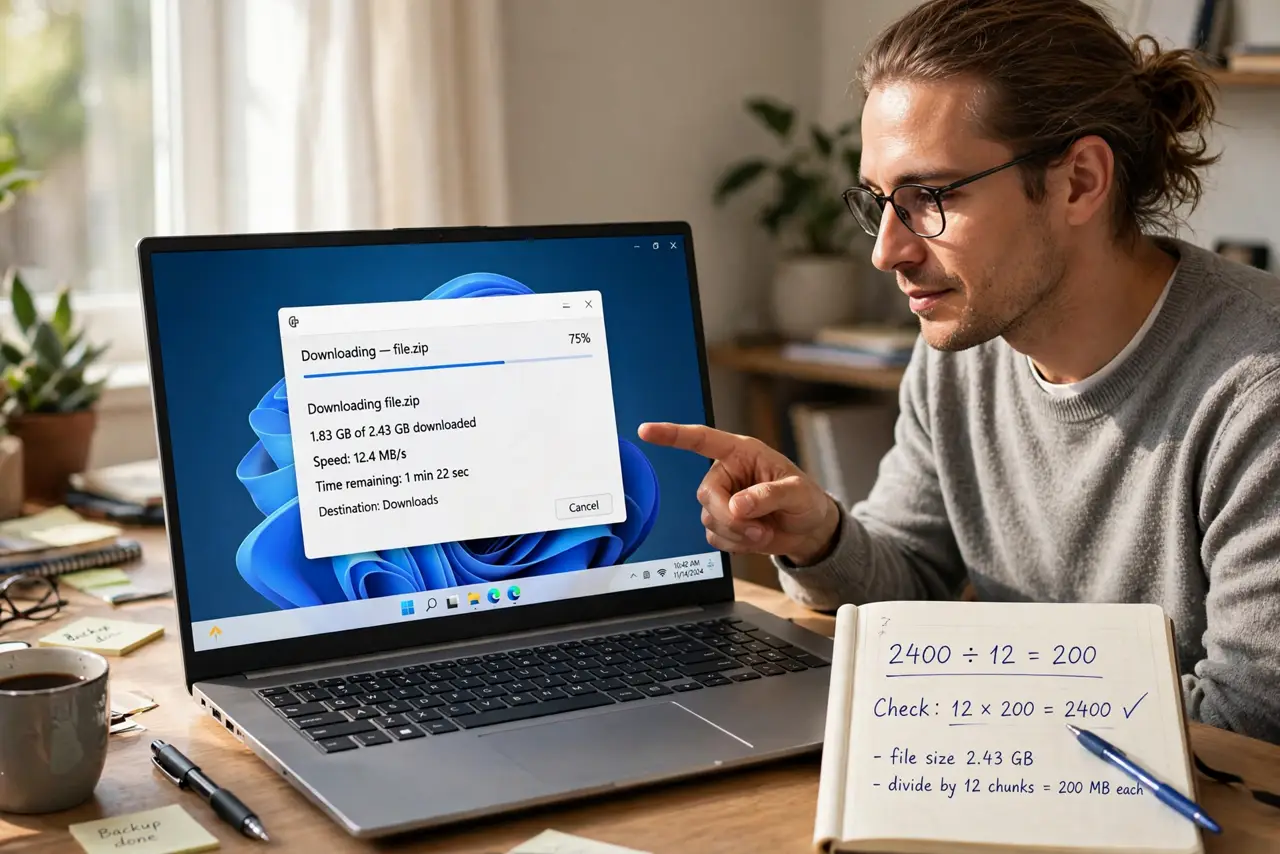
Your plan promises 300 megabits, but downloads crawl at 37 megabytes per second — did the provider lie, or is the math playing tricks? Internet speeds are sold in bits while files are measured in bytes, and 8 bits make a byte. That single conversion explains the 'missing' speed everyone notices.
TL;DR / Quick Fix
Quick fix: plans are advertised in megabits per second (Mbps) but browsers show downloads in megabytes per second (MB/s) — divide by 8. A 300 Mbps plan tops out near 37 MB/s. If converted speed roughly matches the plan, everything is fine; if far lower, test before complaining.
Follow these steps
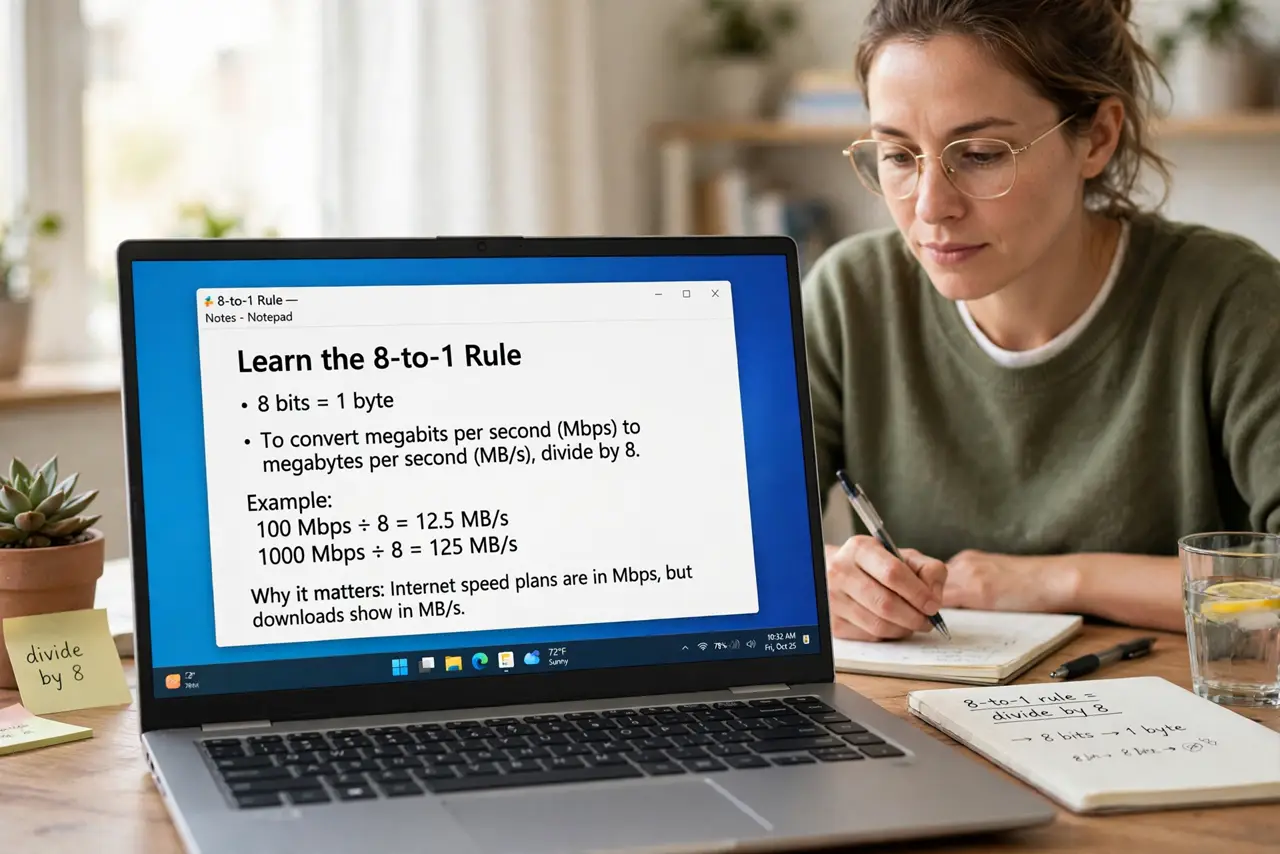
- Learn the 8-to-1 rule. Eight bits make one byte, so divide the plan's megabits by 8 to get the megabytes-per-second your downloads show. 100 Mbps becomes 12.5 MB/s; 1000 Mbps becomes 125 MB/s — the math is exact.
- Check which unit each number uses. Plans, speed tests, and ads use megabits (small b, Mb). File sizes, download dialogs, and game launchers use megabytes (big B, MB). Mixing them up is the entire confusion — see how to read a speed test.
- Do the conversion before judging. A 300 Mbps plan showing 35 MB/s downloads is delivering correctly. Only when the converted number falls far short — say, 10 MB/s on a 300 plan — is something actually wrong.
- Expect overhead on top. Real downloads run a bit below the theoretical max — protocol overhead eats roughly 5-10%. Landing at 90% of the converted figure is a healthy connection.
- Test wired before complaining. Wi-Fi adds its own losses. If the numbers look wrong, test with a cable directly to the router — the proper test method isolates the plan from the Wi-Fi.
- Compare against the plan, not the neighbor. Your 300 Mbps plan and their 1000 Mbps plan show different download numbers by design. Convert each to MB/s first, then compare fairly.
What to avoid
- Do not accuse the provider of lying over units. The bits-vs-bytes gap explains most 'missing speed' complaints — do the division first.
- Do not compare Mbps to MB/s directly. A 500 Mbps plan will never show 500 MB/s downloads — that would require 4000 Mbps.
- Do not trust the plan's number as a guarantee. 'Up to' is doing heavy lifting in every ad — the converted figure is the ceiling, not the promise.
- Do not forget upload uses bits too. That 20 Mbps upload is 2.5 MB/s — thin for big cloud backups, and the math explains why.
Frequently asked questions
Why do providers use bits instead of bytes?
History and bigger numbers — networking has always measured in bits, and 300 Mbps sounds faster than 37.5 MB/s. It is standard, not a scam.
Is my 100 Mbps plan enough?
For most households, yes — it converts to 12.5 MB/s, enough for several HD streams plus browsing. 4K-heavy homes want more.
What is a good speed test result?
Roughly 90% of your plan's megabits after converting for overhead, tested wired. Consistently far below that means call the provider — with numbers.