Mesh Wi-Fi Node Goes Offline? Fix It
One mesh node keeps going offline, and devices near it drop or crawl, while the main router works fine. The node is usually too far, underpowered, or stuck, rather than broken.
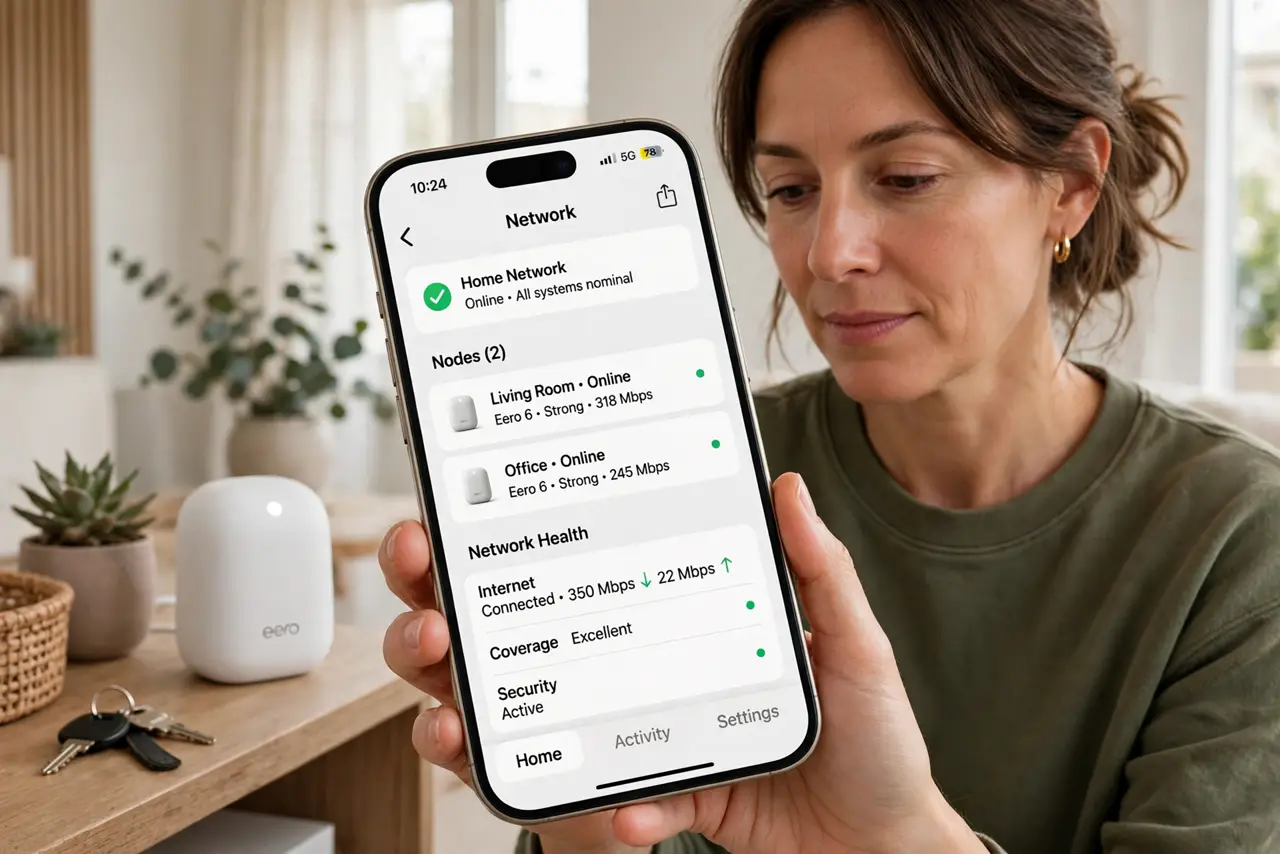
TL;DR / Quick Fix
Quick fix: check the node power and cable, move it closer to the main router or another node, and restart the node first, then the main unit. Then check the mesh app for firmware and the node status. Write down what worked for next time.
Follow these steps
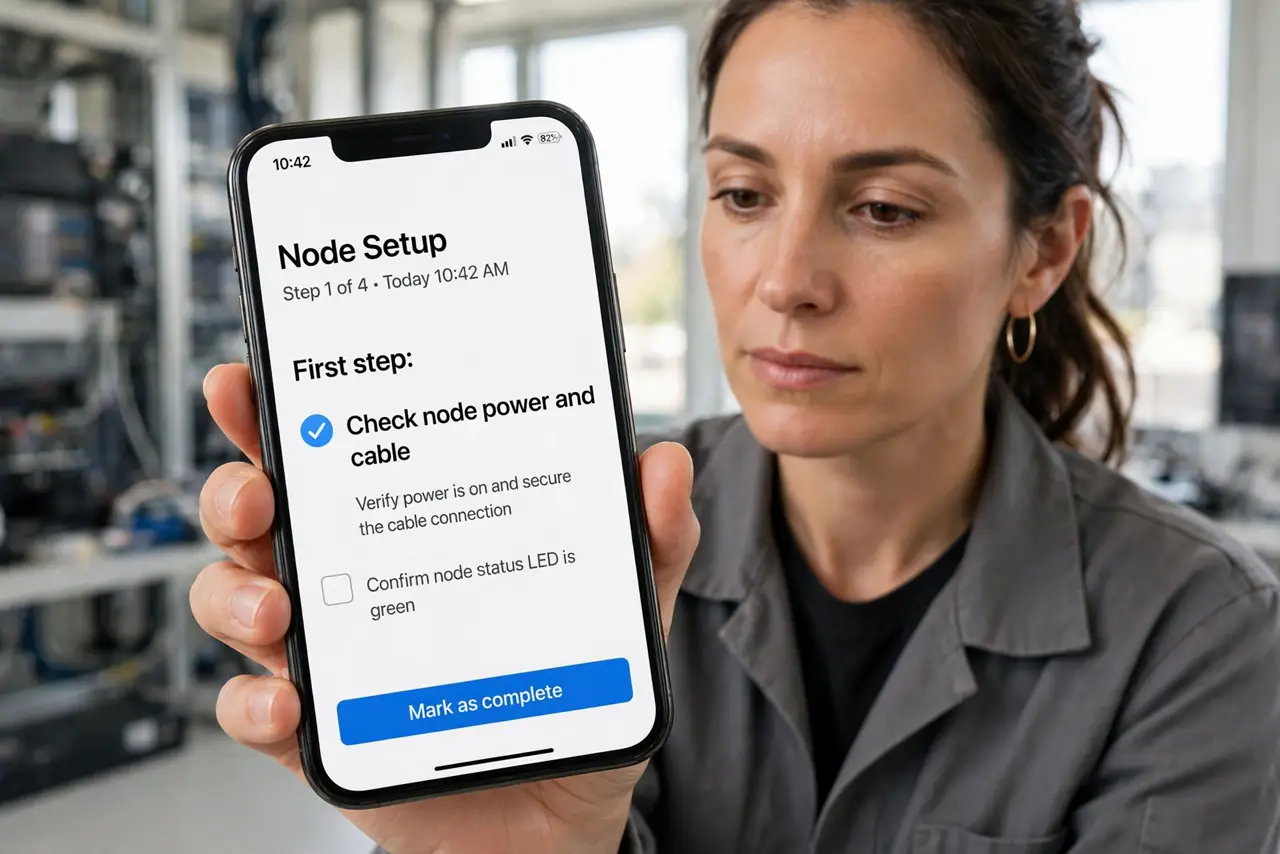
- Check node power and cable. Confirm the node power adapter is firm and the node lights show normal. A loose adapter causes offline periods that look like a wireless problem.
- Move the node closer. Move the node closer to the main router or the nearest working node, with fewer walls between them. A node at the edge of range drops first.
- Restart the node, then the main unit. Unplug the offline node, wait thirty seconds, and plug it back in, then restart the main unit if the node stays offline. Restarting in order rebuilds the mesh cleanly.
- Check firmware in the mesh app. Open the mesh app and check for firmware updates for all nodes. Mixed firmware versions can make one node drop while others stay online.
- Re-add the node if it stays offline. Remove the offline node in the app and add it again near the main unit, then move it to its spot. Re-adding clears a broken mesh pairing.
- Check the backhaul link. In the app, check whether the node connects wirelessly or by cable. A wired backhaul is far more stable, so wire the node if a cable route exists.
What NOT to do
- Do not place a mesh node inside a dead zone. A node needs a good link itself before it can serve devices around it.
- Do not restart only the main unit and ignore the node. The offline node itself often needs the restart, not the main unit.
- Do not mix old and new firmware across nodes. Update every node, since mismatched versions cause drops that look random.
- Do not keep moving the node every hour. Move it once to a closer spot, then watch it for a day before judging.
Frequently asked questions
Why does one mesh node keep going offline?
It is usually too far, underpowered, or stuck. The main router working proves the line is fine.
Should I restart the node or the main unit?
Start with the offline node, then the main unit if needed. Restarting in order rebuilds the mesh cleanly.
Is a wired node better?
Yes. A node connected by cable has a stable backhaul and drops far less than a wireless-only node.