Try Mind Mapping
Your head is full of half-connected ideas for the project — and a linear to-do list just flattens them into a dead sequence. Mind mapping spreads ideas visually: a central topic with branches for themes and twigs for details, the way your brain actually holds them. Paper works; apps add polish.

TL;DR / Quick Fix
Quick fix: put your central topic in the middle of a page, branch out main ideas, then branch details off those. Use keywords and colors, not sentences. Ten minutes of mapping untangles what an hour of linear listing cannot. Start on paper before trying apps.
Follow these steps
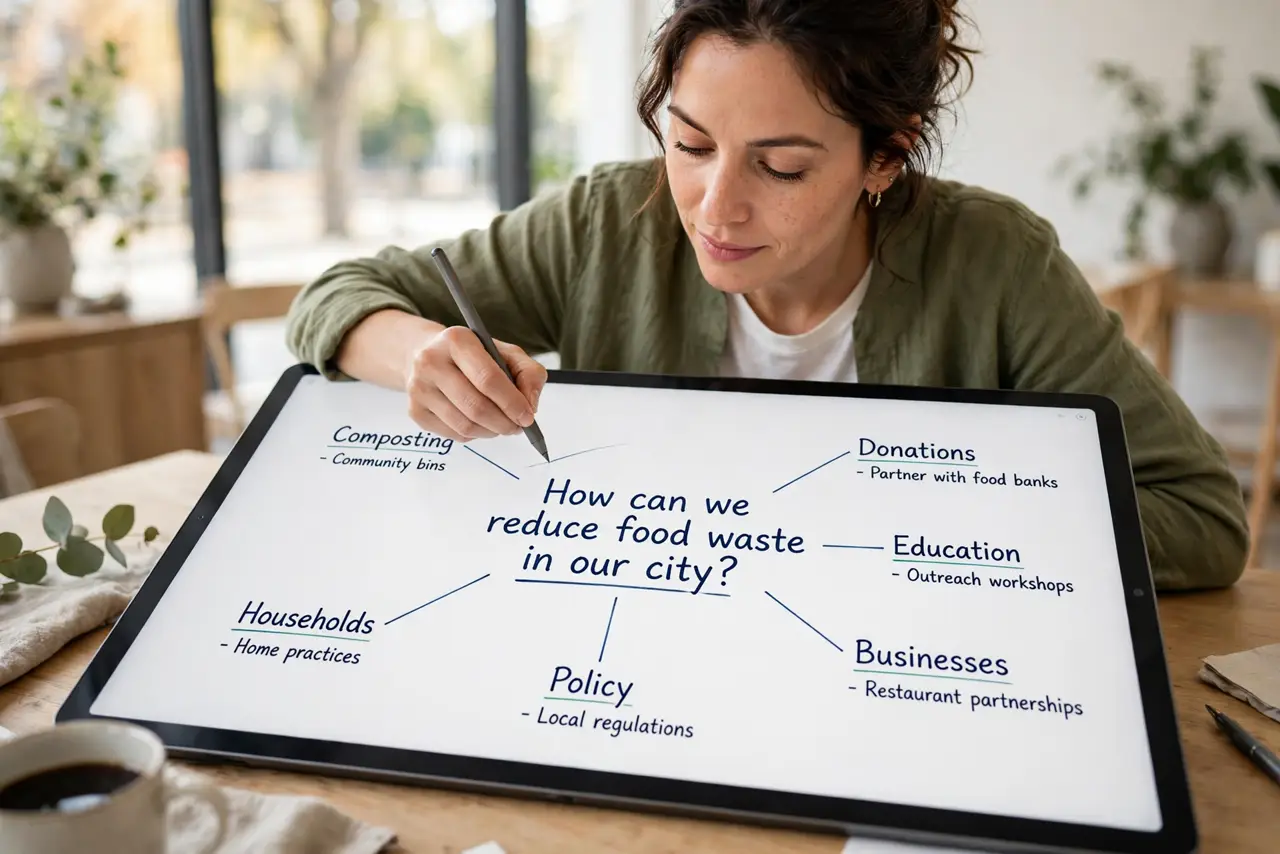
- Start with the central topic. Write the core question or project name in the middle of a blank page. Everything radiates from here — the center anchors the whole map.
- Branch the main themes. Draw 4-7 branches for the big themes — no more. If you have twelve 'main' themes, some are details in disguise; demote them.
- Add detail twigs. Off each theme branch, add specific points as smaller twigs. Keep each node to a keyword or short phrase — sentences belong in documents, not maps.
- Use color and images. Color-code branches by theme; sketch tiny icons where they help. Visual cues make the map memorable — monochrome walls of text defeat the purpose.
- Rearrange freely. The map is a draft, not a contract. Redraw, merge branches, promote twigs to themes — restructuring *is* the thinking. Paper makes this tactile; apps make it undoable.
- Convert to action. A map isn't a plan until branches become tasks. Circle the actionable nodes and move them to your task list — then the map has done its job. It pairs well with better slides when the ideas become a talk.
What NOT to do
- Do not write sentences on branches. Keywords trigger associations; sentences turn the map into an essay with extra steps.
- Do not aim for pretty first. An ugly map that captures the thinking beats a beautiful empty one — structure first, polish later.
- Do not branch forever. Three levels deep is plenty; beyond that you're outlining, and an outliner serves better.
- Do not skip the action step. Maps that never become tasks are procrastination in diagram form — always end by extracting next actions.
Frequently asked questions
Paper or app — which is better?
Paper for speed and freedom; apps for rearranging, sharing, and huge maps. Start on paper — you'll know when you outgrow it.
Can mind maps replace to-do lists?
No — they complement them. Maps explore and organize thinking; lists drive execution. Map first, list second.
What if my map becomes a mess?
That's normal mid-process — mess means you're actually thinking. Redraw the clean version once the structure emerges; the messy draft did its job.