Keep Minecraft Safe for Kids
Minecraft is wonderfully creative — and its multiplayer servers are full of strangers, unfiltered chat, and the occasional bad actor. The good news: private servers, friend-only play, and a few settings turn it into the safe game it should be. Here is the setup that actually works.
TL;DR / Quick Fix
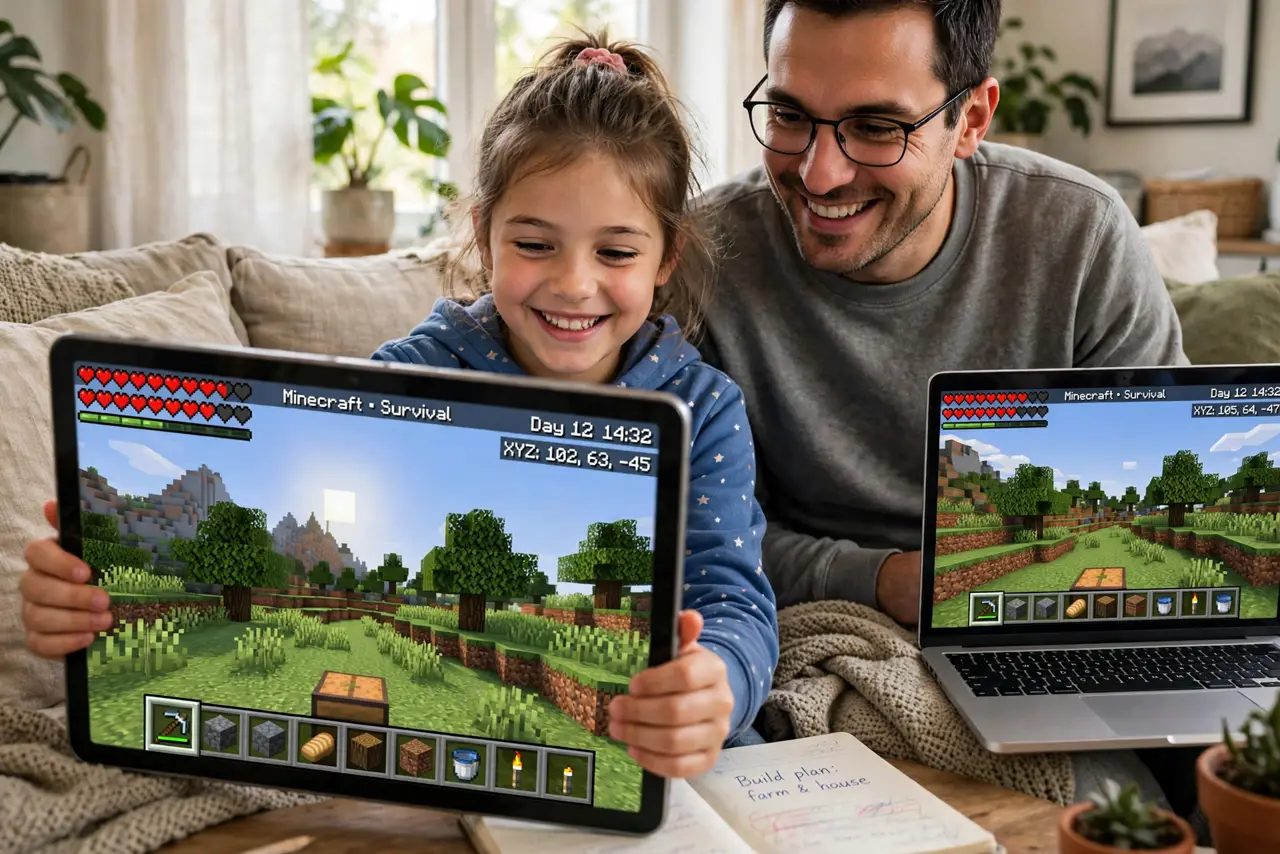
Quick fix: play on private servers or approved friend lists only — public servers are where stranger contact happens. Turn off chat or set it to friends-only in the settings, and never share personal details in-game. Play together sometimes; the fastest safety check is a parent who knows the game.
Follow these steps
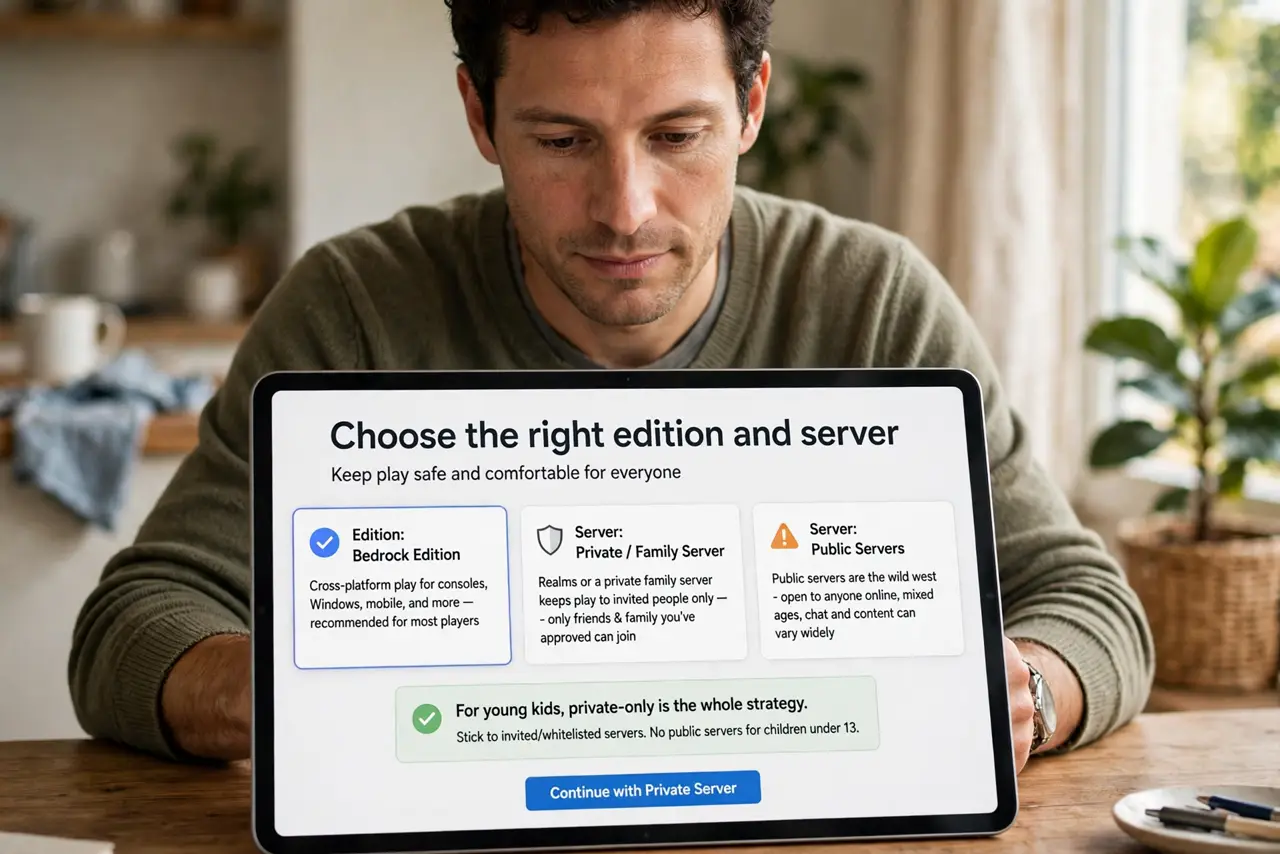
- Choose the right edition and server. Realms or a private family server keeps play to invited people only — public servers are the wild west. For young kids, private-only is the whole strategy.
- Lock down chat. In the settings, set chat to friends-only or off entirely. In-game chat is the primary stranger-contact channel — this toggle matters more than any other.
- Use a family Microsoft account. A child Microsoft account brings content filters and play-time controls across Minecraft and Xbox. Set the birthdate honestly — the protections key off it.
- Teach the personal-details rule. Real name, school, address, photos — never in chat, never in usernames, never in builds with signs. One clear rule, repeated until it is reflex.
- Review the friend list together. Like Roblox controls, the friends list deserves a regular look. ‘Friends’ in-game can be anyone — know who they actually are.
- Play together sometimes. Thirty minutes beside them teaches you more than any setting. You will see the chat culture firsthand — and kids who play with parents talk about what happens in-game.
What NOT to do
- Do not let young kids roam public servers. Stranger contact, griefing, and inappropriate builds concentrate there — private servers exist for a reason.
- Do not share the account. One account per child means settings actually apply per child — shared accounts blur every control.
- Do not ignore voice chat. Some servers and setups add voice; check it separately — text-chat limits do not cover it.
- Do not treat single-player as automatically safe. Single-player is safe from strangers, yes — but downloads of mods and skins from shady sites are the risk there. Stick to official sources.
Frequently asked questions
Is Minecraft safe for a 7-year-old?
Single-player and private family servers, yes — it is creative and calm. Public multiplayer needs the controls above and active supervision.
What’s the difference between Java and Bedrock for safety?
Both support private play; Bedrock’s parental controls tie into Microsoft family settings more tightly. Either is fine with the right server choice.
Can I see what my child typed in chat?
Server logs on private servers show it; on public servers, no. That is another reason to prefer private — visibility comes with the territory.