Miracast vs Chromecast?
You want your phone on the big screen and face two competing standards: Miracast and Chromecast. One mirrors your screen directly; the other hands the TV a stream to play itself. They solve different problems — here is which one fits yours.
TL;DR / Quick Fix
Quick fix: use Chromecast when your apps support casting — the TV streams directly, so your phone stays free. Use Miracast for pure screen mirroring, like presentations. Chromecast needs Wi-Fi; Miracast works device-to-device. Check what your TV supports before buying any extra hardware.
Follow these steps
- Understand the core difference. Chromecast: your phone tells the TV what to stream, then the TV fetches it itself. Miracast: your phone's screen is mirrored pixel-for-pixel to the display.
- Choose Chromecast for video apps. Netflix, YouTube, and friends have cast buttons — the TV streams directly in full quality while your phone stays free for other things.
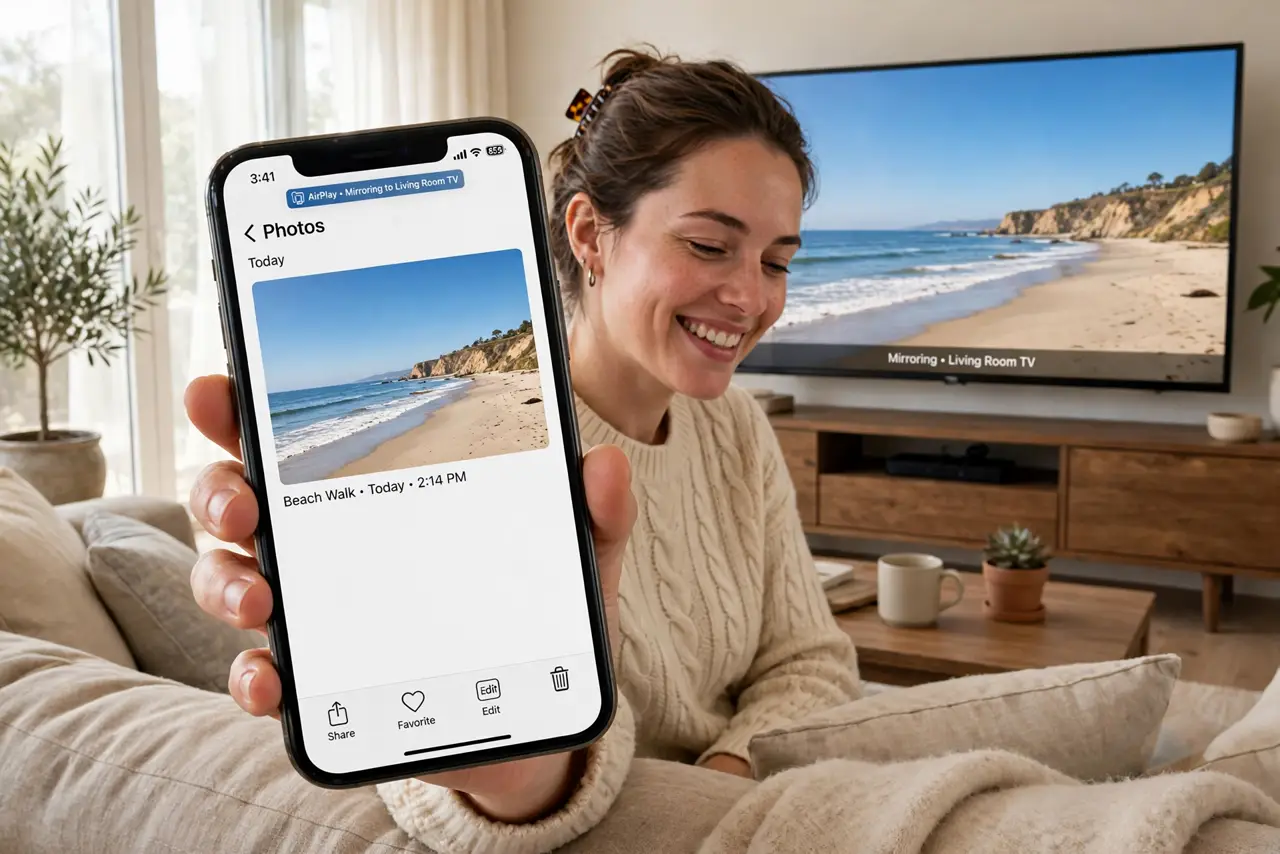
- Choose Miracast for mirroring. Presentations, demos, showing photos — anything where the screen itself is the content. Miracast mirrors everything, app support not required.
- Know the network needs. Chromecast needs both devices on the same Wi-Fi. Miracast uses Wi-Fi Direct — no router required.
- Check Windows support. Windows can cast to Miracast receivers natively — see Windows Miracast. Chromecast from a PC needs the Chrome browser.
- Check the TV first. Many smart TVs include one or both. Check before buying a dongle — you may already own the answer.
What NOT to do
- Do not buy a dongle before checking the TV. Built-in support is common and free.
- Do not use Miracast for long movies. Mirroring drains the phone battery; Chromecast lets the TV do the work.
- Do not expect Chromecast without Wi-Fi. No shared network, no cast — Miracast is the offline option.
- Do not mirror sensitive screens publicly. Miracast shows everything — notifications included.
Frequently asked questions
Which has better quality?
For supported apps, Chromecast — the TV streams the original quality. Miracast compresses the mirror.
Can I use both?
Yes — they coexist fine. Use each where it shines.
What about AirPlay?
Apple's equivalent — same idea as Chromecast, for Apple devices and compatible TVs.