Stretch Hotspot Data
Your phone's hotspot is a lifesaver — and a data incinerator. One laptop backup or cloud photo sync can devour a month's hotspot allowance in an afternoon, leaving you throttled when it matters. Stretching hotspot data is about taming the laptop's background hunger, not about suffering. This guide caps the biggest drains and makes the allowance last. For the travel context, pair with hotel Wi-Fi survival tips.
TL;DR / Quick Fix
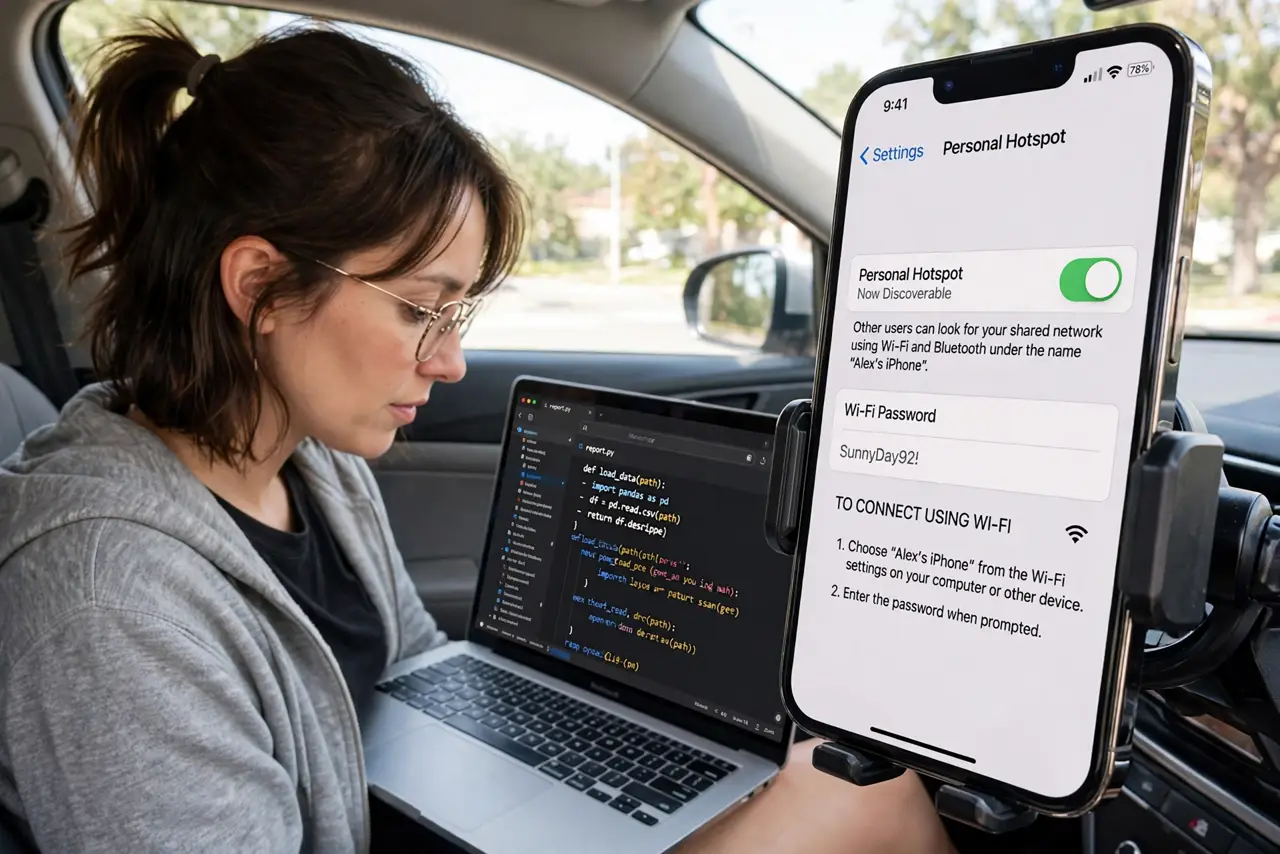
Quick fix: on the laptop, set the hotspot connection as metered so Windows and apps throttle background downloads. Turn off cloud photo sync, video autoplay, and OS updates while tethered. Do heavy downloads on real Wi-Fi; save the hotspot for email, messaging, and light browsing.
Follow these steps
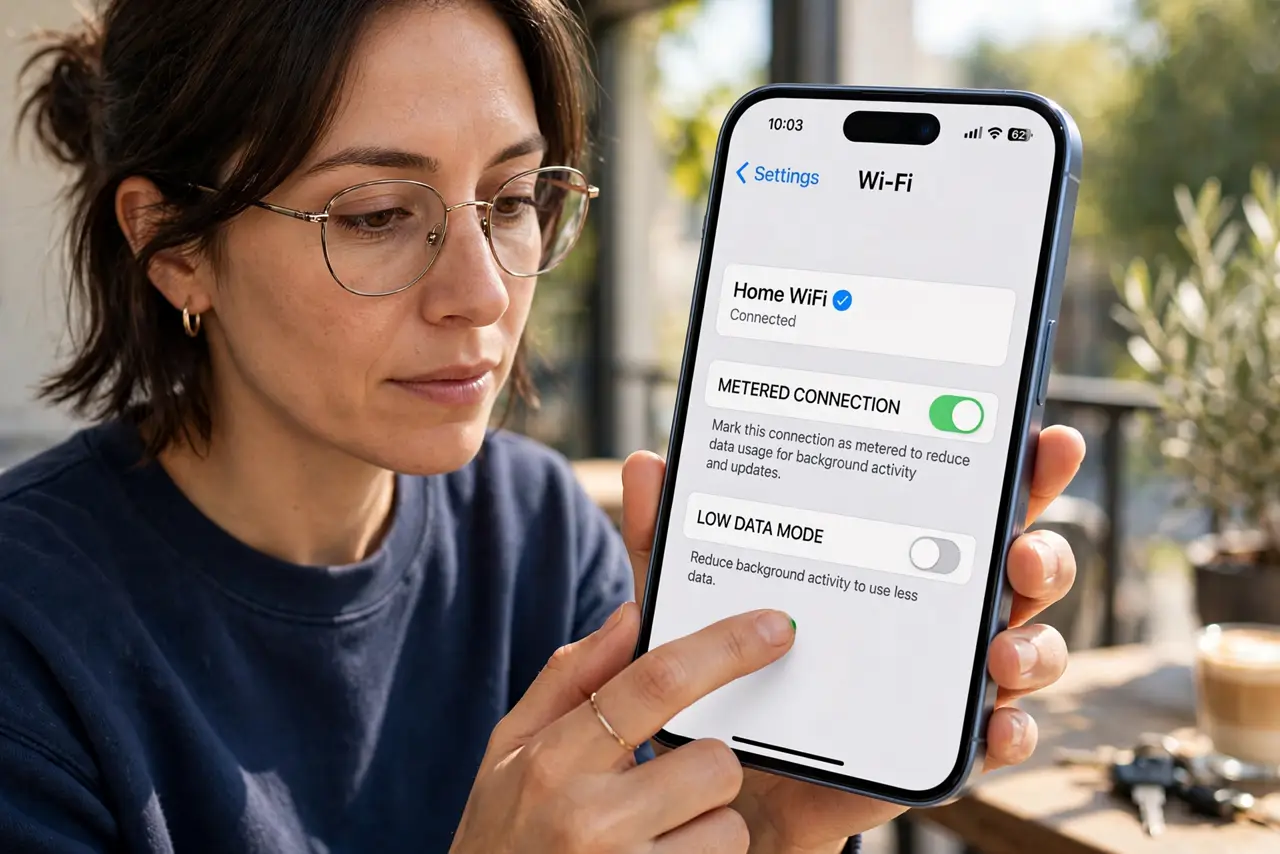
- Mark the connection metered. On Windows, set the hotspot network as a metered connection — the OS and many apps then hold back updates and background syncs automatically. This one toggle saves the most data.
- Pause cloud syncs. Pause OneDrive, Dropbox, Google Drive, and photo backups while tethered. A single photo library sync can eat gigabytes without asking — resume on real Wi-Fi.
- Kill video autoplay. Set browsers and social apps to never autoplay video. One forgotten tab of autoplaying videos is a classic hotspot killer.
- Defer OS updates. Pause Windows or macOS updates while on hotspot. Updates download gigabytes silently — schedule them for unmetered networks only.
- Use your phone for heavy pages. For quick lookups, browse on the phone itself rather than tethering the laptop. The phone's mobile sites and apps are far leaner than desktop web pages.
- Monitor the usage. Check the phone's hotspot data counter regularly. Knowing the burn rate lets you adjust before the throttle hits mid-trip.
What NOT to do
- Do not leave cloud backups running on hotspot. They are the number one silent data drain — pause them every time you tether.
- Do not stream video 'just for a minute' on hotspot data. Minutes of HD video cost hundreds of megabytes; the math is brutal.
- Do not forget tethering may cost extra. Some plans charge for hotspot data separately or cap it lower — know your plan before relying on it.
- Do not leave the hotspot on when done. An open hotspot invites neighbors and drains both data and battery — switch it off.
Frequently asked questions
How much data does tethering use?
Light browsing and email: a few hundred MB per day. Video calls: about 1 GB per hour. Cloud syncs: potentially everything you have.
Why is hotspot slower than phone data?
Carriers often deprioritize or throttle hotspot traffic separately. It is also sharing the phone's radio with everything else the phone does.
Is USB tethering better than Wi-Fi hotspot?
Slightly — it is more stable, charges the phone, and avoids Wi-Fi congestion. For data use, they are identical.