Hotel Wi-Fi Survival Tips
Hotel Wi-Fi is a special kind of suffering: a login page that will not load, speeds that collapse at 8 p.m., and a network shared with two hundred strangers. But a few traveler tricks — the portal dance, a travel router, a VPN — turn it from miserable to workable. This guide survives hotel Wi-Fi from check-in to checkout. For the portal login specifically, see how to beat captive portals.
TL;DR / Quick Fix
Quick fix: join the hotel network and complete the captive portal login before anything else — use the plain-site trick if the page will not appear. Run a VPN for everything after login on shared hotel networks. For important video calls, your phone hotspot is the reliable backup.
Follow these steps
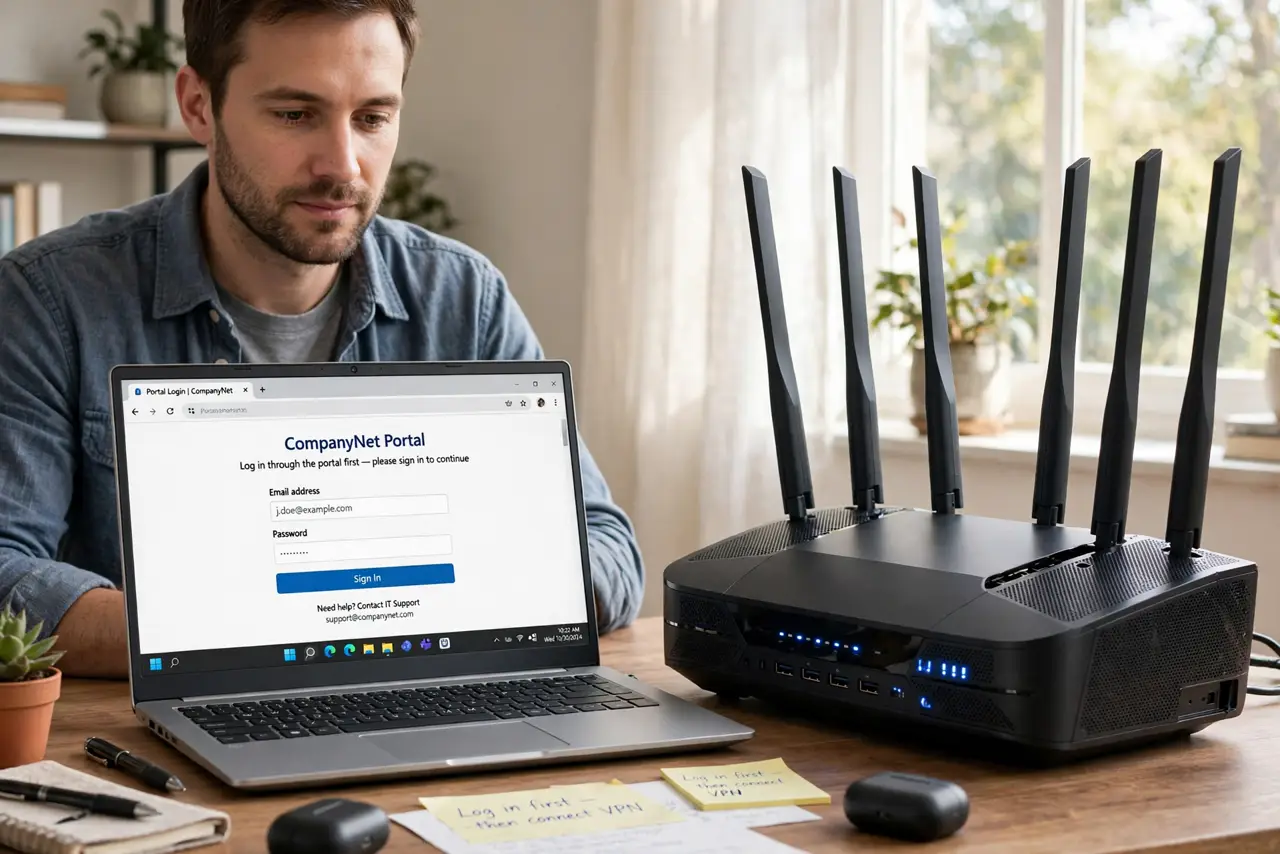
- Log in through the portal first. Join the network, then handle the captive portal page before opening anything else. If it will not appear, the captive portal tricks force it out.
- Turn on the VPN immediately after. Hotel networks are shared with strangers — run your VPN for all browsing, email, and work after the portal login. This is the single most important hotel Wi-Fi habit.
- Prefer 5 GHz. Hotel 2.4 GHz bands are chaos — hundreds of devices fighting. If the hotel broadcasts a 5 GHz option, use it; fewer devices, less congestion.
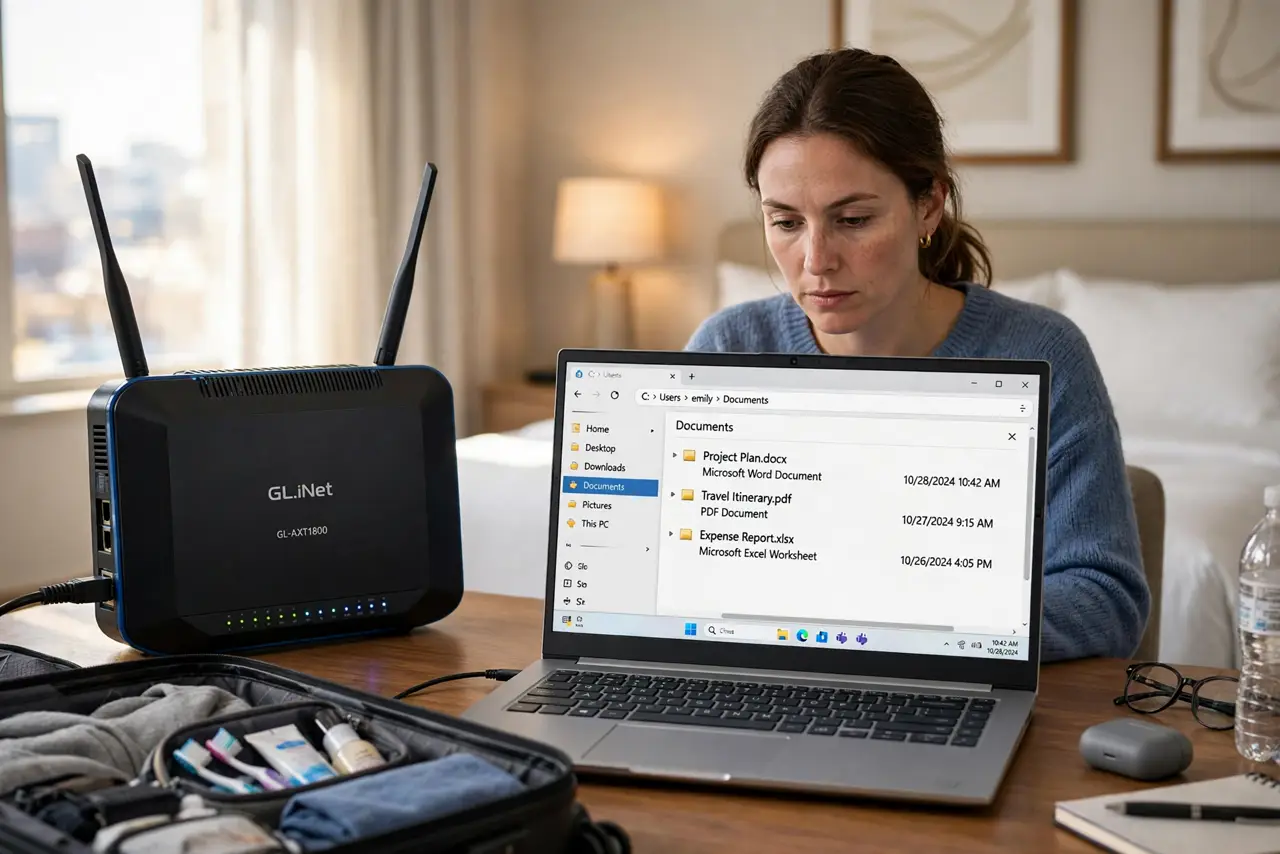
- Bring a travel router. A pocket travel router joins the hotel Wi-Fi once and shares it to all your devices — one portal login for everything, plus your own private network bubble.
- Time your heavy work. Hotel bandwidth collapses in the evening when everyone streams. Do video calls and big uploads in the morning or afternoon when the pipe is quiet.
- Keep the hotspot as backup. For the call that cannot fail, your phone's hotspot beats flaky hotel Wi-Fi every time. Save it for when it matters — see how to stretch hotspot data.
What NOT to do
- Do not do banking or work logins without the VPN on hotel Wi-Fi. Shared networks are observable — the VPN is non-negotiable.
- Do not trust 'Free Hotel WiFi' networks with passwords posted in the lobby. Evil-twin hotspots mimic them — confirm the exact network name with staff.
- Do not leave file sharing on. Hotel networks are hunting grounds for open shares — turn off sharing before you connect.
- Do not expect miracles at peak hours. Two hundred guests streaming at 9 p.m. is physics, not a settings problem — schedule around it.
Frequently asked questions
Is hotel Wi-Fi safe with a VPN?
Yes, for practical purposes — the VPN encrypts your traffic past the shared network. Without it, assume everything is visible.
Why is it so slow in the evening?
Everyone is online at once sharing one internet connection. Morning and afternoon are dramatically better.
Should I use the hotel's 'premium' Wi-Fi?
Sometimes worth it for a work trip — the paid tier is often less congested. For casual browsing, the free tier plus patience suffices.