A Monitor Arm? Worth It?
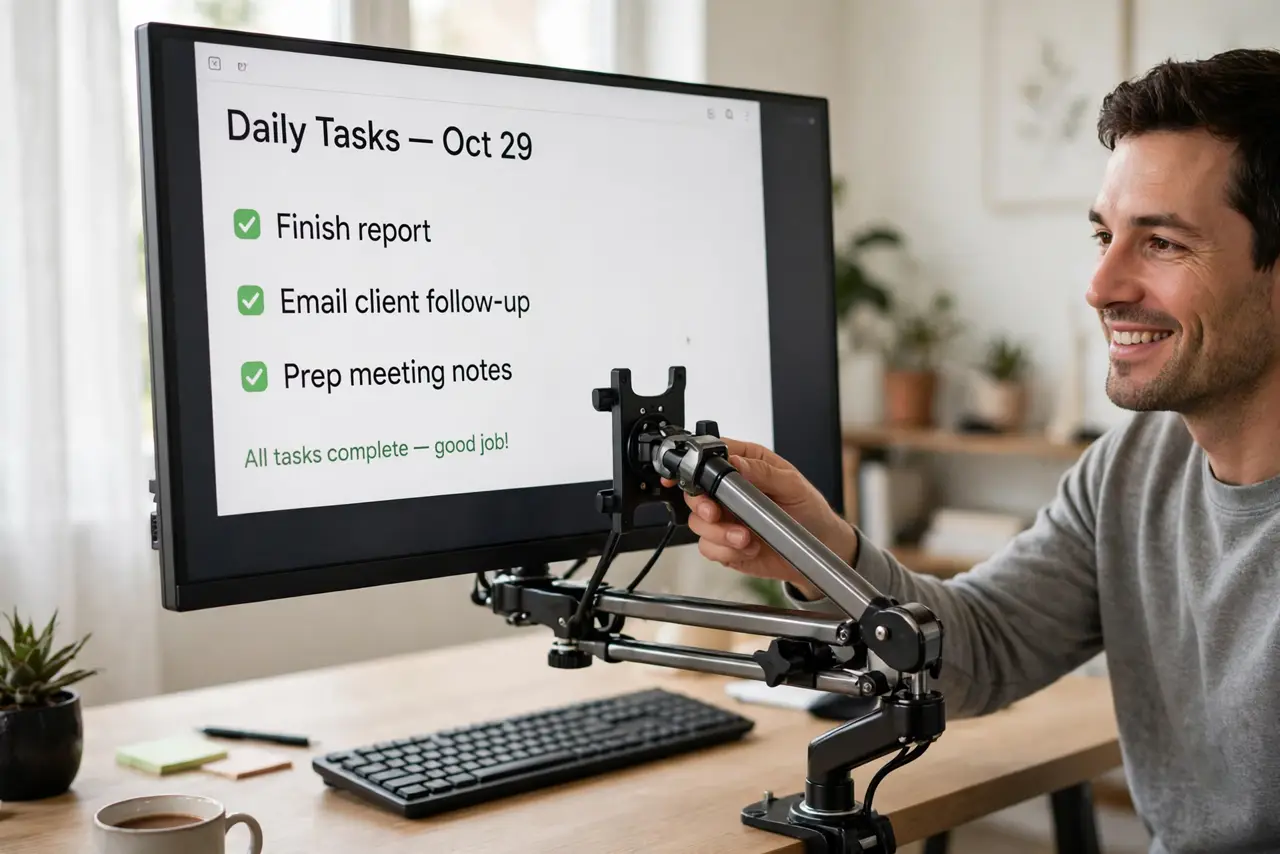
The chunky factory stand eats half your desk, and the screen sits too low no matter what. A monitor arm floats the screen exactly where you want it and reclaims the desk underneath — but cheap arms droop, and not every setup benefits. Here is the honest cost-benefit.
TL;DR / Quick Fix
Quick fix: a monitor arm is worth it if your screen sits too low, your desk is cramped, or you want flexible positioning. Buy a gas-spring arm rated above your monitor's weight — cheap arms droop within months. Skip it if the factory stand puts the screen at eye level.
Follow these steps
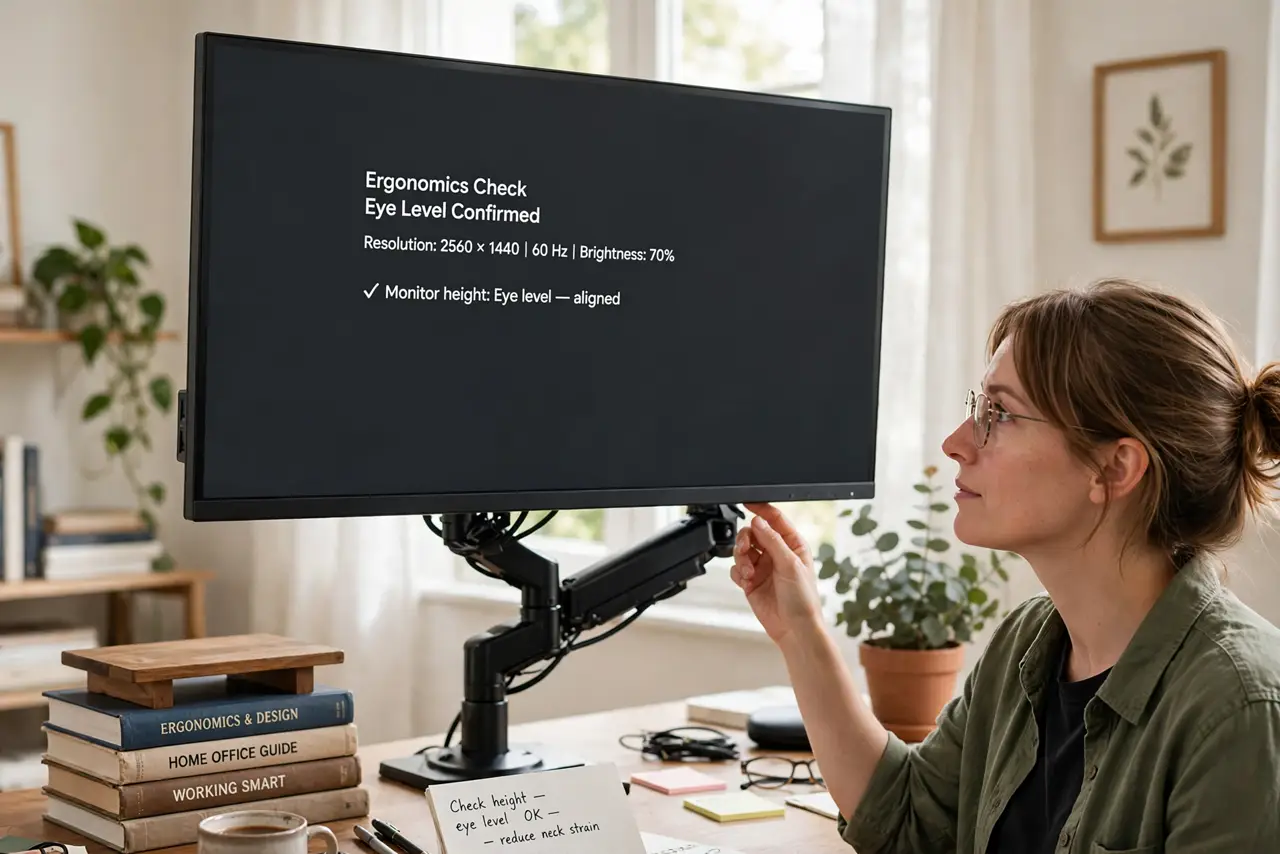
- Check your current ergonomics. Top of the screen should sit at or slightly below eye level. If books under the stand are your current solution, an arm earns its keep.
- Measure the desk win. An arm's clamp frees the footprint a factory stand occupies. On small desks that reclaimed space is the whole point.
- Buy gas-spring, not cheap spring. Gas-spring arms hold position for years and adjust with one hand. Bargain spring arms sag — the number one arm regret.
- Over-rate the weight capacity. Buy an arm rated comfortably above your monitor's weight, especially for ultrawides. A maxed-out arm drifts downward over time.
- Confirm VESA compatibility. Your monitor needs the standard hole pattern — see the VESA basics — and the arm must list that pattern.
- Set the height once, properly. Position the screen so your eyes land on the top third when sitting straight. Then stop fiddling — see the ergonomic setup.
What NOT to do
- Do not buy the cheapest arm with good reviews from last month. Droop shows up at month six, not week two.
- Do not clamp to a glass desk. Glass plus a levered monitor arm is a shattering waiting to happen.
- Do not expect an arm to fix a bad chair. Screen height is one piece of ergonomics, not the whole puzzle.
- Do not overtighten the tilt joint. Snug holds position; gorilla-tight strips the mechanism.
Frequently asked questions
Will a monitor arm damage my desk?
A proper clamp with padding will not. Very thin desks may need a reinforcement plate — check your desk's thickness against the arm's specs.
Can one arm hold two monitors?
Dual arms exist and work well for matched pairs. For mismatched sizes, two single arms give better independent control.
Is wall mounting better than a desk arm?
Wall mounts free the most space but lose adjustability. Desk arms hit the sweet spot for most people.