Monitor Flickers at Certain Brightness? Fix It
Your monitor is rock-solid at full brightness but flickers annoyingly at 40% — or the reverse. This pattern points to the backlight's dimming method (PWM) clashing with your eyes at certain levels, or to a struggling power supply. This guide finds a flicker-free setting and rules out the deeper causes.
TL;DR / Quick Fix
Quick fix: raise the brightness to a level where flicker stops — often 80% or higher — and dim the room instead of the screen. If your monitor has a flicker-free or DC-dimming mode, enable it. Update the graphics driver too, since driver bugs can mimic hardware flicker.
Follow these steps
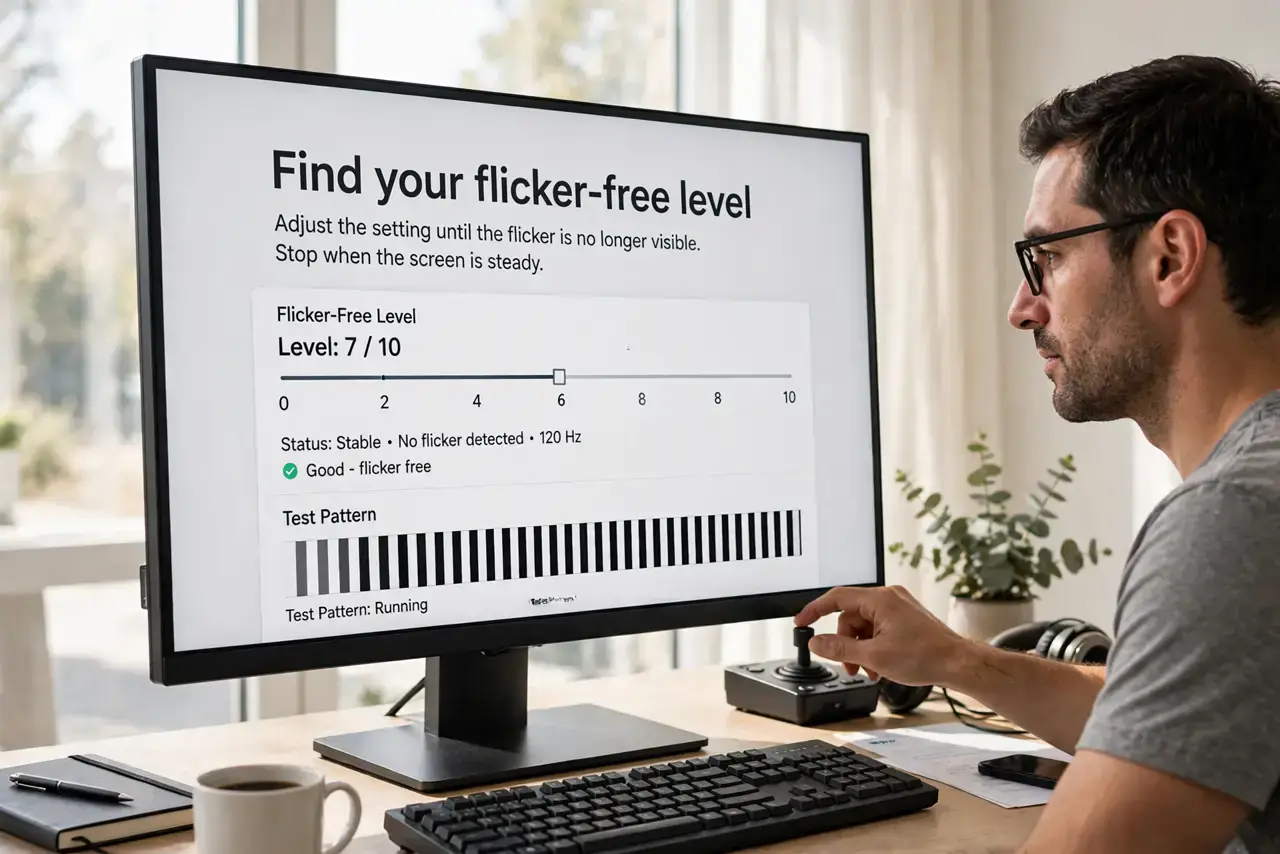
- Find your flicker-free level. Slowly raise brightness from low to high and note where flicker stops. Many PWM monitors flicker only below 50-70% — staying above that line solves it.
- Dim the room, not the screen. If the flicker-free level is too bright, lower ambient light instead. Bias lighting behind the monitor makes high brightness comfortable.
- Enable flicker-free mode. Check the monitor's on-screen menu for 'flicker-free,' 'DC dimming,' or 'low blue light' modes. These change the dimming method entirely.
- Update the graphics driver. Download the latest driver from the GPU maker's site. Driver-level refresh bugs can look exactly like backlight flicker.
- Test a different cable and port. A marginal cable can cause flicker that worsens at certain brightness levels. Swap the cable and try another port on the graphics card.
- Try another refresh rate. In display settings, test 60Hz versus higher rates. Some monitor-cable combinations flicker only at specific refresh rates.
What NOT to do
- Do not stare through the flicker hoping to adapt. PWM flicker causes real eye strain and headaches — change the setting instead of enduring it.
- Do not assume the monitor is dying. Brightness-dependent flicker is usually a dimming-method quirk, not a failing panel.
- Do not use the lowest brightness to 'rest your eyes.' With a PWM monitor, minimum brightness means maximum flicker — the opposite of restful.
- Do not ignore flicker that appears at all brightness levels. Flicker everywhere suggests a failing backlight or power supply, which is a repair-shop matter.
Frequently asked questions
What is PWM flicker?
The backlight dims by flashing on and off rapidly. At low brightness the 'off' periods lengthen, and sensitive eyes perceive the flashing as flicker.
Why does it only happen at low brightness?
Because dimming means longer off-periods in each cycle. At full brightness the backlight stays on constantly — no flashing, no flicker.
Can flicker damage my eyes?
It causes strain, fatigue, and headaches in sensitive people. There is no evidence of permanent damage, but comfort matters.