Monitor Stand vs Arm for Desk Space
A monitor arm and a classic stand both hold your screen, but they treat your desk very differently. One frees the space under the monitor; the other just works with zero setup — and your desk size decides which matters more.
TL;DR / Quick Fix
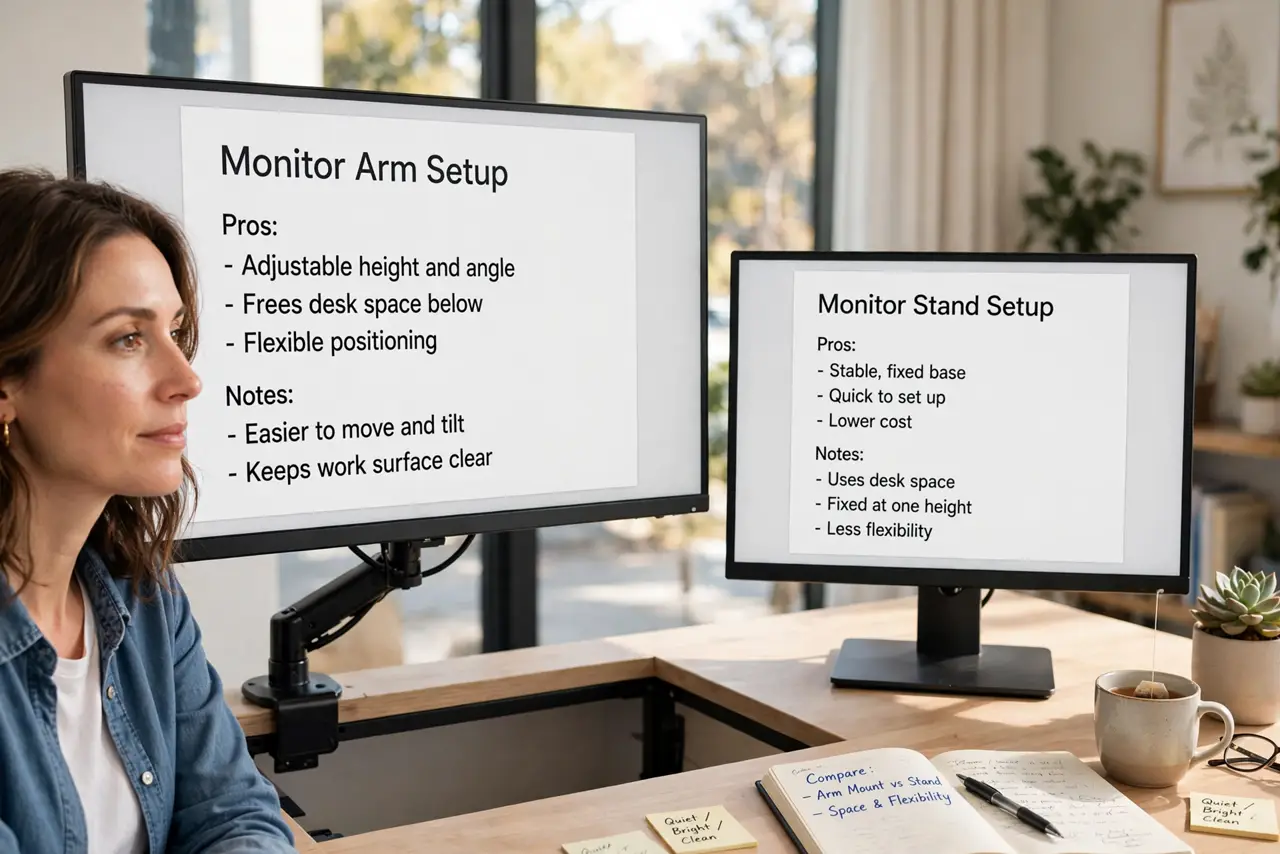
Quick fix: choose an arm if desk space is tight and you want the area under the monitor free for notebooks and keyboards. Choose a stand if your desk is deep, you rarely adjust height, and you want zero installation fuss.
Follow these steps
- Measure the desk depth you have. Check how deep your desk is and what must live on it. On a shallow desk, a stand's big base eats precious depth that an arm's clamp would free.
- Understand the arm's space win. An arm lifts the monitor off the desk entirely, freeing the full footprint underneath. That space fits a keyboard, notebooks, or a dock that a stand's base would block.
- Understand the stand's simplicity win. A stand needs no clamping, no weight limits, and no tools. Unbox, set down, done — and it works on any desk, including glass tops arms cannot grip.
- Check adjustability needs. If several people share the desk or you switch sitting and standing, an arm's easy height moves win. If one person uses one height forever, a stand is fine.
- Confirm the arm fits your monitor and desk. Check the arm's weight range against your monitor and the clamp against your desk edge. Also confirm the arm height range covers your eye level before buying.
- Test with books before buying. Stack books to simulate the freed space or the new height for a day. A free trial with books beats a return shipping label.

What NOT to do
- Do not buy an arm for a glass desk. Most clamps cannot grip glass safely, so a stand is the right call there.
- Do not buy a cheap arm that droops. Underrated arms sink over weeks, so match the weight rating honestly with margin to spare.
- Do not forget cable routing. Arms swing, so leave slack in the cables or they will tug free the first time you adjust height.
- Do not assume a stand cannot be ergonomic. A stand on a riser reaches eye level just as well as an arm for a single fixed user.
Frequently asked questions
Is a monitor arm worth it?
For small desks and shared or sit-stand setups, yes. For one person at a deep desk who never adjusts, a stand is fine.
Will an arm damage my desk?
A proper clamp on a solid desk is safe. Thin, glass, or fragile tops are the cases to avoid.
Can I use an arm with a heavy monitor?
Yes, if the arm's weight rating covers it with margin. Check the rating before buying, not after.