VESA Mounts? The Basics
The back of your monitor has four holes in a square — that is VESA, the universal mounting standard, and it is why one arm fits monitors from a dozen brands. But 'universal' has fine print: hole patterns, screw sizes, and weight limits. Five minutes of checking saves a monitor on the floor.
TL;DR / Quick Fix
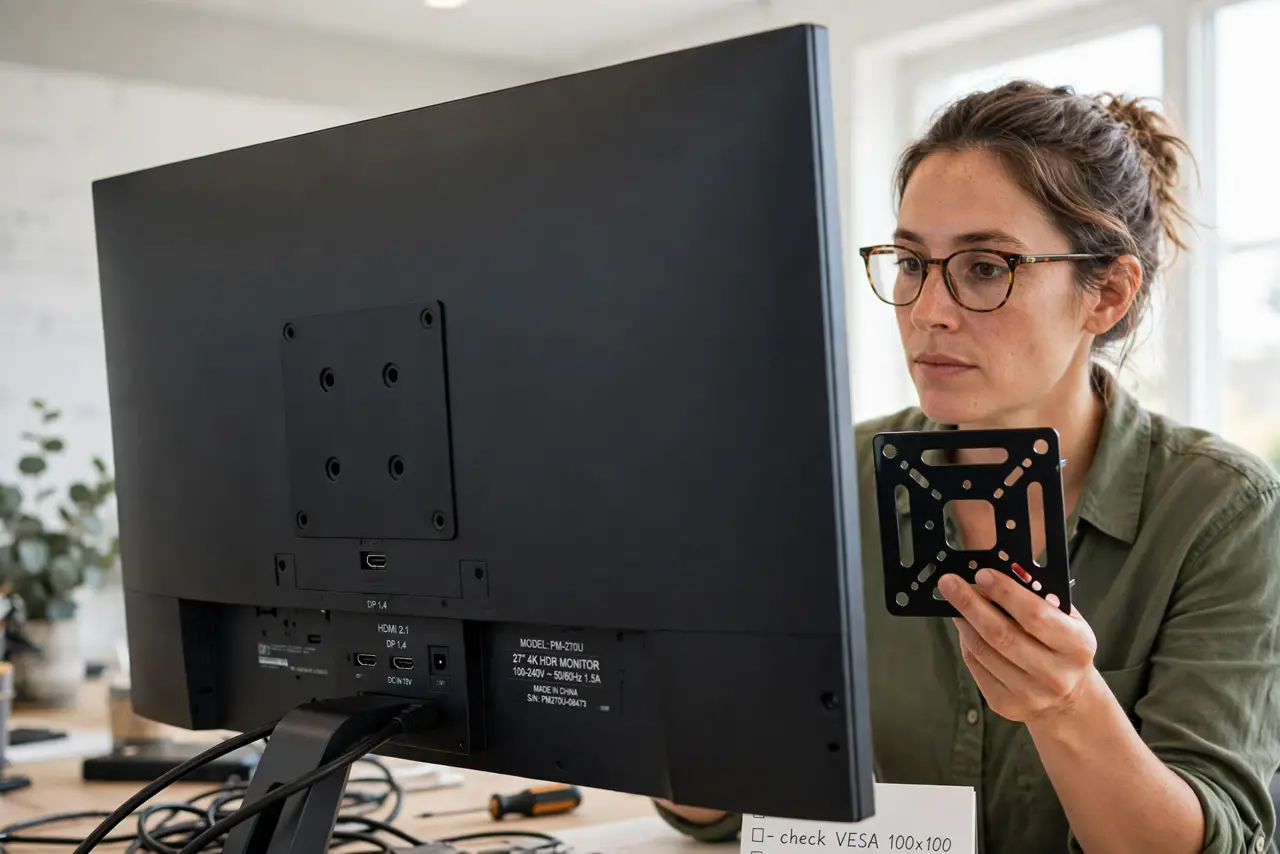
Quick fix: VESA is the standard square hole pattern on monitor backs — most use 75x75mm or 100x100mm. Check your monitor's pattern and weight, then buy an arm or stand rated for both. Use the screws that come with the mount, not random ones from a drawer.
Follow these steps
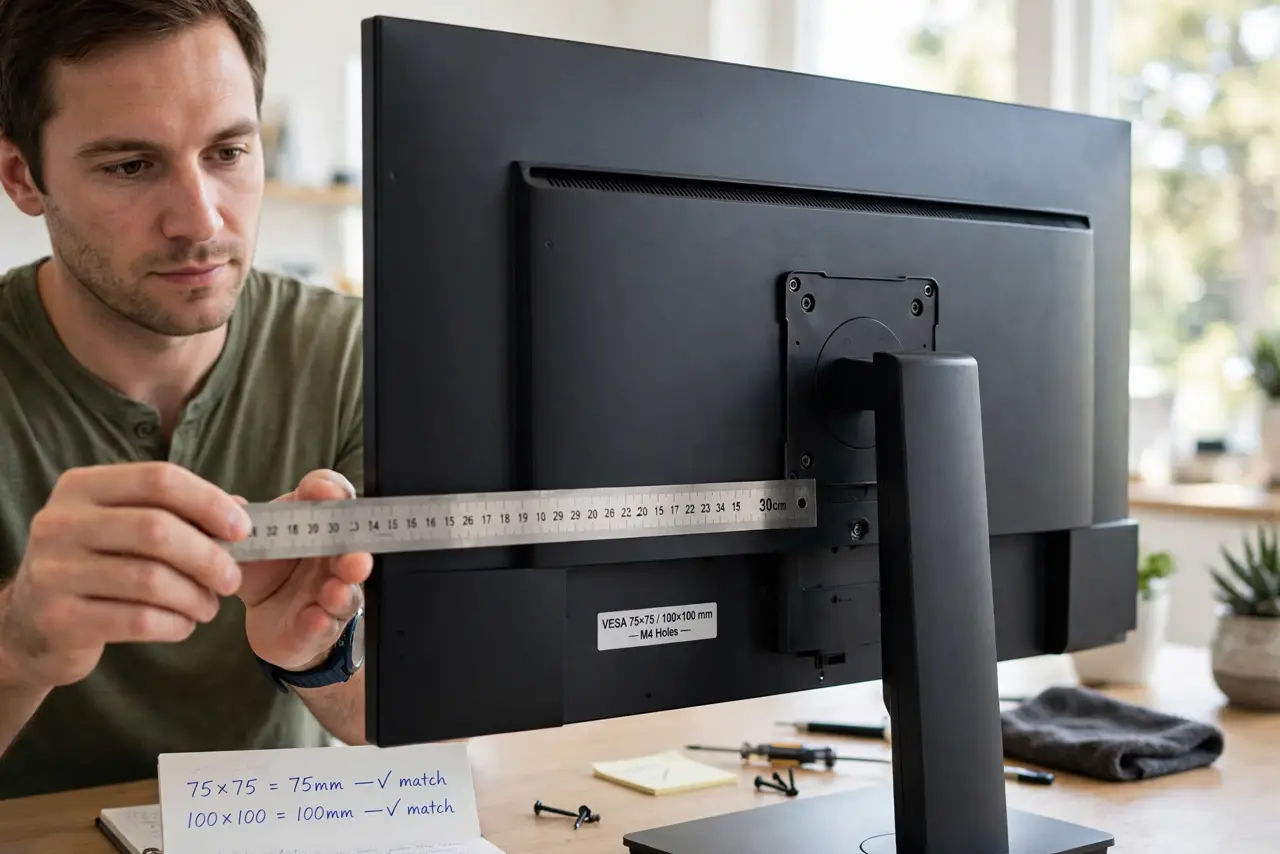
- Find your monitor's VESA pattern. Check the manual or measure the hole spacing: 75x75mm and 100x100mm cover most monitors under 32 inches. Larger screens use bigger patterns.
- Weigh the monitor — with the stand off. Mount ratings are strict. Weigh the panel alone; a monitor even slightly over the rating will droop or fail.
- Match the mount's rating to both numbers. The mount must list your hole pattern and a weight capacity above your monitor's weight. Both conditions, not one.
- Use the included screws. VESA screws look generic but length matters — too long damages the panel, too short strips out. The mount ships the right ones.
- Check for a recessed mounting area. Some monitors curve inward around the holes and need the included spacers. Skipping spacers bends the mount plate and stresses the panel.
- Tighten, then test the tilt. Mount it, tighten firmly, then tilt and swivel through the full range. Re-tighten after a day — new mounts settle.
What NOT to do
- Do not use random screws from a drawer. Wrong length either punches into the panel or holds by two threads.
- Do not exceed the weight rating 'a little.' Ratings have safety margins, but a drooping expensive monitor is a bad bet.
- Do not assume every monitor has VESA holes. Some slim and designer monitors skip them — check before buying the arm.
- Do not mount to drywall without a stud. Monitor arms lever significant force; drywall anchors alone will pull out.
Frequently asked questions
What do the numbers like 100x100 mean?
The spacing of the four mounting holes in millimeters — 100mm apart horizontally and vertically. Match this number between monitor and mount.
Can I mount a curved ultrawide?
Yes, with a mount rated for its weight and pattern. Curved ultrawides are heavy — check the rating carefully and consider a dedicated heavy-duty arm.
Do I need tools?
Usually just a screwdriver — mounts ship with the screws and often the Allen keys. A stud finder helps for wall mounts.