Mouse DPI Settings for Ordinary Office Work
DPI decides how far the pointer travels for each inch you move the mouse. For ordinary office work, the right DPI is simply the one that lets you cross the screen comfortably — no gaming numbers required.
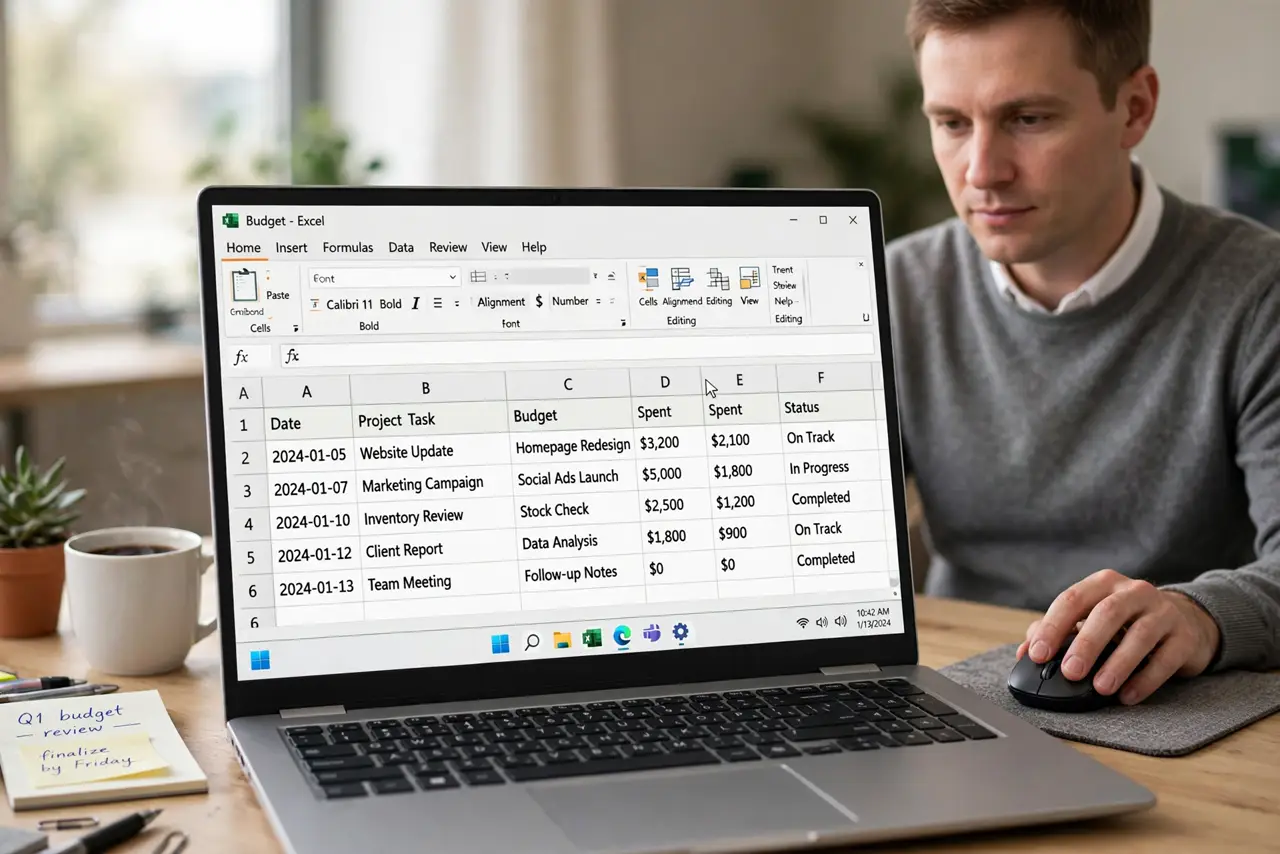
TL;DR / Quick Fix
Quick fix: set the mouse to around 800 to 1200 DPI, then adjust the pointer speed in your system settings until one relaxed wrist movement crosses the screen. If you lift and reposition the mouse constantly, raise the DPI a notch and test again.
Follow these steps
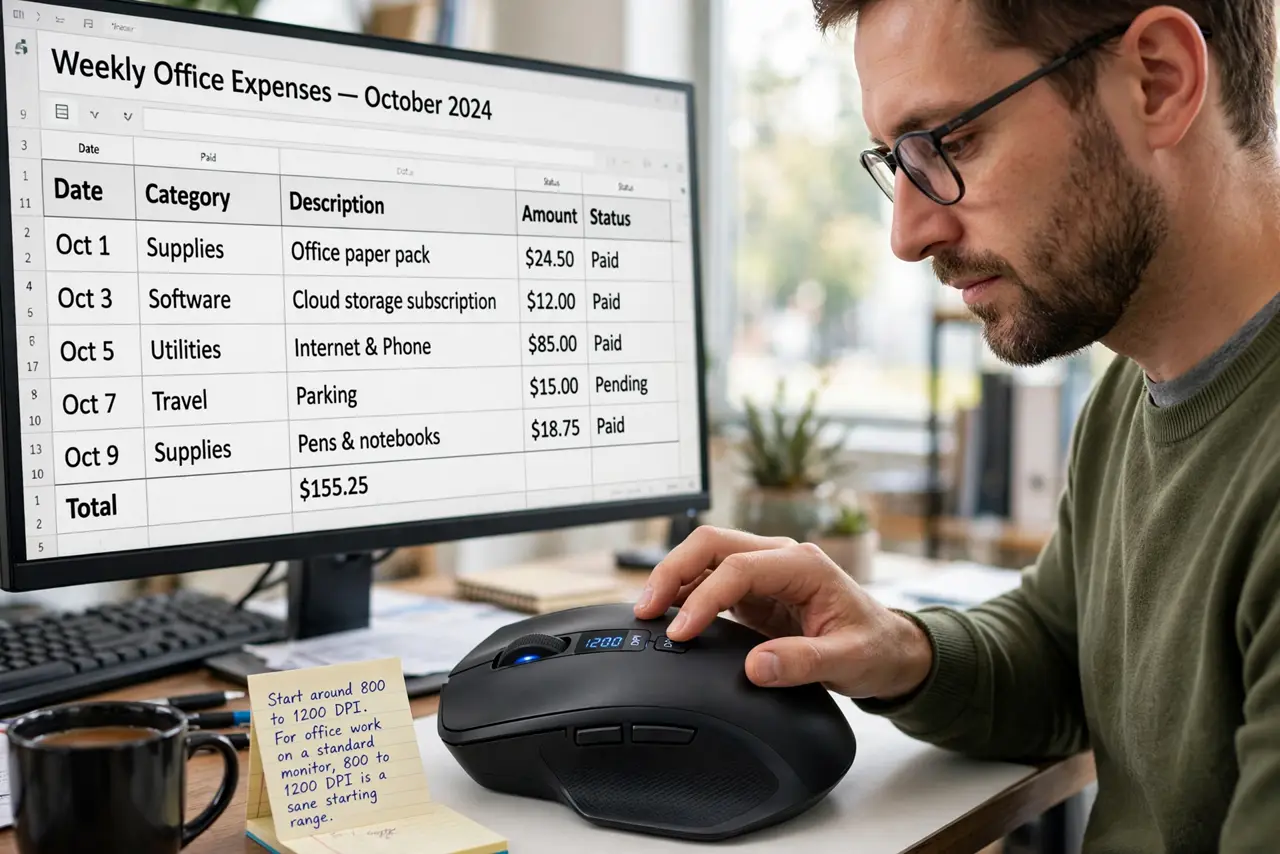
- Start around 800 to 1200 DPI. For office work on a standard monitor, 800 to 1200 DPI is a sane starting range. It moves the pointer briskly without turning tiny hand movements into wild jumps.
- Adjust pointer speed in the system settings. Open your mouse settings and move the pointer speed slider while testing in a real document. DPI sets the hardware steps, and the speed slider tunes the feel.
- Test with one relaxed wrist movement. Rest your wrist on the desk and sweep the mouse without lifting. You should cross most of the screen comfortably; if you run out of pad, the setting is too slow.
- Raise DPI for big or multiple monitors. A 4K screen or two monitors side by side need more DPI to cross. Raise it until the same relaxed sweep covers the wider space.
- Lower DPI if you overshoot small targets. If you keep sailing past buttons and text fields, the DPI is too high for your hand. Drop it a notch and retest instead of tensing your grip.
- Leave polling rate alone. Polling rate is a separate setting that changes how often the mouse reports, not how far the pointer moves. For office work, the default polling rate is fine.
What NOT to do
- Do not max out DPI because bigger sounds better. Extremely high DPI makes the pointer jittery and forces you to grip tensely to hit small targets.
- Do not change DPI and pointer speed at once. Change one, test it, then change the other, so you know which setting helped.
- Do not copy a gamer's 3200-plus DPI for spreadsheets. Gaming DPI suits fast flicks, not precise clicks on small office controls.
- Do not ignore the mouse pad. A worn or tiny pad limits every DPI setting, so a clean, reasonably sized pad comes first.
Frequently asked questions
What DPI is best for office work?
Around 800 to 1200 DPI suits most people on standard monitors, tuned with the system pointer speed slider.
Does higher DPI make the mouse faster?
It makes the pointer cover more screen per inch of movement, which feels faster but less precise at extremes.
Why do I keep lifting my mouse?
Because the DPI or pointer speed is too low for your screen size, so each sweep covers too little ground.