Mouse Polling Rate: What It Actually Changes
Polling rate is measured in hertz, and mouse boxes love to advertise big numbers. For ordinary work, though, it changes far less than the marketing suggests — here is what it actually does.
TL;DR / Quick Fix
Quick fix: leave the polling rate at its default — usually 500 or 1000 Hz — and change nothing. For office work you will not feel a difference, and raising it only uses a little more battery on wireless mice.
Follow these steps
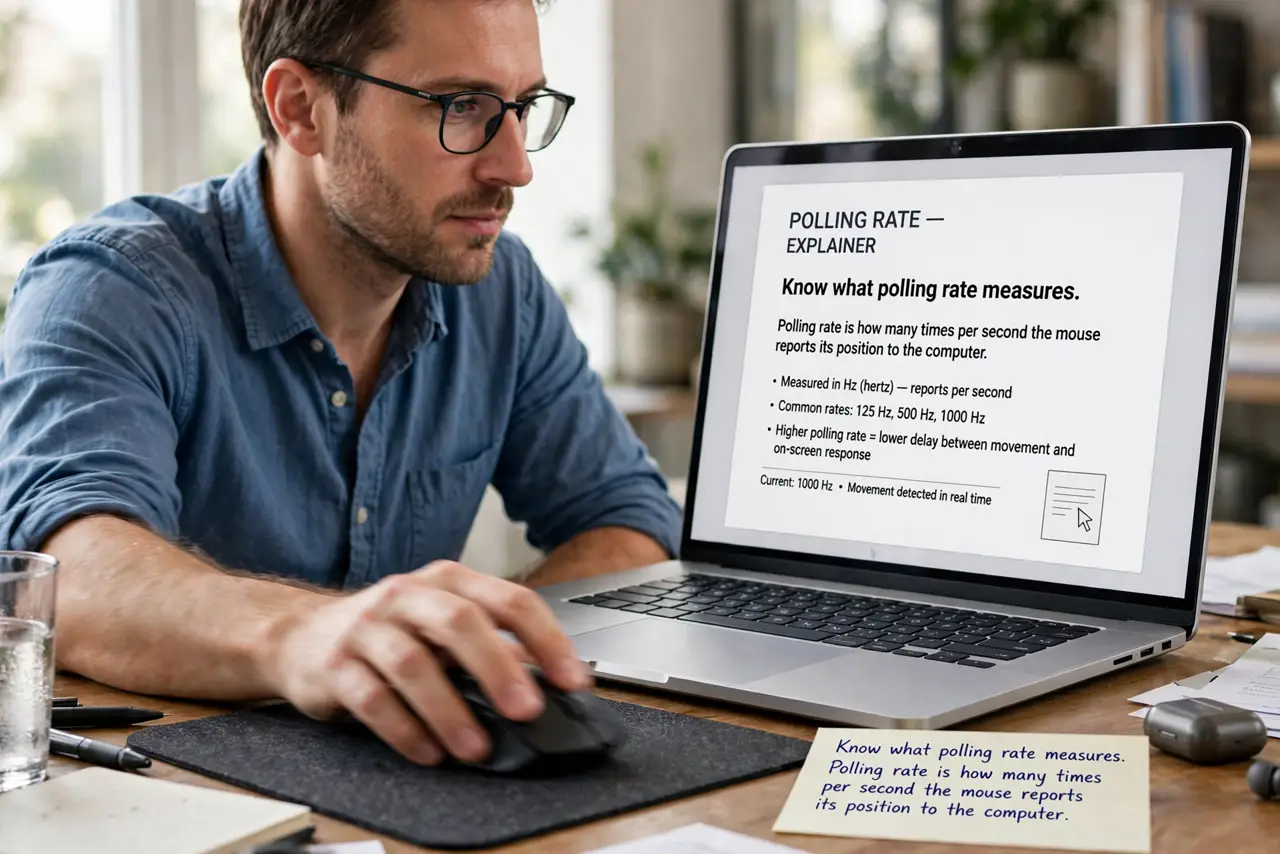
- Know what polling rate measures. Polling rate is how many times per second the mouse reports its position to the computer. A 1000 Hz mouse reports every millisecond, while 125 Hz reports every 8 milliseconds.
- Understand what changes in practice. A higher rate makes pointer motion marginally smoother and slightly more responsive. The difference is real but tiny — far smaller than a DPI change feels.
- Leave the default for office work. Defaults of 500 or 1000 Hz are already more than office tasks need. Documents, email, and browsing cannot show the benefit of anything higher.
- Know the wireless battery cost. Higher polling rates make a wireless mouse radio work harder, draining the battery faster. On a wireless mouse, a lower rate can meaningfully extend battery life.
- Change it only with a reason. Raise the rate for competitive gaming or lower it to save wireless battery. Without one of those reasons, the setting is not worth touching.
- Test the feel, not the number. If you change it, move the pointer in slow circles before and after. If you cannot tell which is which, the number was never the issue.
What NOT to do
- Do not buy a mouse for its 8000 Hz polling rate for office work. You will never feel the difference in a spreadsheet.
- Do not max the polling rate on a wireless mouse and wonder about battery life. The two settings trade directly against each other.
- Do not confuse polling rate with DPI. Polling rate changes report frequency, while DPI changes pointer distance per inch.
- Do not chase the number to fix a laggy pointer. Lag usually comes from a weak wireless signal or a busy computer, not the polling rate.
Frequently asked questions
What polling rate should I use?
The default, usually 500 or 1000 Hz, is plenty for office work and general use.
Does 8000 Hz polling help in games?
Only marginally, and only for competitive players with high-refresh monitors. Most people cannot feel it.
Why is my wireless mouse battery dying fast?
A high polling rate is one possible cause, along with old batteries and a distant receiver.