What Is MTU Size?
Forum threads swear that changing your MTU from 1500 to some magic number will fix gaming lag and speed. MTU is just the maximum packet size your network sends — and for 99% of people, the default is already correct. Here is what it actually does and the rare cases where changing it helps.
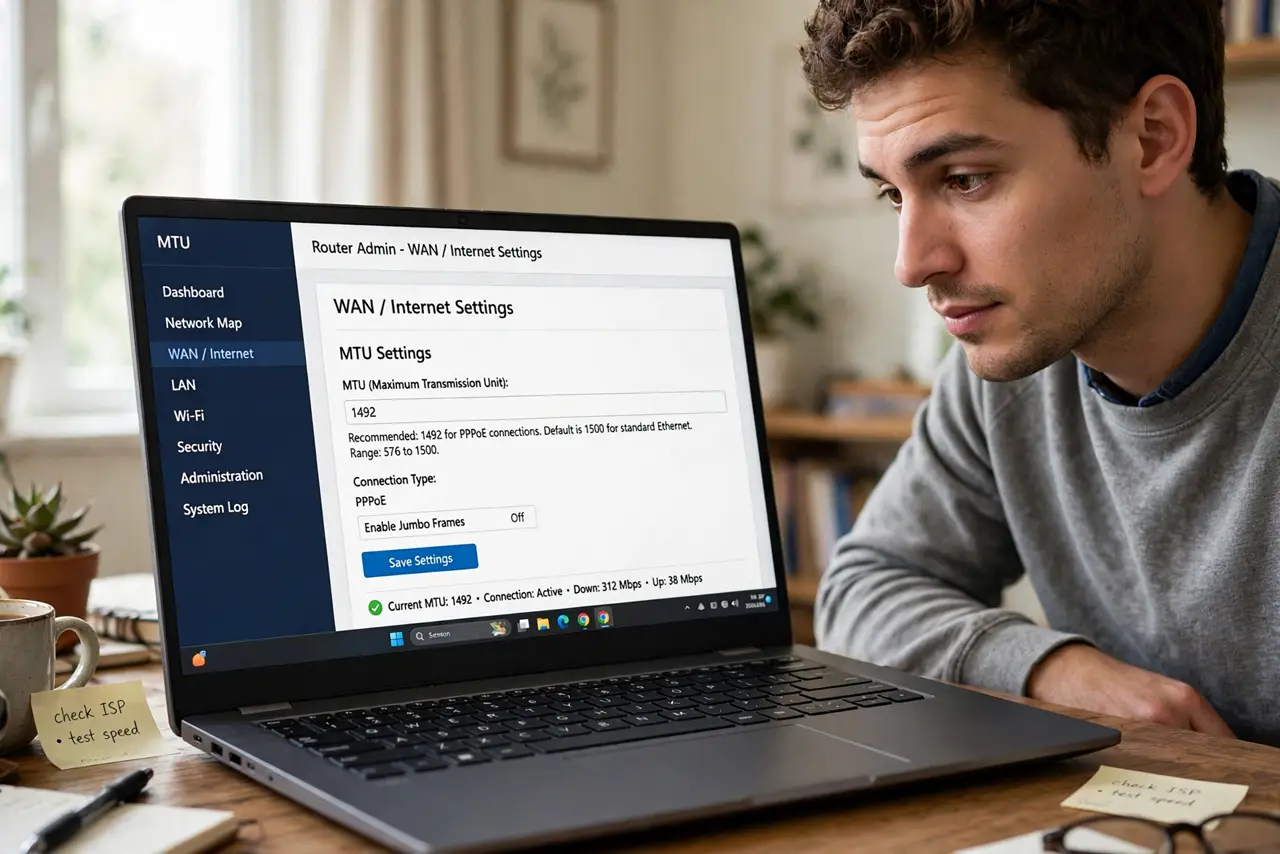
TL;DR / Quick Fix
Quick fix: MTU is the biggest data packet your connection sends — leave it at 1500 unless you have a specific symptom like some websites failing on a VPN. Wrong MTU values cause subtle breakage, so only change it to fix a diagnosed problem, then verify.
Follow these steps
- Learn what MTU means. Maximum Transmission Unit — the largest single packet your network will send, typically 1500 bytes on Ethernet. Bigger packets mean less overhead; too big means fragmentation.
- Understand why the default is fine. 1500 works across virtually all home internet. Your provider, router, and devices negotiated it long ago — random forum 'optimal' values rarely apply to your specific line.
- Know the real symptom of wrong MTU. Some websites load halfway or VPN connections drop mysteriously while everything else works. That pattern — partial, specific breakage — is the actual MTU clue, not general slowness.
- Find your real value before changing. Use ping tests with increasing packet sizes to find your line's actual limit. Guessing values from forums is how people break working connections.
- Change it in one place. Set MTU on the router, not per device — the router's value governs the whole network. Changing it on one PC while the router differs creates mismatches.
- Revert if nothing improves. If the change does not fix the specific symptom within a day, put it back. Lingering non-default MTU is a future troubleshooting trap for you or your provider's support.
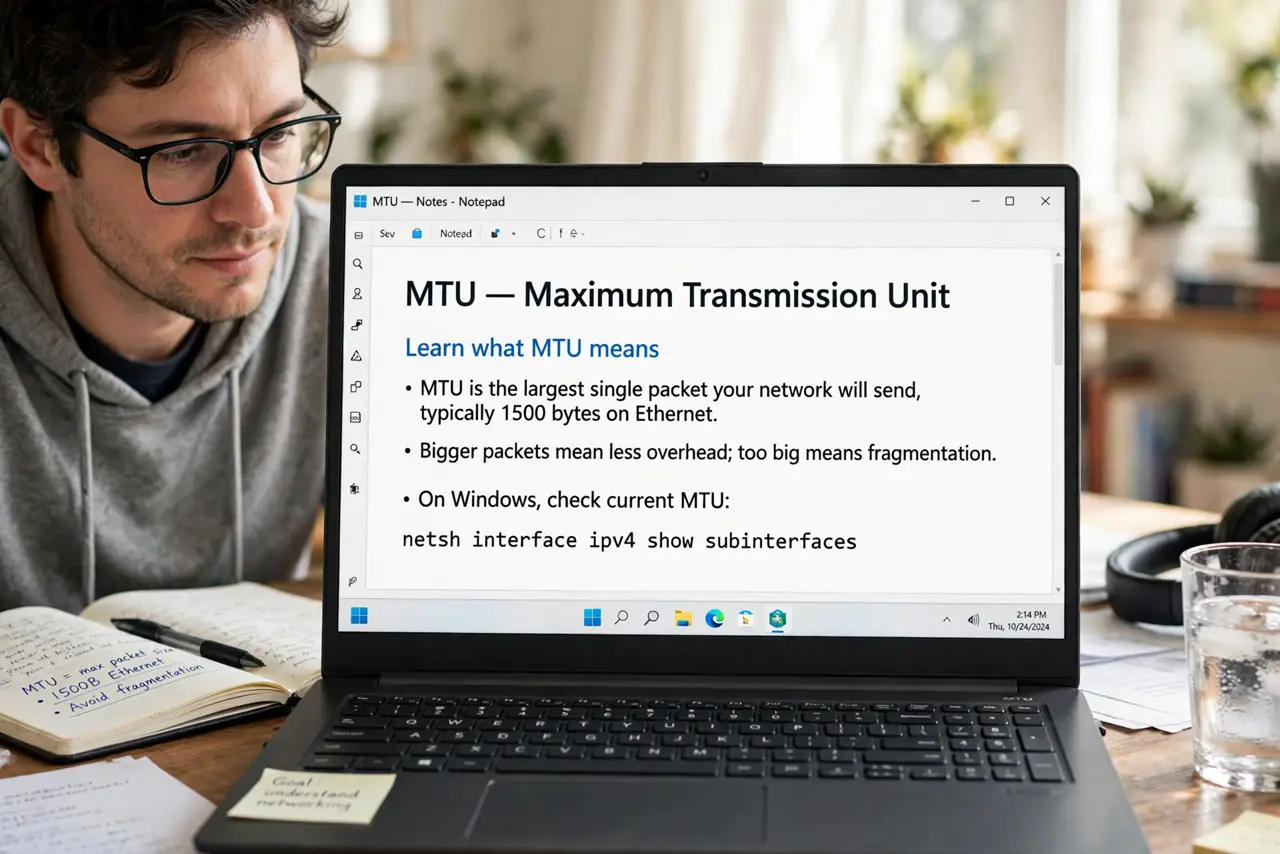
What NOT to do
- Do not change MTU to fix general slowness. MTU tunes packet size, not speed — slow internet has other causes.
- Do not copy 'optimal' values from forums. The right MTU depends on your specific connection type — someone else's magic number is your breakage.
- Do not set it below 1400 without reason. Very low values add overhead on everything and can make normal browsing feel sluggish.
- Do not change it on every device individually. One router-level setting keeps the network consistent — per-device tweaks cause mismatches.
Frequently asked questions
What is the best MTU for gaming?
1500, the default, for almost everyone. Gaming lag comes from latency and jitter, not packet size — fix those instead.
Why do VPNs sometimes need lower MTU?
VPN encryption adds overhead to each packet, pushing some over the limit. Dropping to 1400 or so on VPN connections is the legitimate common case.
Can wrong MTU break only some websites?
Yes — that is its signature symptom. Sites with large responses fragment badly while small sites work fine, which looks bizarre until you know the pattern.