MTU Setting? Plain Explanation
MTU — Maximum Transmission Unit — is the largest packet your network will send, and 1500 is correct for virtually everyone. Tweaking it is ancient forum lore that occasionally matters for VPNs and PPPoE connections. Here is when to touch it and when to walk away.
TL;DR / Quick Fix
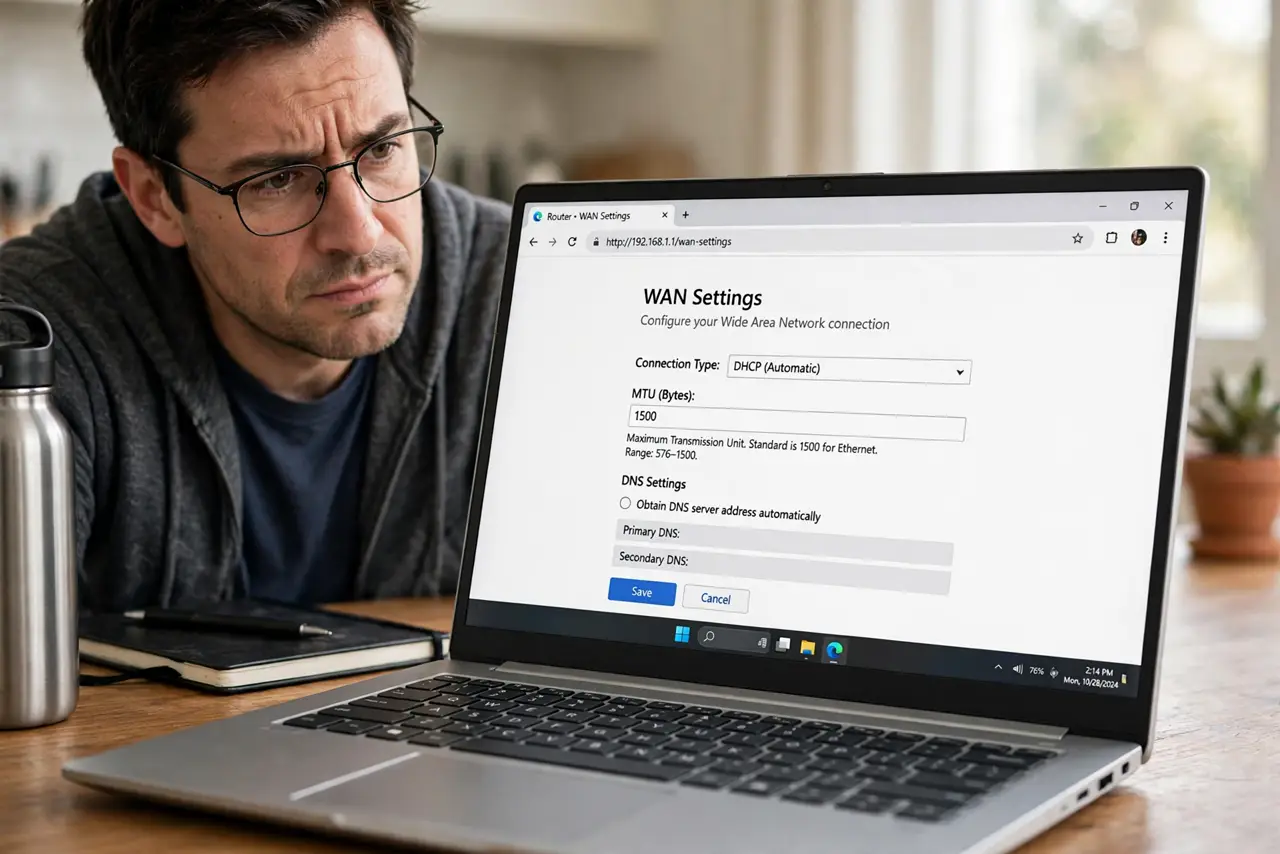
Quick fix: leave MTU at 1500 unless you have a specific problem — wrong values cause slow loads and broken sites, not speedups. If a VPN or PPPoE connection misbehaves, try 1492 or 1472. Change it back if nothing improves.
Follow these steps
- Understand what MTU controls. It caps packet size. Too big and packets fragment; too small and overhead piles up. 1500 is the Ethernet standard and right for nearly all home connections.
- Leave it at 1500 by default. If you have never heard of MTU, yours is already correct. Most MTU problems are caused by people ‘optimizing’ it.
- Recognize the real symptoms. Wrong MTU shows as specific sites hanging, VPN tunnels dropping, or large downloads stalling — not general slowness.
- Try 1492 for PPPoE. DSL-style PPPoE connections need 8 bytes of overhead, so 1492 is their correct value. The router usually sets this automatically.
- Try 1472 for VPN trouble. If a VPN connects but traffic stalls, lowering MTU to 1472 (or 1400 for testing) often clears it. Raise it back if it changes nothing.
- Rule out [[bufferbloat|wifi-bufferbloat-router-fix]] first. Lag during uploads/downloads is usually queueing, not packet size. Fix the queues before touching MTU.

What NOT to do
- Do not ‘optimize’ MTU for speed. There is no faster-than-1500 on standard Ethernet; tweaking it cannot make you faster.
- Do not set jumbo frames (9000) on a home LAN casually. Every device and switch must support them, or connectivity breaks oddly.
- Do not change MTU on every device. It is a router WAN setting; per-device tweaks multiply confusion.
- Do not forget what you changed. MTU edits are the classic ‘worked for a week then broke’ mystery — note the original value.
Frequently asked questions
What is a good MTU value?
1500 for standard connections, 1492 for PPPoE, and lower (1472/1400) only when diagnosing VPN issues. There is no universally ‘better’ number.
Can wrong MTU slow my whole network?
It causes specific breakage — hanging sites, stalled transfers — rather than uniform slowness. Uniform slowness is something else.
How do I test my MTU?
Ping with the don't-fragment flag and decreasing sizes until replies succeed; add 28 for headers. Or just trust 1500 unless symptoms say otherwise.